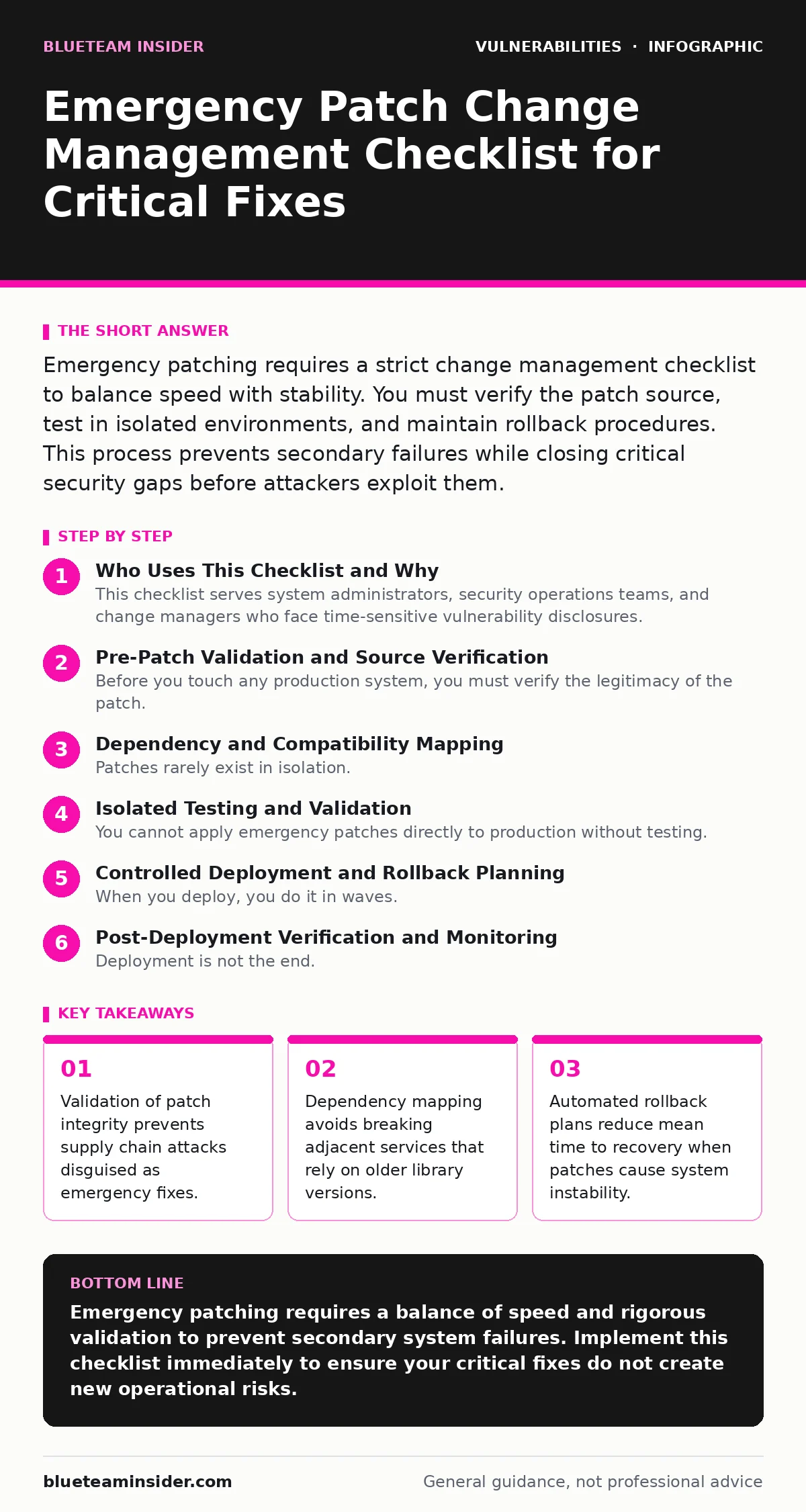
Emergency Patch Change Management Checklist for Critical Fixes
Rushing emergency patches without validating dependency chains causes more outages than the original vulnerability exploits most organizations.
Emergency patching requires a strict change management checklist to balance speed with stability. You must verify the patch source, test in isolated environments, and maintain rollback procedures. This process prevents secondary failures while closing critical security gaps before attackers exploit them.
Who Uses This Checklist and Why
This checklist serves system administrators, security operations teams, and change managers who face time-sensitive vulnerability disclosures. You use it when a vendor releases a patch for a critical flaw that requires immediate attention. The goal is not just speed, but controlled speed. Unchecked urgency leads to configuration drift and service outages that exceed the risk of the original vulnerability.
Pre-Patch Validation and Source Verification
Before you touch any production system, you must verify the legitimacy of the patch. Attackers often monitor vulnerability disclosures and push malicious binaries to compromised mirrors or social engineering channels. You need to confirm the cryptographic signature matches the vendor’s known key. This step prevents you from installing malware that claims to fix a security hole.
- Verify digital signature against vendor key: Ensures the file has not been tampered with or replaced by a malicious actor.
- Check hash against official advisory: Confirms the exact binary version matches the vendor’s documented fix, preventing version mismatches.
- Review release notes for known issues: Identifies if the patch itself introduces new bugs or conflicts with other recent updates.
Dependency and Compatibility Mapping
Patches rarely exist in isolation. A library update might break an application that expects an older API structure. You must map the dependencies of the affected component before deployment. This is where most emergency patches fail. The fix works in a vacuum but collapses the broader ecosystem when applied to a complex stack. Understanding these relationships prevents cascading failures.
- Identify dependent services and applications: Prevents breaking upstream or downstream systems that rely on specific library versions or behaviors.
- Review configuration file changes: Ensures you do not overwrite custom settings that the patch might reset to defaults during installation.
- Check for conflicting scheduled tasks: Avoids race conditions where the patch installs while another maintenance task is modifying the same files.
Isolated Testing and Validation
You cannot apply emergency patches directly to production without testing. Even with high confidence, edge cases exist. You must deploy the patch to a staging environment that mirrors production as closely as possible. This environment should include identical hardware, operating system versions, and network configurations. Testing here reveals compatibility issues that static analysis misses. It is the only way to confirm functionality before risking user access.
- Deploy to staging environment first: Catches compatibility issues and crashes before they impact live users or critical business operations.
- Run automated regression tests: Validates that existing functionality remains intact after the patch modifies core system libraries or binaries.
- Verify security controls remain active: Ensures the patch did not inadvertently disable firewall rules, logging agents, or monitoring tools.
Controlled Deployment and Rollback Planning
When you deploy, you do it in waves. You never push to all servers simultaneously. Start with non-critical systems or a small subset of users. This limits the blast radius if the patch fails. You must have a documented rollback procedure ready. This includes backups of the pre-patch state and scripts to revert changes. If the patch causes instability, you revert immediately and wait for a vendor fix. Speed means nothing if you cannot recover.
- Create system snapshot or backup: Provides a quick restore point to revert the system to its pre-patch state if critical failures occur.
- Define clear success criteria: Establishes specific metrics, such as uptime or error rates, to determine if the patch deployment was successful.
- Schedule deployment during low-traffic windows: Minimizes user impact and reduces the volume of support tickets if minor issues arise.
See also: How Out-of-Band Patches Work: Mechanisms, Risks, and Application · Vulnerability Scanning Best Practices for Accurate Risk Data
Post-Deployment Verification and Monitoring
Deployment is not the end. You must monitor the system closely after the patch goes live. Look for unusual error logs, performance degradation, or authentication failures. These signs often indicate subtle compatibility issues that automated tests missed. You should also verify that the vulnerability is actually closed. Some patches require manual configuration changes to be effective. Without verification, you assume protection that may not exist.
- Monitor system logs for errors: Detects hidden compatibility issues or crashes that may not appear during initial testing phases.
- Verify vulnerability closure with scanning: Confirms the specific flaw is patched using tools like vulnerability scanning to ensure the fix is effective.
- Check integration points and APIs: Ensures external services and internal applications can still communicate correctly with the patched component.
Documentation and Process Improvement
After the emergency is over, you document what happened. Record the timeline, the decisions made, and any issues encountered. This creates a knowledge base for future incidents. If the process was slow, identify the bottleneck. Was it approval delays? Was it testing environment lag? Use this data to improve your standard change management process. Emergency procedures should become faster and more reliable with each use, not just repeat the same mistakes.
- Record deployment timeline and decisions: Creates an audit trail for compliance and helps identify bottlenecks in future emergency responses.
- Update standard operating procedures: Incorporates lessons learned to streamline the process for the next critical vulnerability disclosure.
- Review patch management policies: Ensures your baseline practices reduce the frequency of emergency patches through regular maintenance cycles.
Related Security Practices
Emergency patching is one part of a broader defense strategy. You should also understand how to read vendor communications effectively. See our guide on security advisory reading to learn how to prioritize fixes based on actual risk rather than fear. Additionally, keep your inventory accurate. Unpatched software remains a liability if you do not know what you are running. Regular vulnerability scanning helps you find these gaps before attackers do. For network devices, specific issues like Fortinet FortiGate vulnerabilities require specialized handling due to their role in perimeter defense.
Key takeaways
- Validation of patch integrity prevents supply chain attacks disguised as emergency fixes.
- Dependency mapping avoids breaking adjacent services that rely on older library versions.
- Automated rollback plans reduce mean time to recovery when patches cause system instability.
Emergency patching requires a balance of speed and rigorous validation to prevent secondary system failures. Implement this checklist immediately to ensure your critical fixes do not create new operational risks.
Frequently asked questions
How long should I wait before applying an emergency patch?
Apply it as soon as you have verified its integrity and tested it in a staging environment that mirrors your production setup.
Can I skip testing for minor vulnerabilities?
No. Even minor patches can introduce compatibility issues or break dependencies in complex systems, so testing remains mandatory.
What if the vendor does not provide a patch yet?
Implement compensating controls like network segmentation or access restrictions while monitoring for official updates and workarounds.
How do I know if a patch is truly emergency?
Look for critical severity ratings, active exploitation indicators, and the potential for remote code execution without user interaction.
How this guide was produced: written by the BlueTeam Insider editorial team with AI assistance, checked against the public references listed below, and reviewed when the facts change. See our editorial policy or report an error.