ConnectWise Disables Services After Stolen Entra ID Credentials Bypass M365 Passwords
ConnectWise disabled services after attackers stole application credentials to access Microsoft 365 tenants, prompting an investigation into the breach.
Key points
- ConnectWise suspended Cloud Backup, SaaS Security, and Cloud Management services after discovering unauthorized access to seven application identities.
- Attackers used stolen credentials to request access tokens from Microsoft Entra ID, bypassing the need for customer passwords.
- The company disabled the compromised identities on October 17 and is investigating how the credentials were obtained.
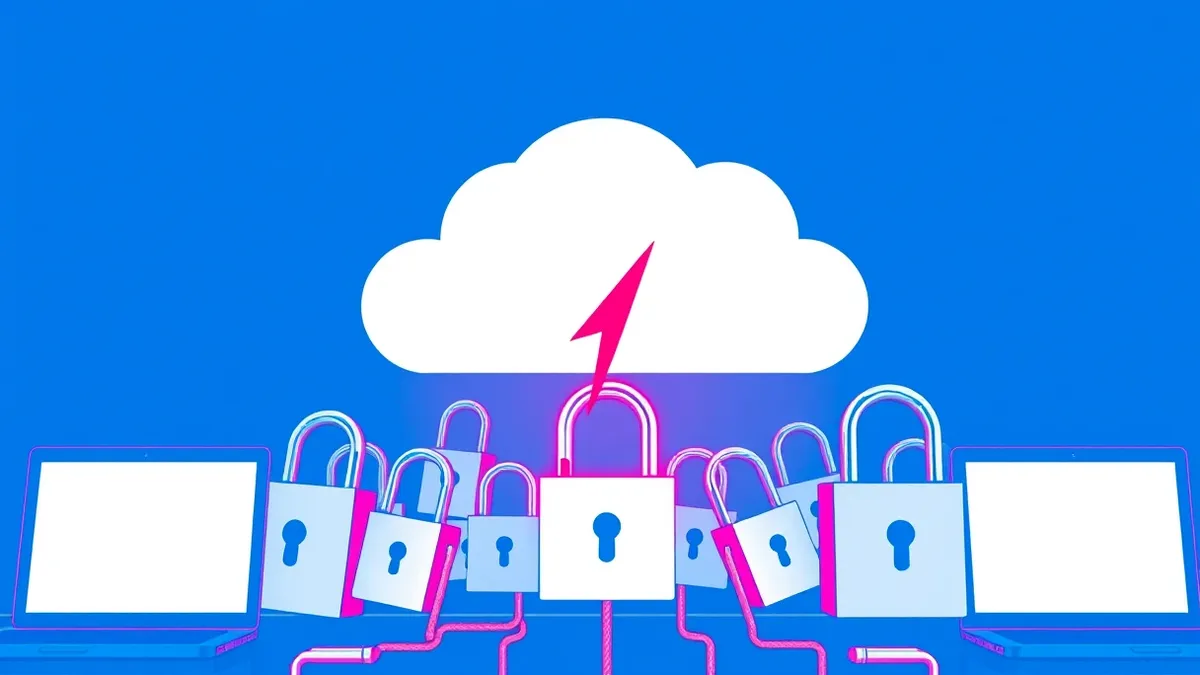
ConnectWise suspended its Cloud Backup service and took SaaS Security and Cloud Management offline after discovering that unknown attackers had obtained unauthorized access to seven of its application identities. The company detected the incident on October 14 through internal monitoring and disabled the compromised identities on October 17. This incident involves stolen application credentials rather than individual user passwords, allowing attackers to impersonate legitimate services.
Root cause
The breach occurred because attackers obtained ConnectWise application credentials that had permissions to access customer Microsoft 365 environments. These applications were authorized to manage services and run backups, meaning they already had the necessary trust relationships. The attackers did not need to steal customer passwords; instead, they used the stolen application credentials to request access tokens from Microsoft Entra ID. This allowed them to pretend to be ConnectWise’s own applications.
Attack path
Once the attackers possessed the stolen application credentials, they could request access tokens from Microsoft Entra ID. This token-based access allowed them to interact with customer environments as if they were the legitimate ConnectWise services. Depending on the permissions granted to these applications, the attackers could access mailboxes, SharePoint documents, Teams messages, and directory data. They did not need to perform traditional phishing or credential stuffing against end users.
Affected versions
The incident affects customers using ConnectWise Cloud Backup, formerly known as SkyKick. It also impacts users of SaaS Security and Cloud Management services. The company suspended these services to revoke certificates used for affected application connections across all users. ConnectWise stated that it has no indication that any other product, service, or offering is impacted at this time.
Mitigation
- ConnectWise revoked certificates used for affected application connections, removing its access through those links.
- The company disabled the seven compromised application identities on October 17.
- Shared credentials previously used for Cloud Backup are no longer valid.
- ConnectWise has engaged a third-party incident response firm to support investigation and containment efforts.
Detection notes
Security teams should monitor for unusual token issuance patterns from service principals, especially if access originates from unexpected IP ranges or times. Review Azure AD sign-in logs for successful authentications by application identities that do not match normal operational baselines. Check for bulk data exports or permission changes made by these identities. If anomalies are found, immediately revoke the application’s tokens and disable the service principal to prevent further lateral movement or data exfiltration while investigating the scope of access.
Background: Data exfiltration
Data exfiltration prevention requires monitoring outbound traffic for anomalies, restricting user permissions through strict access controls, and encrypting sensitive files at rest. You must detect unusual data movement patterns early, block unauthorized transfer methods, and verify that backup systems remain intact to limit exposure during a breach.
Read the full guide: Data Exfiltration Prevention: Stop Hidden Data Theft Before It Escapes
What to do and how to stay safe: ConnectWise
- Review your Microsoft 365 admin center to see which application identities have been granted consent and assess their permission levels.
- Monitor audit logs for any activity from ConnectWise applications that deviates from normal backup or management patterns.
- Ensure that multi-factor authentication is enforced for administrative accounts, even though this incident involved application credentials.
- Once the vendor provides an update, verify that new certificates or credentials have been issued and that old ones are fully revoked.
Step-by-step guide: MFA for Cloud Accounts: 8 Practices to Prevent Credential Theft
General security guidance from the BlueTeam Insider newsroom. It is not confirmed advice from the organisations named in this story.
Frequently asked questions
Did attackers steal customer passwords in this incident?
No, attackers stole ConnectWise application credentials, not individual customer passwords, allowing them to impersonate the service.
Which ConnectWise services were suspended?
ConnectWise suspended Cloud Backup, SaaS Security, and Cloud Management services to mitigate the risk from the compromised identities.
Is there a patch available for this vulnerability?
ConnectWise has disabled the compromised identities and revoked certificates, but no software patch has been confirmed yet.