7 Mistakes That Expose You to Identity Theft
Small configuration errors in everyday digital habits create persistent backdoors that attackers exploit to replicate your financial and personal identity.
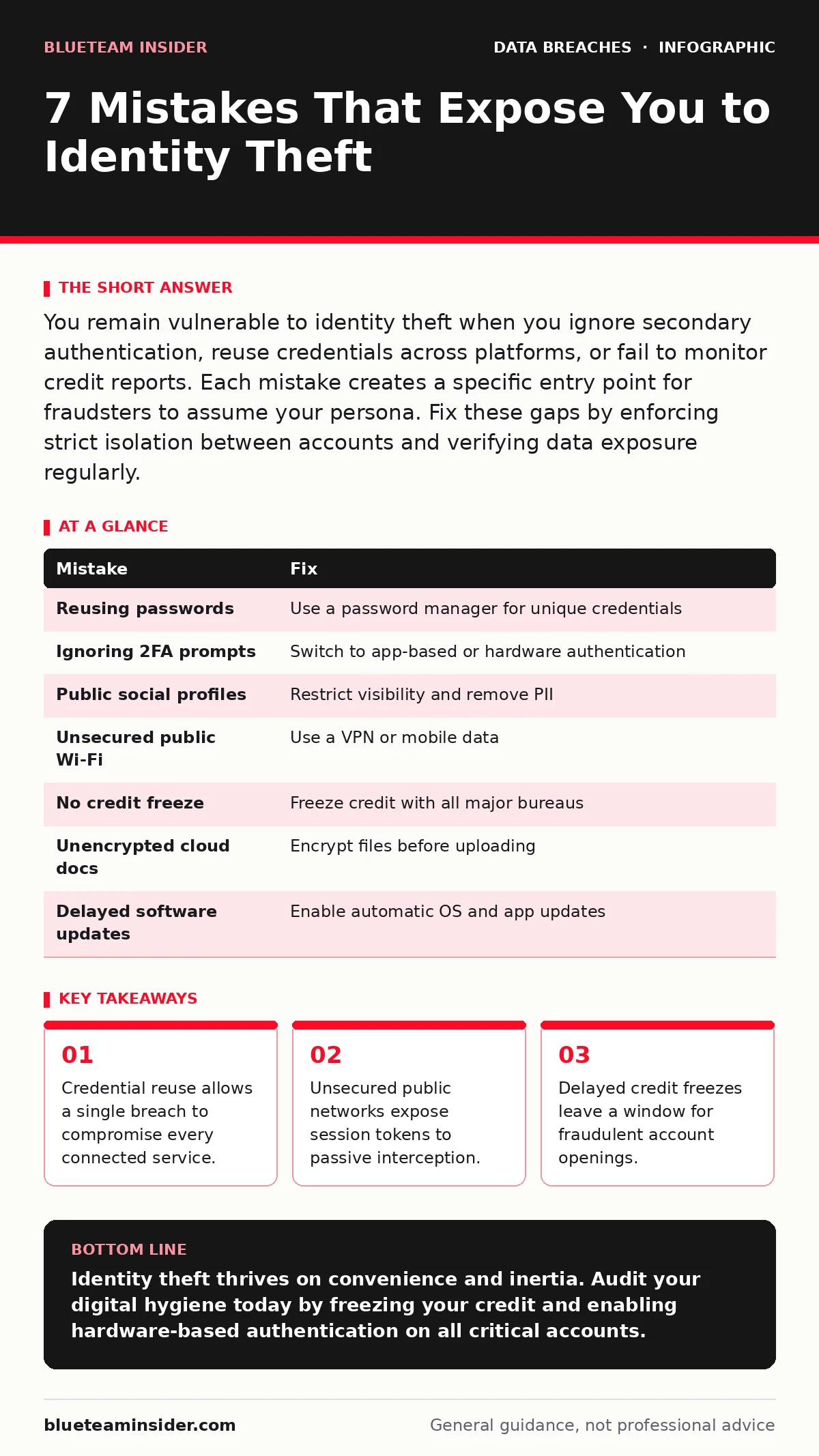
You remain vulnerable to identity theft when you ignore secondary authentication, reuse credentials across platforms, or fail to monitor credit reports. Each mistake creates a specific entry point for fraudsters to assume your persona. Fix these gaps by enforcing strict isolation between accounts and verifying data exposure regularly.
Mistake 1: Reusing Passwords Across Services
Credential reuse is the single largest vulnerability in personal security. When you use the same password for email, banking, and social media, a breach at one low-security site grants attackers access to your high-value accounts. Attackers harvest leaked credentials and automate login attempts against popular services. Your email account becomes the master key to reset passwords elsewhere.
Why it hurts: Attackers do not need to crack your password. They simply use the known pair from a public data dump. This bypasses technical defenses and relies entirely on your habit of convenience. The consequence is total account takeover, not just a single lost login.
The fix: Use a password manager to generate unique, complex strings for every site. This ensures that a breach at one vendor never impacts another. Enable multi-factor authentication on every account that supports it. This adds a layer of verification that stolen passwords alone cannot bypass.
Mistake 2: Ignoring Secondary Authentication Prompts
Many users disable two-factor authentication because they find it inconvenient or fear losing access. This mistake leaves accounts vulnerable even if you use unique passwords. Attackers can intercept one-time codes via SIM swapping or social engineering. Without hardware keys or app-based generators, your secondary factor is often weaker than the primary password.
Why it hurts: SMS-based verification relies on the cellular network, which can be hijacked. An attacker convinces your carrier to port your number to a new SIM card. They then receive all your verification codes. You lose access while they gain full control of your financial and personal data.
The fix: Switch to an authenticator app or a physical security key. These methods do not rely on phone numbers or carrier infrastructure. They generate codes locally or use cryptographic signatures. This removes the man-in-the-middle risk associated with SMS delivery.
Mistake 3: Leaving Social Media Profiles Public
Public social media profiles provide attackers with the raw material for identity theft. Birthdays, pet names, and hometowns are common answers to security questions. Attackers scrape this information to bypass account recovery processes. You are essentially publishing the answers to your own security challenges.
Why it hurts: Security questions are often static and publicly answerable. If an attacker knows your mother’s maiden name from a Facebook post, they can reset your bank password. This turns your social presence into a direct attack vector for credential recovery. The damage spreads quickly as they access linked financial accounts.
The fix: Audit your privacy settings to restrict profile visibility to approved contacts. Remove personally identifiable information from public view. Change security questions to use the password manager’s notes feature instead of real answers. This decouples your recovery process from your public digital footprint.
Mistake 4: Connecting to Unsecured Public Wi-Fi
Public wireless networks often lack encryption, allowing anyone on the same network to monitor traffic. You expose your session cookies and login credentials when banking or shopping on these connections. Attackers use packet sniffing tools to capture data in transit. Your device broadcasts your activity to any nearby listener.
Why it hurts: You cannot verify if the network is legitimate. Attackers create rogue access points with names similar to legitimate cafes or airports. When you connect, they intercept all unencrypted traffic. This allows them to steal active session tokens, granting immediate access to your accounts without needing your password.
The fix: Use a virtual private network to encrypt all traffic leaving your device. This creates a secure tunnel through the public network. Alternatively, use mobile data for sensitive transactions. This ensures that your credentials never traverse an untrusted local network.
Mistake 5: Failing to Freeze Credit Reports
Leaving your credit files active allows attackers to open new lines of credit in your name. This form of identity theft can go unnoticed for months. You may not see the damage until you apply for a loan and are denied. The attacker has already secured debt in your name, damaging your financial standing.
Why it hurts: Fraudsters use stolen personal information to apply for credit cards or loans. Since you do not monitor your credit daily, these applications are approved before you notice the error. The debt accumulates, and you are held responsible. Recovering from this requires extensive paperwork and legal intervention.
The fix: Place a security freeze on your credit reports with all major bureaus. This prevents any new accounts from being opened without your explicit permission. You can temporarily lift the freeze when you apply for credit. This blocks the most common avenue for financial identity theft.
See also: Password Spraying: How Attackers Bypass Lockouts and Steal Data
Mistake 6: Storing Sensitive Documents in the Cloud
Cloud storage services are convenient but often poorly secured by users. Uploading scanned IDs, tax returns, or bank statements to shared drives creates a high-value target. If your account is compromised, attackers gain immediate access to your entire digital identity. Public or shared links are frequently overlooked and remain accessible indefinitely.
Why it hurts: A single weak password on a cloud account exposes years of accumulated personal data. Attackers do not need to break into your bank; they just need your tax forms. They use this data to verify identity and open fraudulent accounts. The scale of exposure is far greater than a single password breach.
The fix: Encrypt sensitive files before uploading them to the cloud. Use strong, unique passwords for cloud accounts and enable two-factor authentication. Regularly review shared links and revoke access for files no longer needed. This ensures that even if the account is breached, the data remains unreadable.
Mistake 7: Delaying Software Updates on Devices
Operating system updates often patch critical security vulnerabilities. Ignoring these updates leaves known exploits open to attackers. Malware can exploit these gaps to install keyloggers or remote access tools. Your device becomes a beacon for automated scanning bots looking for outdated software.
Why it hurts: Attackers use automated tools to find devices with unpatched vulnerabilities. Once inside, they can capture keystrokes, screen contents, and stored credentials. This gives them persistent access to your digital life. The damage is not limited to one account but extends to everything you access from that device.
The fix: Enable automatic updates for your operating system and applications. This ensures you receive security patches as soon as they are released. Regularly check for updates on firmware for routers and smart home devices. This closes the door before attackers can find it.
| Mistake | Fix |
|---|---|
| Reusing passwords | Use a password manager for unique credentials |
| Ignoring 2FA prompts | Switch to app-based or hardware authentication |
| Public social profiles | Restrict visibility and remove PII |
| Unsecured public Wi-Fi | Use a VPN or mobile data |
| No credit freeze | Freeze credit with all major bureaus |
| Unencrypted cloud docs | Encrypt files before uploading |
| Delayed software updates | Enable automatic OS and app updates |
RELATED: See our guide on access reviews to understand how organizations manage similar privilege risks. Understanding tokenization can also help protect financial data during transactions.
Key takeaways
- Credential reuse allows a single breach to compromise every connected service.
- Unsecured public networks expose session tokens to passive interception.
- Delayed credit freezes leave a window for fraudulent account openings.
Identity theft thrives on convenience and inertia. Audit your digital hygiene today by freezing your credit and enabling hardware-based authentication on all critical accounts.
Frequently asked questions
Can I reverse identity theft if I notice it late?
You can mitigate damage by freezing credit and disputing fraudulent charges, but full recovery is difficult. Early detection prevents debt accumulation and credit score damage.
Is a password manager safe if it gets hacked?
Password managers use strong encryption, making stored data unreadable without the master password. A breach typically exposes hashed data, which is useless without your unique master key.
Do credit freezes affect my existing accounts?
No, credit freezes only prevent new accounts from being opened. Existing loans and credit cards remain active and unaffected by the freeze.
Should I use biometric authentication instead of passwords?
Biometrics are convenient but cannot be changed if compromised. Use them as a secondary factor, not a primary replacement for unique passwords and hardware keys.
How this guide was produced: written by the BlueTeam Insider editorial team with AI assistance, checked against the public references listed below, and reviewed when the facts change. See our editorial policy or report an error.