Identity Theft Protection: 8 Practices to Secure Your Digital Life
Most identity theft happens because systems trust old credentials, not because hackers break through walls. You can close these gaps by managing how data flows out of your control.

Protect your identity by freezing credit, using unique passphrases, enabling multi-factor authentication, and monitoring account activity. These steps reduce the value of stolen data and stop attackers from using your credentials to open new accounts or access existing ones.
1. Freezing Credit Reports
Credit freezes are the strongest defense against new account fraud. When you freeze your credit, lenders cannot access your report to verify your identity for new loans or credit cards. This stops attackers from using your stolen personal information to open lines of credit in your name. Unlike fraud alerts, which expire after a year, freezes remain active until you lift them. You must contact each of the three major credit bureaus individually to apply this protection.
2. Enabling Multi-Factor Authentication
Passwords alone are insufficient because they can be guessed, stolen, or reused across sites. Multi-factor authentication requires a second form of verification, such as a code from an app or a physical security key. This ensures that even if an attacker has your password, they cannot access your account without the second factor. Avoid using SMS text messages for this second factor if possible, as SIM swapping attacks can intercept these codes. Use an authenticator app or hardware token instead for higher security.
3. Using a Password Manager
Humans are poor at generating and remembering unique, complex passwords for every service. A password manager stores these credentials in an encrypted database, accessible with one master password. This eliminates the dangerous habit of reusing passwords, which allows attackers to access multiple accounts if one site is breached. The manager can also generate long, random passphrases that are nearly impossible to crack through brute force. This tool shifts the burden of complexity from your memory to a secure system.
4. Monitoring Account Activity Regularly
Waiting for a bank to notify you of fraud is a reactive strategy that often results in financial loss. Regularly reviewing transaction histories and login records helps you spot unauthorized access early. Look for small, test transactions that attackers use to verify account validity before larger withdrawals. Set up real-time notifications for any activity on sensitive accounts, such as banking or investment platforms. This proactive monitoring reduces the window of opportunity for an attacker to drain your accounts.
5. Securing Email Accounts
Your email address is often the key to resetting passwords for other services. If an attacker compromises your email, they can reset passwords for your bank, social media, and shopping accounts. Secure your email with multi-factor authentication and a unique, strong password that you do not use elsewhere. Check your email settings for any unauthorized forwarding rules or recovery email addresses that an attacker may have added. This prevents them from maintaining access even after you change your password.
See also: Data Exfiltration Prevention: Stop Hidden Data Theft Before It Escapes
6. Limiting Social Media Exposure
Social media profiles provide attackers with personal details they can use to answer security questions or craft convincing phishing messages. Attackers often gather information like your pet’s name, mother’s maiden name, or first car from public posts. Adjust your privacy settings to restrict who can see your posts and personal details. Avoid posting real-time location updates, which can reveal when your home is empty. Reducing this digital footprint makes it harder for attackers to build a profile of you for targeted attacks.
7. Managing Physical Documents
Digital security means little if your physical documents are easily accessible. Shred any paper that contains personal information, such as bank statements, tax forms, or medical records. Do not throw these documents in the regular trash, as dumpster diving is a common method for obtaining identity data. Store important documents like your social security card or birth certificate in a secure location, such as a fireproof safe. This prevents thieves from accessing your core identity documents during a home burglary.
8. Reviewing Third-Party Access
Many apps and services require access to your data to function, but some may retain this access longer than necessary. Regularly review the connected apps and services that have access to your accounts. Remove any permissions for services you no longer use or trust. This reduces the number of entry points an attacker can exploit to access your data. Refer to our guide on access reviews for methods to audit these permissions systematically.
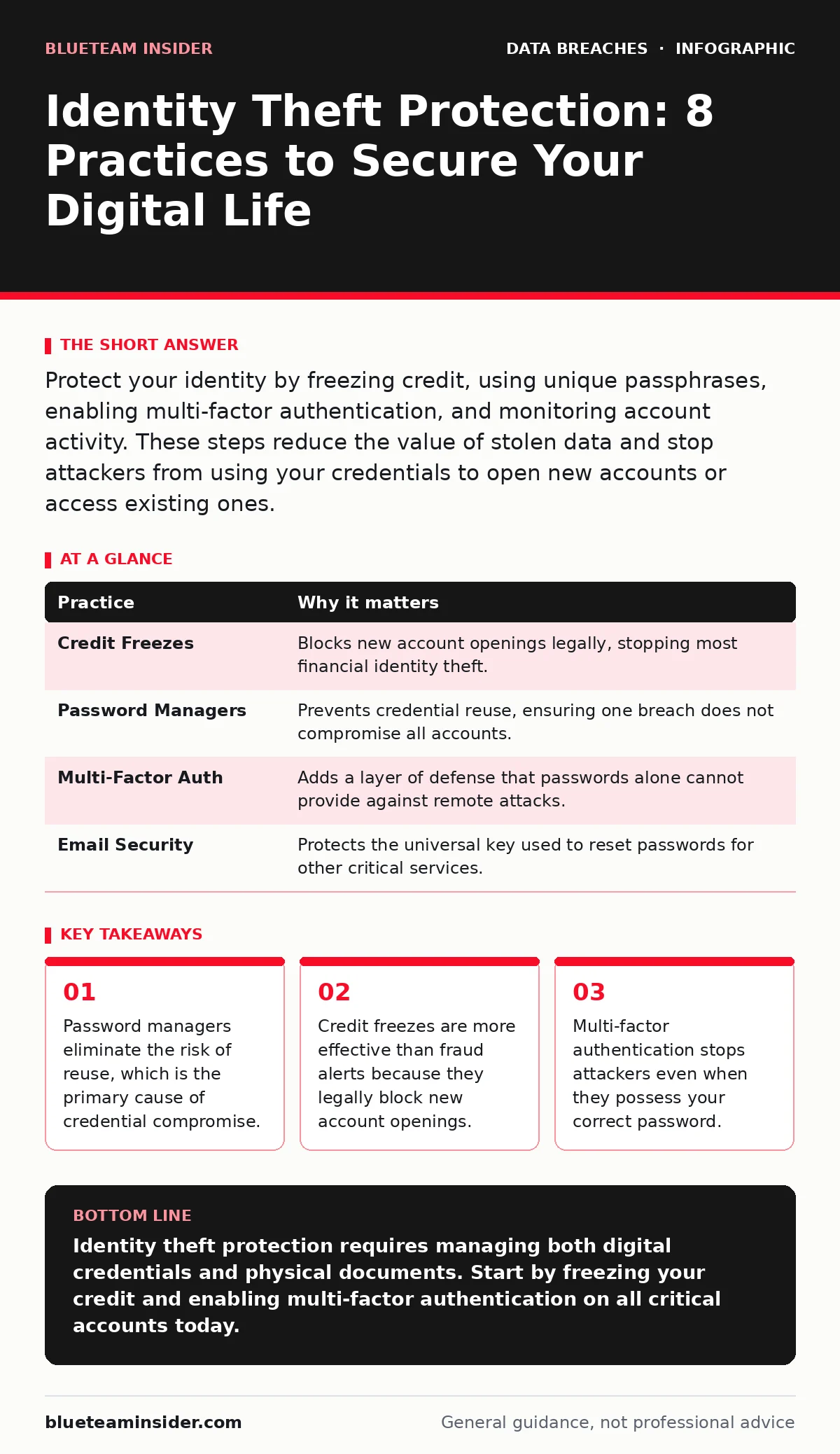
| Practice | Why it matters |
|---|---|
| Credit Freezes | Blocks new account openings legally, stopping most financial identity theft. |
| Password Managers | Prevents credential reuse, ensuring one breach does not compromise all accounts. |
| Multi-Factor Auth | Adds a layer of defense that passwords alone cannot provide against remote attacks. |
| Email Security | Protects the universal key used to reset passwords for other critical services. |
9. Verifying Backup Integrity
Identity theft often leads to the need to restore data or prove ownership of assets. If your backups are inaccessible or corrupted, you cannot recover from a compromise. Regularly test your backups to ensure they can be restored successfully. This practice is similar to the principles in our backup testing guide, ensuring your data is not just stored but usable. Without verified backups, you risk permanent loss of critical identity documents and financial records.
10. Understanding Data Exposure Risks
You cannot protect data you do not understand is at risk. Be aware of how services store and mask your information. Data masking techniques can protect your information in shared environments, but not all services implement them correctly. Refer to our section on data masking to understand how your data might be visible to unauthorized parties. Similarly, our guide on backup data exposure highlights risks when storing sensitive information in cloud environments. Knowing where your data lives helps you make informed decisions about which services to trust.
Key takeaways
- Password managers eliminate the risk of reuse, which is the primary cause of credential compromise.
- Credit freezes are more effective than fraud alerts because they legally block new account openings.
- Multi-factor authentication stops attackers even when they possess your correct password.
Identity theft protection requires managing both digital credentials and physical documents. Start by freezing your credit and enabling multi-factor authentication on all critical accounts today.
Frequently asked questions
Does changing my password frequently improve security?
No, frequent password changes often lead to weaker passwords and increased reuse. Focus on using unique, long passphrases for each account instead.
What should I do if I find a suspicious charge?
Contact your bank immediately to dispute the charge and freeze your accounts. Then, change your passwords for any accounts that may have been compromised.
Are security questions safe to use?
Security questions are often unsafe because answers can be found on social media or guessed. Use your password manager to generate random answers and store them securely.
Can two-factor authentication be hacked?
Yes, through phishing attacks that trick you into entering your code, or SIM swapping. Use hardware security keys for the highest level of protection against these threats.
How this guide was produced: written by the BlueTeam Insider editorial team with AI assistance, checked against the public references listed below, and reviewed when the facts change. See our editorial policy or report an error.