Data Exfiltration Prevention: Stop Hidden Data Theft Before It Escapes
Most data theft succeeds because organizations monitor network boundaries but ignore the quiet accumulation of data on local endpoints before it leaves.

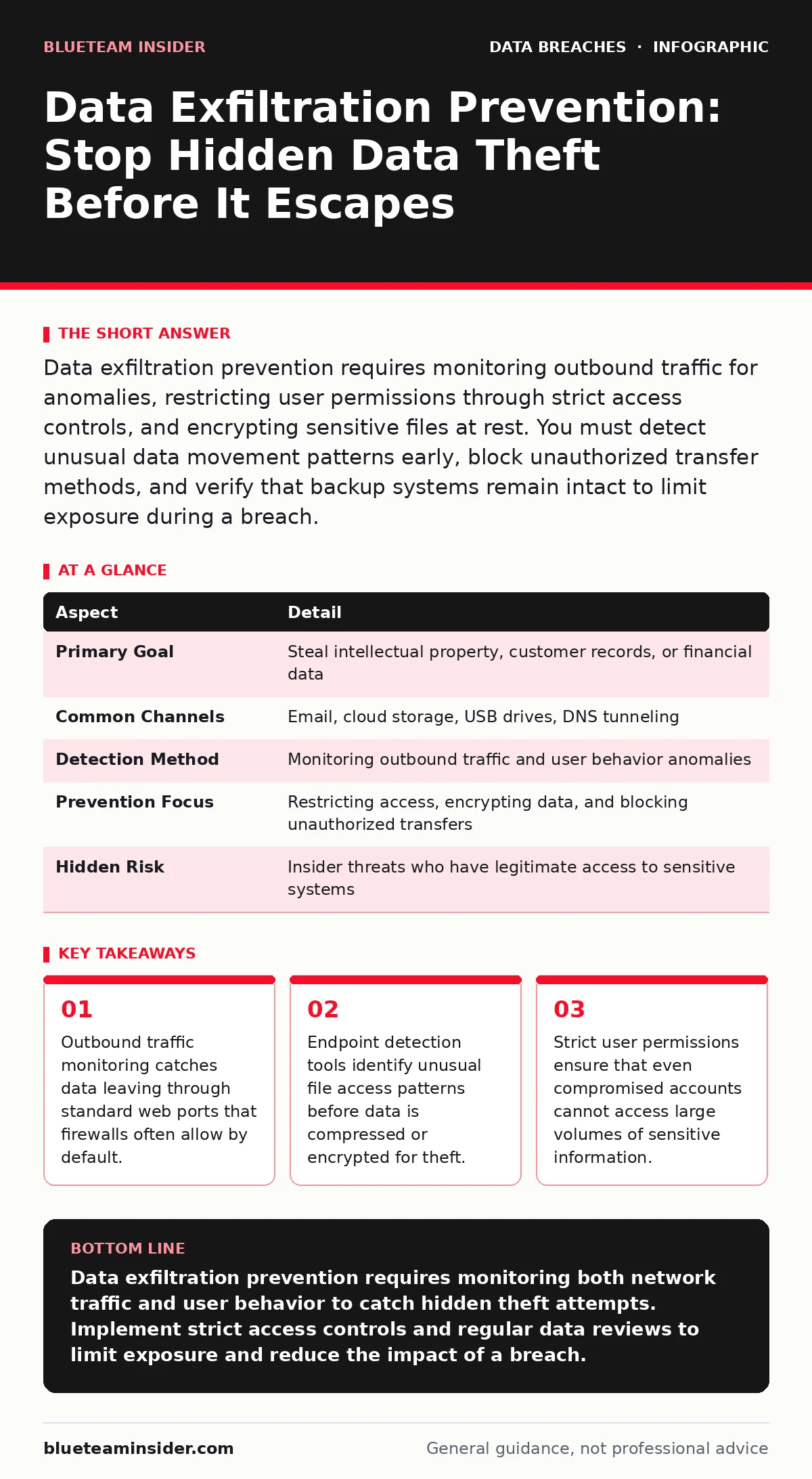
Data exfiltration prevention requires monitoring outbound traffic for anomalies, restricting user permissions through strict access controls, and encrypting sensitive files at rest. You must detect unusual data movement patterns early, block unauthorized transfer methods, and verify that backup systems remain intact to limit exposure during a breach.
Everyday Analogy: The Leaking Bucket
Imagine a large bucket representing your organization’s sensitive data. Most security teams focus on building a high wall around the bucket to stop thieves from walking up and carrying it away. This approach misses the slow leak at the bottom. Data exfiltration often works like that leak. Small amounts of information drip out through legitimate channels, such as email attachments or cloud storage uploads, until the bucket is empty. You cannot see the loss until you look inside. This analogy highlights why perimeter defenses alone fail to stop modern data theft.
What Is Data Exfiltration?
Data exfiltration is the unauthorized transfer of data from within an organization to an external destination. It differs from a simple data breach in that it involves the active removal of information, not just its exposure. Attackers do not always steal everything at once. They often copy small files over long periods to avoid triggering alarms. This behavior makes detection difficult because the traffic looks like normal business activity. Understanding this mechanism is the first step toward effective data exfiltration prevention.
| Aspect | Detail |
|---|---|
| Primary Goal | Steal intellectual property, customer records, or financial data |
| Common Channels | Email, cloud storage, USB drives, DNS tunneling |
| Detection Method | Monitoring outbound traffic and user behavior anomalies |
| Prevention Focus | Restricting access, encrypting data, and blocking unauthorized transfers |
| Hidden Risk | Insider threats who have legitimate access to sensitive systems |
How Data Theft Works in Practice
Attackers typically gain initial access through phishing or weak credentials. Once inside, they move laterally to find valuable data. They then compress and encrypt the files to reduce size and obscure content. The final step involves sending the data out. Attackers use standard protocols like HTTPS to blend in with normal web traffic. They might also use DNS queries to send small bits of data, a technique known as DNS tunneling. Firewalls often allow DNS traffic because it is necessary for internet functionality. This creates a blind spot that exfiltration tools exploit.
Who Is Affected by Data Loss?
Every organization with digital records faces this risk. Small businesses are often targeted because they lack advanced monitoring tools. Large enterprises suffer from complex environments where data moves between many systems. Remote workers increase the attack surface by connecting from unsecured networks. Third-party vendors also pose a risk. If a vendor has access to your systems, attackers may target them instead. You must consider all points of entry and exit when planning your defense strategy.
What People Usually Get Wrong
Many teams believe that strong firewalls stop data theft. Firewalls control traffic based on rules, not content. They cannot always distinguish between a legitimate file upload and stolen data. Another common error is focusing only on external threats. Insider threats, whether malicious or accidental, account for a significant portion of data loss. Employees might upload sensitive files to personal cloud accounts for convenience. This behavior bypasses many security controls. You must monitor user behavior, not just network traffic.
See also: Identity Theft Protection: 8 Practices to Secure Your Digital Life
Practical Steps for Data Exfiltration Prevention
Effective prevention requires a layered approach. You must combine network monitoring with endpoint security and strict access controls. Start by mapping your data flows. Identify where sensitive data resides and how it moves. Then implement controls at each stage. Use data loss prevention tools to scan outgoing emails and web uploads. Configure these tools to block files containing sensitive patterns, such as credit card numbers or social security numbers. Regularly update your rules to match new data formats.
- Implement network traffic analysis to detect unusual outbound volumes.
- Deploy endpoint detection and response tools to monitor file access.
- Enforce strict user permissions to limit data visibility.
- Encrypt sensitive data at rest to protect it if stolen.
Integrating Access Reviews and Minimization
You cannot protect data you do not need. Data minimization reduces the amount of sensitive information available to attackers. Regularly delete old or unnecessary records. Combine this with frequent access reviews. Ensure that employees only have access to the data they need for their current roles. Review these permissions quarterly. Remove access for employees who change roles or leave the company. This reduces the impact of a compromised account. For more details on managing user permissions, see our guide on user access provisioning. Proper provisioning ensures that new hires do not inherit excessive privileges.
Monitoring for Early Warning Signs
Detection is your last line of defense. You will not prevent every attempt. Look for anomalies in user behavior. An employee who rarely downloads files suddenly accessing large datasets is a red flag. Monitor for after-hours activity. Attackers often work when monitoring is less intense. Check for large outbound transfers to unknown destinations. Investigate any sudden increase in cloud storage usage. These signs indicate potential data exfiltration. Early detection limits the amount of data lost.
Protecting Against Insider Threats
Insiders have legitimate access, making them harder to detect. They do not need to bypass firewalls or guess passwords. They simply copy what they can see. Monitor for unusual data access patterns. Look for employees who download large amounts of data before leaving the company. Implement strict controls on removable media. Block USB drives if they are not necessary for business operations. Use data loss prevention tools to scan files before they are saved to external devices. Regular training helps employees understand the risks of sharing data improperly.
The Role of Backup Testing and Insurance
Prevention fails sometimes. You must be ready for a breach. Regular backup testing ensures that you can restore data if it is corrupted or deleted. Attackers often delete data after stealing it to cover their tracks. If your backups are not tested, you may find they are useless when you need them. Cyber insurance can help cover the costs of a breach, including legal fees and customer notifications. However, insurance does not prevent data loss. It only mitigates the financial impact. For more on verifying your recovery plans, read our guide on backup testing.
Final Thoughts on Defense Strategy
Data exfiltration is a persistent threat. It evolves as technology changes. You must adapt your defenses continuously. Combine technical controls with user awareness. Monitor both network traffic and user behavior. Regularly review your access policies and data storage practices. Stay updated on new attack techniques. A proactive approach reduces the risk of significant data loss. Remember that no single tool provides complete protection. Layered security is the only reliable defense.
Key takeaways
- Outbound traffic monitoring catches data leaving through standard web ports that firewalls often allow by default.
- Endpoint detection tools identify unusual file access patterns before data is compressed or encrypted for theft.
- Strict user permissions ensure that even compromised accounts cannot access large volumes of sensitive information.
Data exfiltration prevention requires monitoring both network traffic and user behavior to catch hidden theft attempts. Implement strict access controls and regular data reviews to limit exposure and reduce the impact of a breach.
Frequently asked questions
How do I know if data has been exfiltrated?
Look for unusual outbound traffic volumes, large file transfers to unknown destinations, or employees accessing sensitive data outside normal working hours. Network logs and endpoint alerts often reveal these anomalies.
Can firewalls stop data exfiltration?
Firewalls can block known malicious destinations, but they often allow encrypted traffic. Attackers use standard web protocols to blend in. You need additional tools like data loss prevention to inspect content and user behavior.
What is the difference between a breach and exfiltration?
A breach is unauthorized access to a system. Exfiltration is the removal of data from that system. You can have a breach without exfiltration if the attacker is detected before copying files.
How often should I review user access?
Review user access at least quarterly. Immediate reviews should occur when employees change roles or leave the company. This ensures that permissions align with current job responsibilities and reduces the risk of insider threats.
How this guide was produced: written by the BlueTeam Insider editorial team with AI assistance, checked against the public references listed below, and reviewed when the facts change. See our editorial policy or report an error.