Data Exfiltration Meaning: How Attackers Steal Your Data
Data exfiltration often succeeds not because of a breach, but because the stolen data blends into normal network traffic until it is too late.
Data exfiltration meaning refers to the unauthorized transfer of information from a computer or network. Attackers use hidden channels to move sensitive files out of your environment. This process often happens silently, making detection difficult without specific monitoring tools and strict data loss prevention policies.
Data Exfiltration Meaning and Core Definition
Data exfiltration meaning describes the act of stealing data by transferring it from a secure environment to an unauthorized location. This is not merely copying a file; it is the active movement of that information across a boundary. Attackers perform this step after gaining initial access to a system. They want the data to leave your control permanently. This theft can happen over the internet, through physical media, or via cloud storage services. The goal is always to remove the asset before you can detect the intrusion.
Imagine a thief who does not break a window but walks out the front door carrying a box of papers. The entry method might have been subtle, but the exit is where the damage becomes irreversible. In digital terms, this exit is the exfiltration phase. It turns a contained security incident into a full-scale data breach. Understanding this distinction helps you focus on protecting the perimeter and monitoring outbound flows.
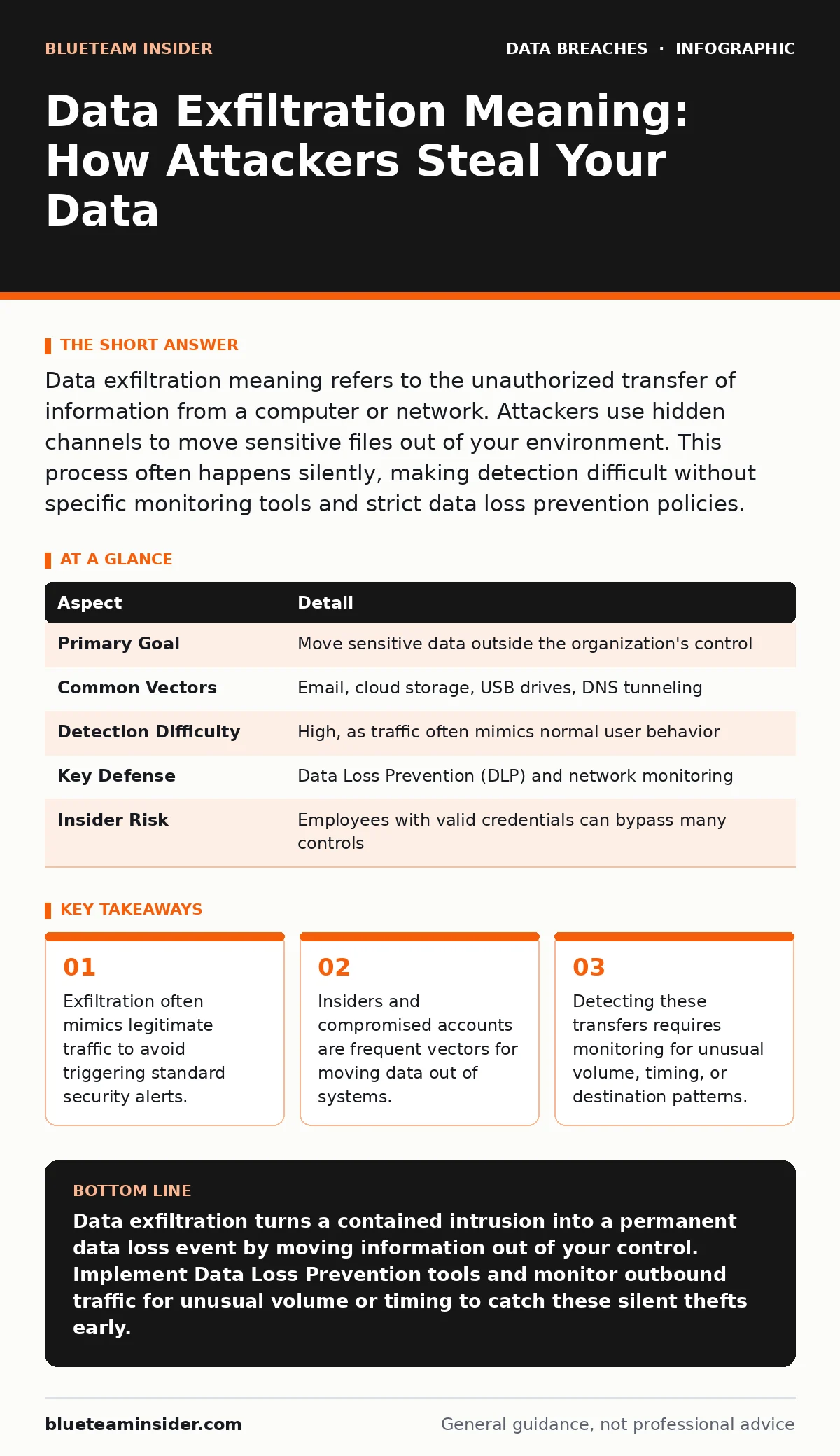
| Aspect | Detail |
|---|---|
| Primary Goal | Move sensitive data outside the organization's control |
| Common Vectors | Email, cloud storage, USB drives, DNS tunneling |
| Detection Difficulty | High, as traffic often mimics normal user behavior |
| Key Defense | Data Loss Prevention (DLP) and network monitoring |
| Insider Risk | Employees with valid credentials can bypass many controls |
How Attackers Move Data Out
Attackers use several methods to extract information without triggering alarms. One common technique is hiding data inside DNS requests. DNS tunneling breaks data into small chunks and embeds them in domain name queries. These queries look like normal web lookups to a firewall. Another method involves using encrypted channels. HTTPS traffic is standard for web browsing, so attackers use it to send stolen files to their servers. You cannot inspect the content without deep packet inspection, which raises privacy concerns.
Physical theft remains a powerful vector for data exfiltration. An attacker might plug a USB drive into an unmonitored workstation. They copy files directly and walk away. This method bypasses network defenses entirely. Cloud storage services also provide a convenient exit route. Users often sync files to personal cloud accounts automatically. If an attacker controls that user account, the data leaves the corporate network seamlessly. You must monitor these sync activities closely.
Who Faces the Greatest Risk
Every organization that stores digital information faces this risk. However, certain environments are more attractive to attackers. Companies handling personal health records or financial data offer high value. These sectors face stricter regulations, making the theft more damaging. Small businesses are also frequent targets. They often lack the resources for advanced monitoring tools. Attackers know these organizations may not notice the theft for months.
Remote work expands the attack surface significantly. Employees connect from home networks that lack enterprise-grade security. A compromised home laptop can serve as a bridge to corporate systems. Furthermore, third-party vendors pose a unique threat. They often have access to your systems to perform maintenance. If their security is weak, attackers can pivot from their network to yours. You must treat vendor access as a potential exfiltration vector. Regular access reviews help ensure these connections remain secure and necessary.
What People Usually Get Wrong
Many organizations believe that preventing initial access stops data exfiltration. This is a dangerous misconception. Attackers often reside in a network for weeks before stealing data. They map the environment and identify high-value targets. By the time they begin exfiltration, they have already bypassed many defenses. Focusing only on entry points leaves the exit routes wide open. You must assume breach and monitor for movement.
Another common error is ignoring internal users. People often view exfiltration as an external attack. In reality, disgruntled employees or careless staff members cause significant data loss. They may not intend to steal data, but they can inadvertently send it to the wrong recipient. Oversharing on social media can also reveal sensitive information that attackers use to target specific accounts. Training users to recognize these risks is as important as technical controls.
Detecting the Silent Theft
Detecting data exfiltration requires looking for anomalies in normal behavior. Baseline your network traffic to understand what "normal" looks like. If a user typically downloads 10 megabytes of data daily, a sudden 10-gigabyte transfer is suspicious. Time-of-day analysis also helps. Large data transfers occurring at 3 AM on a Sunday are unusual for most business roles. Automated tools can flag these deviations for manual review.
Data Loss Prevention (DLP) solutions are critical for this task. DLP tools scan outgoing traffic for sensitive patterns like credit card numbers or social security numbers. They can block transfers that match these patterns. However, DLP is not perfect. It can generate false positives, blocking legitimate business activities. You must tune these rules carefully to balance security and productivity. Combining DLP with user behavior analytics provides a more complete picture.
See also: Identity Theft Protection: 8 Practices to Secure Your Digital Life
Protecting Your Data in Transit
Securing data while it moves requires multiple layers of defense. Encryption protects the data if it is intercepted in transit. However, encryption does not prevent authorized users from accessing it. You must combine encryption with strict access controls. Tokenization replaces sensitive data with non-sensitive equivalents. This reduces the value of stolen data, as the tokens are useless without the secure vault. This method is particularly effective for payment card theft prevention.
Network segmentation limits the spread of an attack. By dividing your network into smaller zones, you prevent an attacker from moving freely. If they compromise one zone, they cannot easily access data in another. This containment strategy buys you time to detect and respond to the exfiltration attempt. Regular backup testing ensures you can restore data if it is corrupted or locked by ransomware during the attack.
Steps to Reduce Your Exposure
You can take immediate steps to reduce the risk of data exfiltration. Start by implementing strict user access provisioning policies. Ensure employees only have access to the data they need for their jobs. Remove access immediately when roles change or employment ends. Second, deploy DLP solutions on both endpoints and networks. Configure them to alert on large outbound transfers and sensitive data patterns.
Third, educate your workforce on the risks of unauthorized data sharing. Explain how exfiltration works and why they should report suspicious activity. Fourth, monitor your cloud storage services. Ensure that personal accounts are not used for business data. Finally, conduct regular security assessments. These tests help you identify weaknesses in your defenses before attackers do. Remember, no single tool stops all exfiltration. You need a layered approach that combines technology, policy, and awareness. Data masking can further reduce risk by obscuring sensitive details in non-production environments.
Key takeaways
- Exfiltration often mimics legitimate traffic to avoid triggering standard security alerts.
- Insiders and compromised accounts are frequent vectors for moving data out of systems.
- Detecting these transfers requires monitoring for unusual volume, timing, or destination patterns.
Data exfiltration turns a contained intrusion into a permanent data loss event by moving information out of your control. Implement Data Loss Prevention tools and monitor outbound traffic for unusual volume or timing to catch these silent thefts early.
Frequently asked questions
Can antivirus software stop data exfiltration?
Antivirus software focuses on known malware signatures and often misses the data movement phase of an attack. It is not designed to monitor outbound data flows or user behavior anomalies.
How do I know if my data has been exfiltrated?
You may notice unusual network traffic, large file transfers at odd hours, or alerts from Data Loss Prevention tools. Sometimes, you only find out when the stolen data appears on the dark web.
Is data exfiltration the same as a data breach?
A data breach is the overall incident of unauthorized access. Data exfiltration is the specific action of removing that data from the environment. Exfiltration is a common outcome of a breach.
Does cyber insurance cover data exfiltration costs?
Policies vary significantly, but many cover notification costs, forensic investigations, and legal fees. They typically do not cover the loss of the data itself or future business revenue impacts.
How this guide was produced: written by the BlueTeam Insider editorial team with AI assistance, checked against the public references listed below, and reviewed when the facts change. See our editorial policy or report an error.