Network Segmentation: How to Partition and Protect Your Data
Splitting your network into isolated zones stops lateral movement, ensuring that a compromised device cannot easily access sensitive servers or other user workstations.
Start by mapping your current traffic flows. Define security zones based on function, not just department. Configure firewalls to deny all traffic by default, then explicitly permit only necessary connections. Test these rules rigorously before full deployment to avoid breaking critical business applications.
Map Your Current Traffic Flows
You cannot protect what you do not understand. Before touching any firewall rules, you must document how data moves through your environment. Identify which servers talk to which databases, which applications require external internet access, and which devices need to communicate with each other.
Use network monitoring tools to capture baseline traffic. Look for unexpected connections, such as a printer talking to a web server or a workstation accessing a database directly. These anomalies often represent legacy configurations that no longer serve a business purpose.
This mapping phase reveals the hidden dependencies that cause outages when segmentation is applied too aggressively. It also highlights where sensitive data resides, allowing you to prioritize those areas for stricter controls.
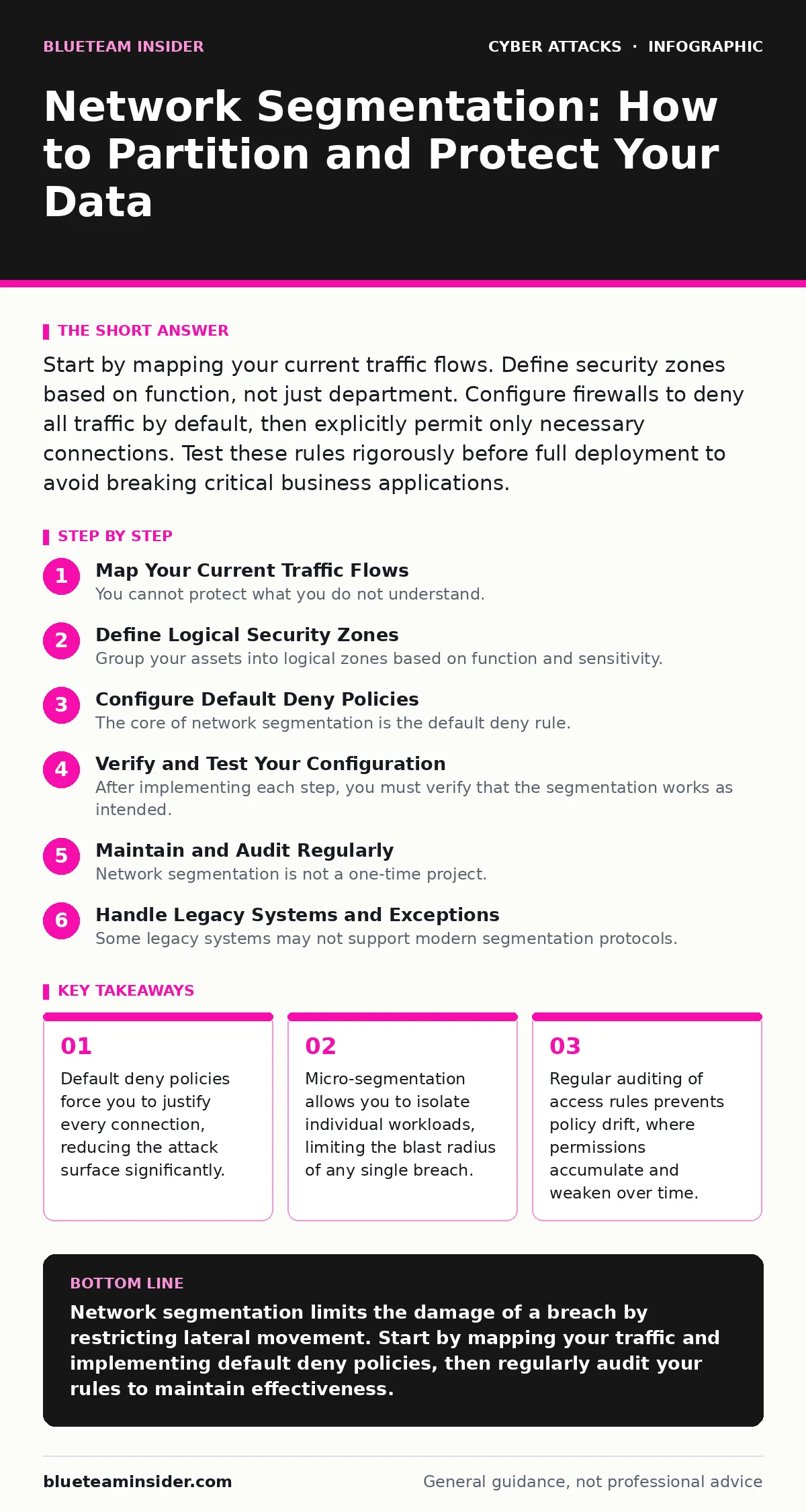
Define Logical Security Zones
Group your assets into logical zones based on function and sensitivity. Common zones include corporate users, guests, servers, internet-facing services, and IoT devices. Do not segment by physical location, as remote work and cloud services make geography irrelevant.
Each zone should have a clear security policy. For example, the guest zone should have no access to internal resources, while the server zone should only accept connections from specific application servers. This logical separation creates barriers that an attacker must bypass to move deeper into your network.
Consider the principle of least privilege when defining these zones. Users and devices should only have access to the resources they strictly need to perform their jobs. This minimizes the potential damage if credentials are stolen.
Configure Default Deny Policies
The core of network segmentation is the default deny rule. Configure your firewalls and access control lists to block all traffic that is not explicitly permitted. This ensures that new, unauthorized connections are stopped immediately.
Start with the perimeter firewalls, then move inward to internal firewalls or virtual firewalls within your cloud environment. Explicitly allow traffic for known business functions, such as HTTP for web servers or SQL for database connections. Document every rule you create, including the reason for its existence.
This approach shifts the burden of proof to the person requesting access. Instead of assuming traffic is safe, you assume it is hostile until proven otherwise. This mindset change is fundamental to effective segmentation.
Step 1: Isolate Guest and IoT Networks
Begin your rollout with the lowest-risk zones. Create separate VLANs for guest Wi-Fi and Internet of Things devices. These devices often have weak security and cannot run standard security agents, making them high-risk entry points.
Configure the guest VLAN to route traffic through a captive portal and block all access to internal subnets. For IoT devices, restrict their outbound connections to only the specific cloud services they require. Verify this by attempting to ping an internal server from a guest device.
You should see no response. If you receive a reply, your segmentation failed. Check for routing leaks or misconfigured firewall rules that might be allowing traffic to pass through. This step is low-risk and provides immediate security benefits.
Step 2: Segment Internal Servers
Next, isolate your critical servers from general user workstations. Users should not be able to directly access database servers or file shares unless necessary for their role. Instead, access should be mediated through application servers or jump hosts.
Implement strict access control lists on the server VLANs. Allow inbound connections only from specific application subnets and specific ports. Block all other inbound traffic. This prevents an attacker who compromises a user workstation from scanning or attacking internal servers directly.
Test this by attempting to access a server from a standard user account. You should be blocked. If access is granted, review your firewall rules to ensure they are specific enough. This step significantly reduces the risk of lateral movement.
Step 3: Implement Micro-Segmentation for Critical Assets
For your most sensitive assets, such as financial data or intellectual property, implement micro-segmentation. This involves creating security boundaries around individual workloads or virtual machines, rather than just entire subnets.
Use host-based firewalls or cloud security groups to enforce these boundaries. Define rules that allow communication only between specific processes or services. This ensures that even if an attacker gains access to the subnet, they cannot move to the critical asset.
Verify this by attempting to connect to the critical asset from another server in the same subnet. The connection should fail. This granular control is essential for protecting high-value targets in complex environments.
Verify and Test Your Configuration
After implementing each step, you must verify that the segmentation works as intended. Do not rely solely on configuration files. Perform active testing to ensure traffic is blocked where it should be.
Use tools like ping, telnet, or nc to test connectivity from source to destination. Attempt to access services on ports that should be blocked. Document the results of each test. This evidence proves that your controls are effective.
Also, test that legitimate traffic still flows. Ensure that users can access the applications they need. If legitimate traffic is blocked, refine your rules to be more specific. This balance between security and usability is critical for adoption.
- Verify guest network isolation
- Test server access restrictions
- Confirm micro-segmentation rules
- Validate legitimate application traffic
Maintain and Audit Regularly
Network segmentation is not a one-time project. Your environment changes, and so do your security requirements. New applications are deployed, and old ones are retired. Rules that were necessary yesterday may be obsolete today.
Schedule regular audits of your firewall rules and access control lists. Remove any rules that are no longer needed. Review logs for denied traffic attempts, which may indicate new attack vectors or misconfigured applications. This upkeep ensures your segmentation remains effective over time.
Automate this process where possible. Use configuration management tools to ensure that firewall rules are consistent and up-to-date. This reduces the risk of human error and ensures that your security posture does not degrade.
Related practices, such as email authentication and phishing awareness, help prevent initial access, but segmentation limits the damage if those defenses fail. Understanding the human factor in security is also vital, as insiders can bypass technical controls.
See also: Island Hopping Attacks: How Attackers Move Laterally Without Detection · What Is Computer Worms: How They Spread and How to Stop Them
Handle Legacy Systems and Exceptions
Some legacy systems may not support modern segmentation protocols. They may require broad access to function correctly. Do not simply add them to the general network. Instead, create a dedicated quarantine zone for these systems.
Isolate these systems from the rest of the network. Allow only the specific connections they require. Monitor this zone closely for any signs of compromise. Consider replacing these systems with modern alternatives that support better security controls.
Document all exceptions clearly. Explain why the exception is necessary and what compensating controls are in place. This transparency helps security teams understand the risk and prioritize remediation efforts.
Related topics like password spraying and login alerts can help detect compromised credentials, but segmentation ensures that stolen credentials cannot be used to access all resources. Be aware of man-in-the-middle attacks when configuring encrypted connections between segments.
Key takeaways
- Default deny policies force you to justify every connection, reducing the attack surface significantly.
- Micro-segmentation allows you to isolate individual workloads, limiting the blast radius of any single breach.
- Regular auditing of access rules prevents policy drift, where permissions accumulate and weaken over time.
Network segmentation limits the damage of a breach by restricting lateral movement. Start by mapping your traffic and implementing default deny policies, then regularly audit your rules to maintain effectiveness.
Frequently asked questions
How do I segment a cloud environment?
Use virtual private clouds, security groups, and network access control lists to create logical boundaries. Apply the same default deny principles as on-premises networks.
Will segmentation slow down my network?
Properly configured segmentation has minimal impact on performance. The overhead is negligible compared to the security benefits. Focus on optimizing rules for efficiency.
How do I handle remote workers?
Use a zero-trust network access solution to provide secure, segmented access to remote users. Authenticate and authorize each session, regardless of location.
What if I break an application during segmentation?
Revert the specific rule that caused the issue. Analyze the traffic to understand the dependency. Create a more specific rule that allows the necessary traffic without opening unnecessary ports.
How this guide was produced: written by the BlueTeam Insider editorial team with AI assistance, checked against the public references listed below, and reviewed when the facts change. See our editorial policy or report an error.