Point-of-Sale Malware Prevention Checklist for Secure Transactions
Point-of-sale malware hides in memory to bypass traditional disk scans, requiring behavioral monitoring and strict network segmentation to detect and contain.

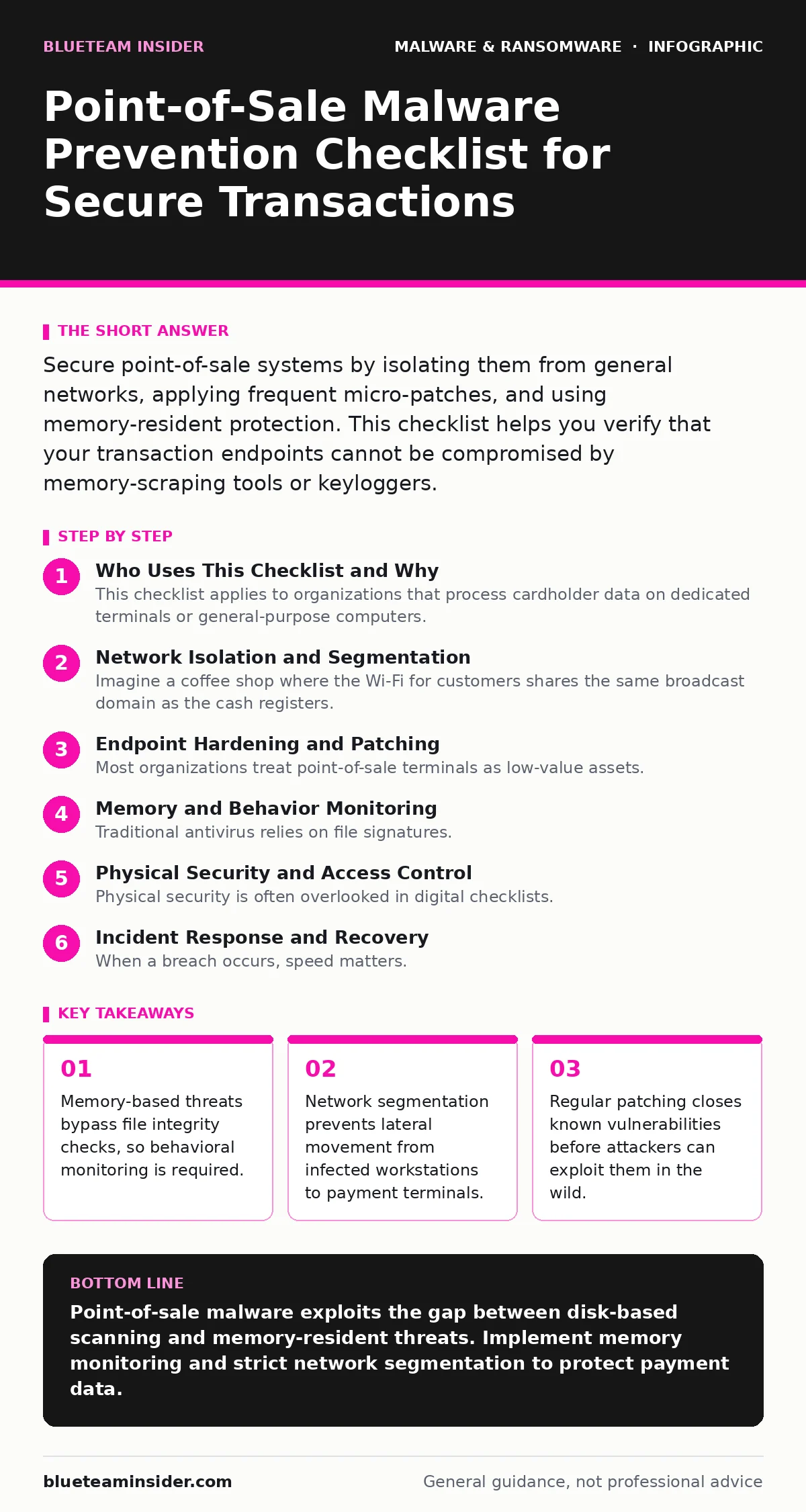
Secure point-of-sale systems by isolating them from general networks, applying frequent micro-patches, and using memory-resident protection. This checklist helps you verify that your transaction endpoints cannot be compromised by memory-scraping tools or keyloggers.
Who Uses This Checklist and Why
This checklist applies to organizations that process cardholder data on dedicated terminals or general-purpose computers. You use it to verify that your environment resists memory-residence attacks. Point-of-sale malware often resides only in the random access memory of a device. It does not write files to the hard drive. Traditional antivirus software scans files on disk. If the malicious code never touches the disk, the scanner sees nothing. This gap allows attackers to steal payment data without leaving forensic traces.
Network Isolation and Segmentation
- Segment payment networks from guest Wi-Fi: This prevents attackers on public networks from scanning for vulnerable terminals.
- Disable unused ports on switches: Physical access to a network jack can bypass wireless security controls entirely.
- Implement VLANs for transaction devices: Virtual local area networks keep payment traffic separate from email and web browsing.
- Monitor inter-VLAN traffic: Unusual data flows between segments often indicate a breach has occurred.
- Disable Bluetooth on terminals: Wireless peripherals can be spoofed to intercept data or install malicious drivers.
Imagine a coffee shop where the Wi-Fi for customers shares the same broadcast domain as the cash registers. A malicious actor on the customer network can send packets directly to the register. Without segmentation, the register responds to these probes. This exposure allows an attacker to identify the operating system version. They can then select a specific exploit that targets that version. Segmentation stops this initial reconnaissance phase.
Endpoint Hardening and Patching
- Apply security patches within 48 hours: Delayed updates leave known vulnerabilities open for exploitation.
- Disable removable media on terminals: USB drives are a common vector for introducing malware into isolated networks.
- Remove admin rights from terminal users: Standard user accounts prevent malware from installing itself or changing system settings.
- Verify file integrity daily: Hashing critical system files detects unauthorized changes even if the malware is memory-only.
- Disable script execution where possible: PowerShell and batch scripts can be abused to execute commands without user interaction.
Most organizations treat point-of-sale terminals as low-value assets. They receive fewer security updates than corporate laptops. This assumption is dangerous. Attackers target these devices because they hold the highest-value data. A delayed patch might seem minor, but it creates a window of opportunity. Attackers scan for unpatched systems continuously. If your terminal runs an outdated version, it becomes an easy target.
Memory and Behavior Monitoring
- Deploy memory-scanning agents: These tools inspect the RAM for known malicious signatures or suspicious behavior.
- Monitor for keylogging activity: Sudden spikes in CPU usage during idle periods may indicate a keylogger is active.
- Use application whitelisting: Only allow signed, trusted applications to run on payment terminals.
- Detect screen scraping overlays: Visual anomalies on the terminal screen can indicate a malicious overlay capturing data.
- Log all process creations: Tracking new processes helps identify when a malicious program starts executing.
Traditional antivirus relies on file signatures. Memory-resident malware defeats this approach. It lives in the volatile memory of the computer. When the computer shuts down, the malware disappears. This makes it hard to find. Behavioral monitoring looks for actions rather than files. It flags processes that try to read clipboard data or hook into keyboard drivers. This method catches polymorphic malware that changes its code to avoid detection.
Physical Security and Access Control
- Lock terminals in secure cabinets: Physical access allows an attacker to plug in a hardware keylogger or boot from a USB drive.
- Use tamper-evident seals on devices: Broken seals indicate that someone has physically accessed the device.
- Restrict physical access to payment areas: Only authorized staff should be able to interact with the hardware.
- Secure backup media offsite: Storing backups on-site makes them vulnerable to theft or destruction during a ransomware attack.
- Train staff to report anomalies: Employees are the first line of defense against social engineering and physical tampering.
Physical security is often overlooked in digital checklists. An attacker with physical access to a terminal can bypass many software controls. They can install a hardware keylogger that sits between the keyboard and the computer. This device records every keystroke. It does not rely on software vulnerabilities. It works at the hardware level. Locking terminals prevents this type of attack. It also prevents unauthorized personnel from accessing the device.
See also: Microsoft Exchange Vulnerabilities: 6 Myths That Put Your Data at Risk · Island Hopping Attacks: How Attackers Move Laterally Without Detection
Incident Response and Recovery
- Define a recovery point objective: This metric determines how much data loss is acceptable during a breach.
- Test backup restoration quarterly: Unverified backups may be corrupted or incomplete when you need them most.
- Maintain offline contact lists: Ransomware may encrypt your email and messaging tools, cutting off communication.
- Document the ransomware attack chain: Understanding how the breach occurred helps prevent future incidents.
- Practice incident response drills: Simulation prepares your team to act quickly under pressure.
When a breach occurs, speed matters. A clear recovery point objective helps you decide how far back to restore systems. If you restore from a backup that was already infected, the malware returns. Testing backups ensures they are clean. Documenting the attack chain helps you understand the entry point. Was it a phishing email? A vulnerable port? This knowledge allows you to close the gap.
Related Security Considerations
Understanding the broader threat environment helps you prioritize your defenses. Malware in pirated software often contains hidden payloads that target specific industries. Computer worms can spread rapidly across networks if segmentation is weak. Ransomware decryption tools are rarely available and often fail to recover data. Polymorphic malware changes its code to evade detection, making behavioral analysis critical. Android malware is increasingly targeting mobile point-of-sale devices, requiring mobile-specific security controls.
By addressing these related topics, you build a layered defense. No single control stops all attacks. Combining network segmentation, endpoint hardening, and memory monitoring creates a robust security posture. Regular testing and updating ensure that your defenses remain effective against evolving threats.
Key takeaways
- Memory-based threats bypass file integrity checks, so behavioral monitoring is required.
- Network segmentation prevents lateral movement from infected workstations to payment terminals.
- Regular patching closes known vulnerabilities before attackers can exploit them in the wild.
Point-of-sale malware exploits the gap between disk-based scanning and memory-resident threats. Implement memory monitoring and strict network segmentation to protect payment data.
Frequently asked questions
Can point-of-sale malware infect my personal computer?
Point-of-sale malware typically targets specific payment terminals. However, if your personal computer is on the same network, it could be used as a pivot point to reach the terminals.
How do I know if my terminal has been compromised?
Look for unusual network traffic, unexpected process executions, or changes in system files. Memory-scanning tools can detect active malware that file scanners miss.
Is antivirus software enough to stop point-of-sale malware?
Traditional antivirus is insufficient because it scans files on disk. Memory-resident malware avoids disk storage. You need behavioral monitoring and memory scanning for adequate protection.
What should I do if I suspect a breach?
Isolate the affected terminals from the network immediately. Do not shut them down, as this destroys memory evidence. Contact your incident response team and preserve logs.
How this guide was produced: written by the BlueTeam Insider editorial team with AI assistance, checked against the public references listed below, and reviewed when the facts change. See our editorial policy or report an error.