Banking Trojans Prevention Checklist for Secure Transactions
Banking trojans steal credentials by recording your keystrokes and manipulating what you see on the screen during online transactions.
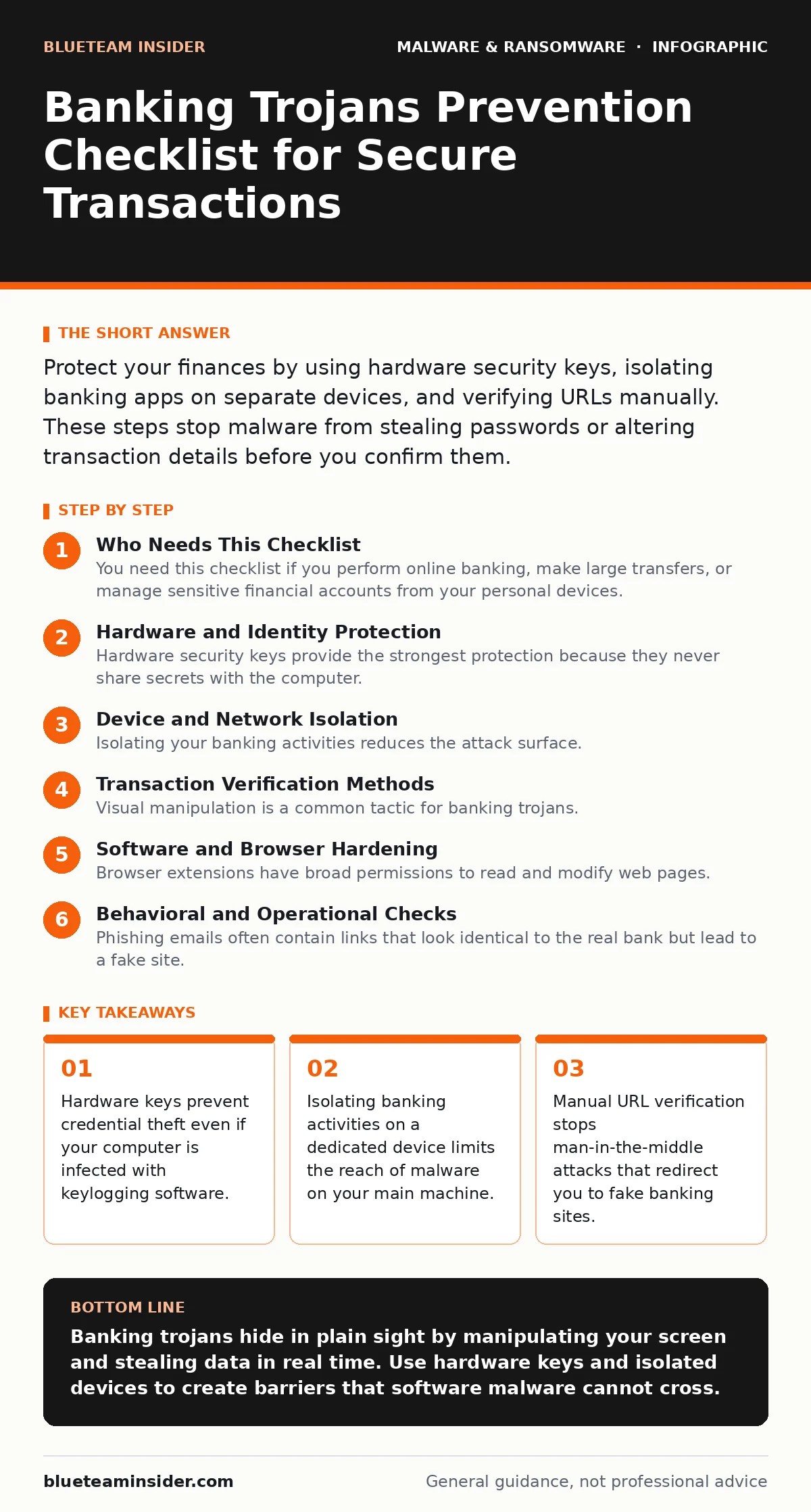
Protect your finances by using hardware security keys, isolating banking apps on separate devices, and verifying URLs manually. These steps stop malware from stealing passwords or altering transaction details before you confirm them.
Who Needs This Checklist
You need this checklist if you perform online banking, make large transfers, or manage sensitive financial accounts from your personal devices. Banking trojans are malicious programs designed to steal financial data by intercepting communications between your browser and the bank. They do not just steal passwords. They can change the recipient account number on the screen while you watch, making you authorize a transfer to a criminal instead of your intended recipient. Use this list to audit your current setup and close common gaps in your defense.
Hardware and Identity Protection
- Use a hardware security key: This device generates cryptographic proofs for login, meaning the trojan cannot steal a password that does not exist.
- Enable multi-factor authentication: Requiring a second form of verification stops attackers who have only captured your username and password.
- Avoid SMS-based verification: Banking trojans can intercept SMS messages through SIM swapping or malware on the phone itself.
- Use an authenticator app: Generating codes locally on your device prevents remote interception of one-time passwords sent over cellular networks.
Hardware security keys provide the strongest protection because they never share secrets with the computer. If your machine is infected with a banking trojan, the malware cannot extract the private key from the hardware device. This creates a physical barrier that software alone cannot cross. SMS verification fails when the trojan compromises the mobile operating system or when criminals trick the carrier into porting your number. An authenticator app keeps the code generation process offline and local.
Device and Network Isolation
- Use a dedicated device for banking: Keeping financial apps on a separate tablet or phone limits exposure to malware on your main computer.
- Disable Java and ActiveX: Banking trojans often exploit vulnerabilities in these outdated plugins to execute code on your system.
- Use a separate browser profile: Isolating banking cookies and cache prevents cross-site scripting attacks from other sites you visit.
- Verify DNS settings manually: Ensure your network is not using compromised DNS servers that redirect traffic to fake banking sites.
Isolating your banking activities reduces the attack surface. If your main computer contracts a virus while browsing social media, the malware cannot reach your banking credentials if they reside on a separate, clean device. Disabling Java and ActiveX removes common entry points for exploits. Many banking trojans rely on these legacy technologies to inject malicious scripts into your browser. Using a separate browser profile ensures that tracking cookies or malicious scripts from news sites do not interfere with your banking session.
Transaction Verification Methods
- Check recipient names manually: Banking trojans can alter the display name on the screen, so verify the account number character by character.
- Use mobile app confirmation: Many banks require a separate confirmation on your phone, which adds a layer of verification outside the compromised browser.
- Avoid saving payment details: Storing card numbers and addresses in your browser gives trojans direct access to your payment information.
- Monitor for unexpected fees: Regularly review transaction history for small, unauthorized charges that indicate a compromised account.
Visual manipulation is a common tactic for banking trojans. The malware can change the destination account number on your screen to match a criminal's account while you believe you are sending money to a friend. By checking the account number directly against a known good source, such as a statement or a previous transaction, you bypass the visual trickery. Mobile app confirmation works because the trojan on your computer cannot easily access the secure environment of your banking app on your phone.
Software and Browser Hardening
- Update browser extensions regularly: Malicious or outdated extensions can act as banking trojans, capturing data from every page you visit.
- Disable script execution for banking sites: Using browser settings to block scripts on banking domains prevents trojans from injecting malicious code.
- Use a password manager: Storing credentials in an encrypted vault prevents keyloggers from capturing your login details as you type them.
- Keep operating system patches current: Unpatched vulnerabilities allow trojans to gain deeper access to your system files and network traffic.
Browser extensions have broad permissions to read and modify web pages. A compromised extension can function as a banking trojan, capturing your inputs without needing to install separate malware. Disabling script execution on banking sites limits the ability of trojans to run malicious code during your session. Password managers autofill credentials, bypassing the need to type them. This stops keyloggers, which are programs that record every keystroke, from capturing your password.
See also: Attack Surface Reduction Rules: 6 Misunderstandings Blocking Security
Behavioral and Operational Checks
- Verify URLs manually: Type the bank's address directly into the browser bar instead of clicking links in emails or messages.
- Check for HTTPS and valid certificates: Ensure the site uses encryption and that the certificate matches the bank's domain name.
- Log out after every session: Leaving sessions open allows trojans to hijack active cookies and take over your account later.
- Use unique passwords for each site: Preventing credential stuffing attacks ensures that a breach on one site does not compromise your banking account.
Phishing emails often contain links that look identical to the real bank but lead to a fake site. Typing the address manually ensures you reach the correct server. Checking for valid HTTPS certificates confirms that the connection is encrypted and that the site is who it claims to be. Logging out destroys the session cookie, which trojans often steal to bypass login screens entirely. Unique passwords ensure that if one site is breached, your banking credentials remain secure.
Key takeaways
- Hardware keys prevent credential theft even if your computer is infected with keylogging software.
- Isolating banking activities on a dedicated device limits the reach of malware on your main machine.
- Manual URL verification stops man-in-the-middle attacks that redirect you to fake banking sites.
Banking trojans hide in plain sight by manipulating your screen and stealing data in real time. Use hardware keys and isolated devices to create barriers that software malware cannot cross.
Frequently asked questions
Can a banking trojan steal money directly from my account?
Banking trojans typically steal credentials or manipulate transactions. They usually require you to authorize the transfer, making them dependent on your actions.
Is mobile banking safer than desktop banking?
Mobile banking is generally safer because mobile operating systems sandbox apps more strictly. However, Android malware can still target banking apps if you install unverified software.
Do password managers protect against all banking trojans?
Password managers protect against keyloggers and credential theft. They do not stop trojans that manipulate the screen or intercept session cookies after you have logged in.
How do I know if my computer has a banking trojan?
Look for unexpected changes in transaction recipients, unexplained browser extensions, or high CPU usage. These signs often indicate hidden malware activity.
How this guide was produced: written by the BlueTeam Insider editorial team with AI assistance, checked against the public references listed below, and reviewed when the facts change. See our editorial policy or report an error.