Phishing Defenses: Answers to 10 Critical Questions
Attackers exploit human psychology and protocol gaps more often than they exploit software bugs, making behavioral defense your strongest layer.
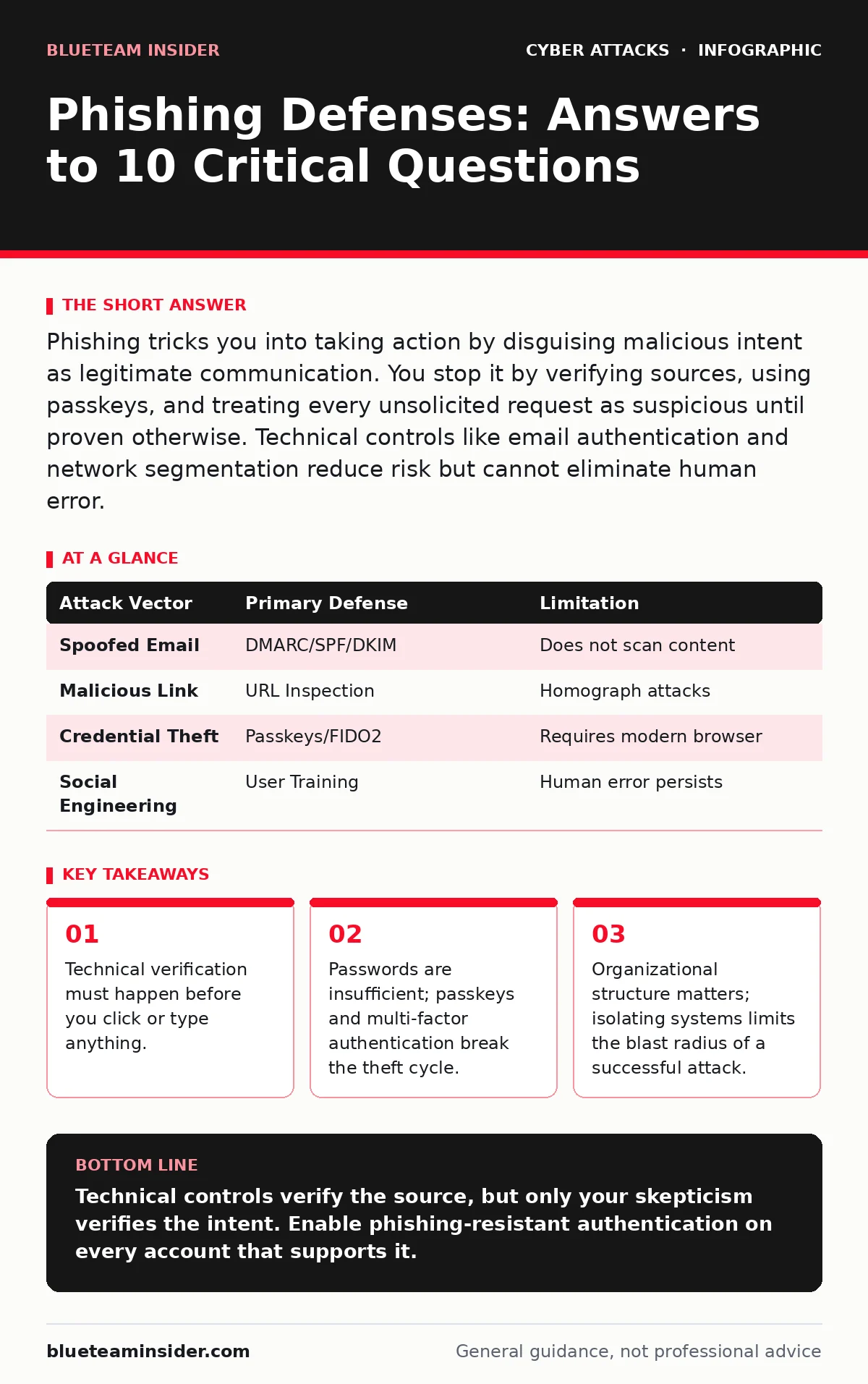
Phishing tricks you into taking action by disguising malicious intent as legitimate communication. You stop it by verifying sources, using passkeys, and treating every unsolicited request as suspicious until proven otherwise. Technical controls like email authentication and network segmentation reduce risk but cannot eliminate human error.
Does email authentication actually stop phishing?
Email authentication protocols like SPF, DKIM, and DMARC verify that an email truly originates from the domain it claims to represent. They do not check if the content is malicious, only if the sender is authorized. This prevents attackers from easily spoofing corporate addresses, which is covered in depth in our guide on email authentication. Without these protocols, your email client has no way to distinguish a forged message from a legitimate one.
Can a phishing link be safe if the URL looks correct?
A URL can look correct while pointing to a completely different destination due to typosquatting or homograph attacks. Attackers register domains that differ by only one character from a trusted brand, such as replacing a letter with a visually similar number. Your browser may display the correct name in the address bar if the attacker uses advanced techniques, but the underlying IP address will be wrong. Always hover over the link before clicking to see the true destination in your browser’s status bar.
Why did my multi-factor authentication fail to protect me?
Standard SMS-based or app-based multi-factor authentication can be bypassed if the attacker intercepts the session cookie after you log in. This is known as session hijacking, where the attacker steals the digital ticket that proves you are already logged in. The second factor was verified, but the attacker no longer needs to verify identity because they possess your active session. Switching to phishing-resistant methods like FIDO2 passkeys prevents this because the cryptographic proof cannot be transferred or replayed by an attacker.
Is clicking a link the only way to get infected?
No, some emails contain attachments or embedded content that executes code automatically when the email is opened or previewed. This is often referred to as a drive-by download, a topic we explore in our separate guide on drive-by downloads. Modern email clients sandbox these previews, but older clients or those with certain plugins active may execute the code. If you receive an unexpected attachment, do not open it even in a preview pane; download and scan it on an isolated machine if necessary.
How do attackers trick people who know better?
Attackers use psychological manipulation techniques called social engineering to create urgency or fear. They bypass technical skepticism by appealing to emotions, such as claiming your account is locked or a payment is overdue. This psychological pressure causes you to skip standard verification steps because you want to resolve the perceived crisis quickly. Our guide on phishing simulations explains how organizations test and train employees to recognize these emotional triggers before real attackers exploit them.
See also: 7 Mistakes That Allow Domain Spoofing and How to Fix Them
What is the difference between phishing and spear phishing?
Phishing is a broad, untargeted attack sent to thousands of people with the hope that a few will fall for it. Spear phishing is highly targeted, using specific information about you to make the message appear credible and personal. The attacker may use your name, job title, or recent activities to build trust, making the deception much harder to detect. This level of reconnaissance often relies on data gathered through shoulder surfing or public social media profiles.
Can network segmentation stop a successful phishing attack?
Network segmentation divides your IT infrastructure into smaller, isolated zones to limit lateral movement. If you click a malicious link and malware infects your workstation, segmentation prevents that malware from easily accessing critical servers or other users' devices. It does not stop the initial infection, but it drastically reduces the damage. Read more about this architectural control in our guide on network segmentation.
Do login alerts help prevent account takeover?
Login alerts notify you when a new device or location accesses your account, providing a chance to react before damage occurs. However, they are reactive rather than preventive, meaning the attacker has already gained access by the time you see the alert. They are most effective when combined with immediate password resets and session termination features. Check our guide on login alerts for best practices on configuring these notifications to avoid alert fatigue.
How do you verify a sender is who they claim to be?
You must use an out-of-band verification method, meaning you contact the sender through a different channel than the one used in the suspicious message. If an email claims to be from your bank, call the number on the back of your card, not the number in the email. This breaks the attacker’s control over the communication channel and confirms the legitimacy of the request.
| Attack Vector | Primary Defense | Limitation |
|---|---|---|
| Spoofed Email | DMARC/SPF/DKIM | Does not scan content |
| Malicious Link | URL Inspection | Homograph attacks |
| Credential Theft | Passkeys/FIDO2 | Requires modern browser |
| Social Engineering | User Training | Human error persists |
Why are passwords alone insufficient against phishing?
Passwords are static secrets that can be stolen, guessed, or sprayed across multiple accounts. If an attacker obtains your password through phishing, they can attempt to use it on other services where you may have reused it. This technique, known as password spraying, uses common passwords against many accounts to avoid lockout mechanisms. Multi-factor authentication adds a dynamic element that is unique to each login attempt, rendering stolen passwords useless for most attacks.
Key takeaways
- Technical verification must happen before you click or type anything.
- Passwords are insufficient; passkeys and multi-factor authentication break the theft cycle.
- Organizational structure matters; isolating systems limits the blast radius of a successful attack.
Technical controls verify the source, but only your skepticism verifies the intent. Enable phishing-resistant authentication on every account that supports it.
Frequently asked questions
Can a phishing email contain a virus?
Yes, phishing emails often carry malware in attachments or links. The email itself is the delivery mechanism, while the virus is the payload that runs on your computer once you interact with the content.
How can I tell if a website is fake?
Look for inconsistencies in the URL, missing security certificates, or poor grammar. However, sophisticated clones are visually identical, so always verify the domain name character by character against the official site you know.
Should I delete suspicious emails immediately?
Deleting them removes the evidence, which can be useful for reporting. Instead, mark them as spam or phishing in your email client. This helps the spam filter learn and protects others in your organization from the same attack.
Is it possible to unsend a phishing email I accidentally clicked?
You cannot unsend the email, but you can disconnect your device from the network to prevent malware from spreading. Change your passwords from a different, clean device and run a full antivirus scan to remove any installed threats.
How this guide was produced: written by the BlueTeam Insider editorial team with AI assistance, checked against the public references listed below, and reviewed when the facts change. See our editorial policy or report an error.