Phishing Simulations: Real Training Value vs. Hidden Blind Spots
Simulated attacks build muscle memory for email threats but fail to prepare staff for sophisticated social engineering that bypasses visual cues entirely.

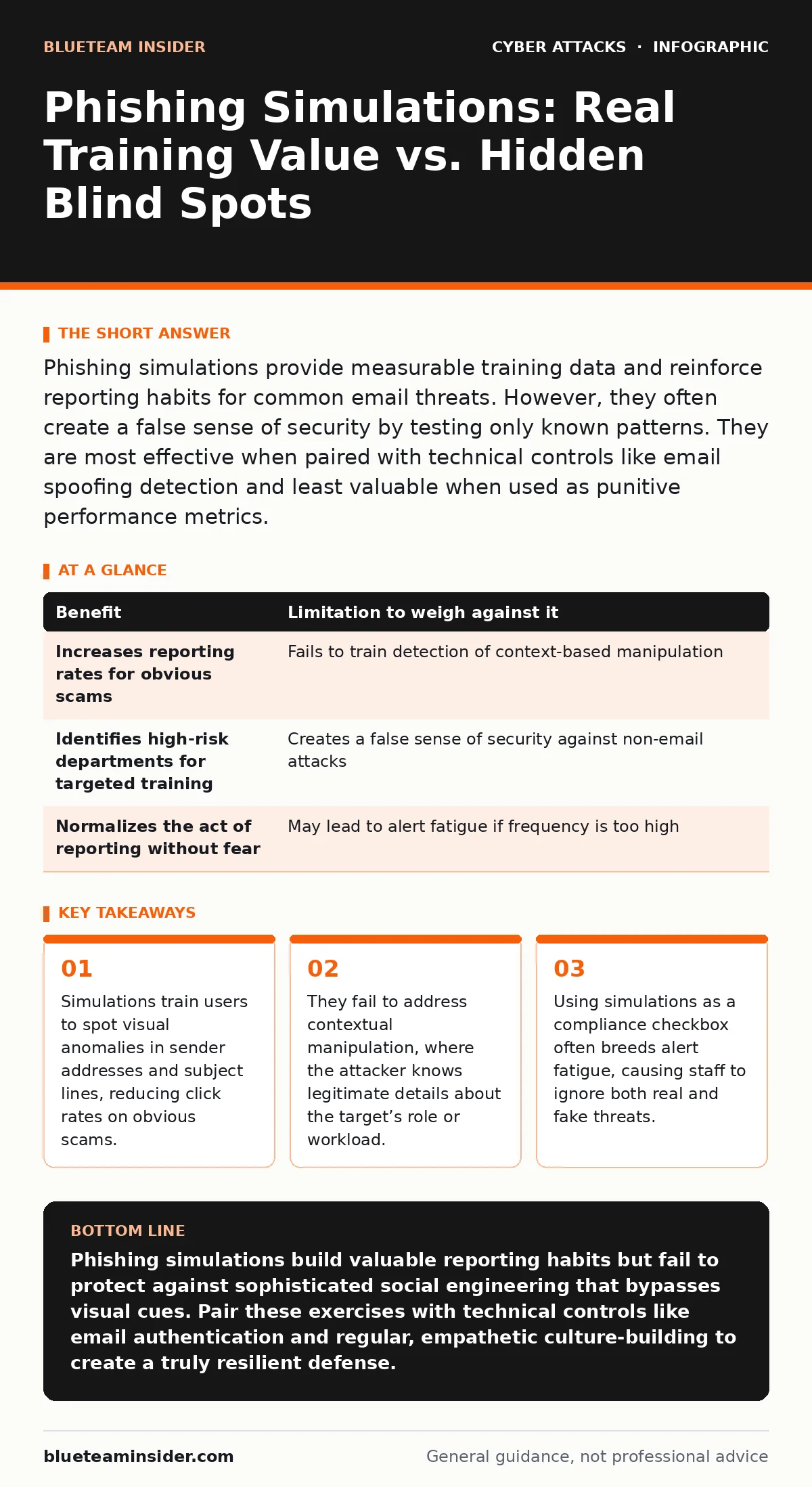
Phishing simulations provide measurable training data and reinforce reporting habits for common email threats. However, they often create a false sense of security by testing only known patterns. They are most effective when paired with technical controls like email spoofing detection and least valuable when used as punitive performance metrics.
The Mechanics of Muscle Memory
Phishing simulations work by sending fake malicious emails to your workforce. The goal is to create a repeated, low-stakes exposure that builds automatic recognition of threat indicators. When you see a mismatched sender address or an urgent request for credentials, you report it before thinking. This repetition turns conscious analysis into instinct.
The primary benefit is the normalization of reporting. In many organizations, employees fear punishment for clicking a link. Simulations remove that fear by making the consequence educational rather than disciplinary. Over time, the ratio of reported incidents to successful breaches shifts in your favor. You gain visibility into which departments struggle with specific attack vectors.
However, this training relies on pattern recognition. It teaches you to look for red flags in the email header, the URL structure, or the attachment type. It does not teach you to question the context of the request. If the email looks technically legitimate, the simulation often fails to trigger suspicion. This creates a blind spot for advanced threats that prioritize social engineering over technical flaws.
The Limits of Visual Cues
Most simulations mimic the appearance of real phishing emails. They use slight variations in domain names or urgent language to provoke a reaction. While effective for teaching users to check sender details, this approach has a hard ceiling. It cannot train you to detect man-in-the-middle attacks where the attacker intercepts legitimate traffic, nor can it simulate drive-by downloads that exploit browser vulnerabilities without user interaction.
The limitation becomes apparent when attackers move beyond email. If your training only covers inbox threats, your staff may remain vulnerable to phone-based social engineering or fake support tickets. The human factor in security extends far beyond the email client. By narrowing the scope, you inadvertently signal that other channels are safe.
Furthermore, simulations often rely on static templates. Attackers adapt quickly, using AI to generate personalized content that matches your company’s internal tone. If your simulations never evolve to include highly personalized content, your training becomes obsolete. You are preparing for the phishing tactics of yesterday, not the ones of tomorrow.
| Benefit | Limitation to weigh against it |
|---|---|
| Increases reporting rates for obvious scams | Fails to train detection of context-based manipulation |
| Identifies high-risk departments for targeted training | Creates a false sense of security against non-email attacks |
| Normalizes the act of reporting without fear | May lead to alert fatigue if frequency is too high |
When It Is Worth It
Simulations are a valuable investment when used as part of a layered defense. They are most effective in large organizations where technical controls alone cannot catch every mistake. In these environments, the sheer volume of email makes human verification necessary. Simulations help filter out the noise by training staff to spot the most common, low-effort attacks.
They are also worth it when tied to immediate, constructive feedback. If a user fails a simulation, they should receive a specific explanation of what they missed. This turns a failure into a micro-learning moment. The goal is to improve judgment, not to punish error. When combined with technical measures like network segmentation, simulations reduce the blast radius of any successful breach.
Additionally, simulations provide data. They show you which types of emails get the most clicks. This intelligence allows you to tailor your security awareness programs. Instead of generic advice, you can address the specific weaknesses your team exhibits. This targeted approach is more efficient than broad, unmeasured training initiatives.
When It Is Not Worth It
Simulations become counterproductive when they are used as a compliance exercise. If the goal is simply to meet a regulatory requirement, the quality of training suffers. Users learn to game the system by looking for obvious mistakes rather than developing genuine skepticism. This superficial compliance gives management a false metric of security health.
They are also not worth it if the organization lacks a robust reporting workflow. If users do not know how to report a suspicious email, or if the IT team does not act on reports, the simulation reinforces helplessness. You cannot train a behavior that the organization does not support. Ensure your incident response plan includes clear steps for user-reported threats.
Finally, avoid simulations if they are used to shame employees. Publicizing who clicked on a fake email destroys trust. Security is a team effort, not a competitive sport. When fear drives the program, users will hide their mistakes. This secrecy prevents the organization from learning from its errors and increases the risk of a real breach going unreported.
Beyond the Email Inbox
To address the limitations of email-only training, expand your awareness program. Include scenarios that involve phone calls, instant messages, and physical security. Attackers use every channel available. If your staff only expects threats in their inbox, they will be caught off guard by a fake IT support call.
Integrate technical controls that reduce reliance on user vigilance. Implement email spoofing detection protocols like DMARC to prevent attackers from impersonating your domain. Use login alerts to notify users of unusual access attempts, adding a layer of verification that bypasses the need for perfect memory. These tools work silently in the background, catching threats that training might miss.
Consider the impact of password spraying attacks. These attempts guess common passwords across many accounts. While not a phishing technique, they highlight that credential theft often happens without user interaction. Training should cover the importance of unique passwords and multi-factor authentication, reinforcing that email is just one vector among many.
Building a Resilient Culture
The ultimate goal of security training is resilience, not perfection. Users will make mistakes. The objective is to minimize the impact of those mistakes through rapid detection and response. Simulations are a tool to accelerate this learning curve, but they are not a cure-all.
Balance your training with empathy. Acknowledge that cognitive biases affect everyone. Attackers exploit urgency, authority, and curiosity. These are natural human responses, not character flaws. By framing security as a shared responsibility, you encourage open communication. Staff will speak up when something feels wrong, even if they cannot explain why.
Regularly review your simulation content. Ensure it reflects current trends and sophisticated tactics. If your simulations always look the same, your staff will learn to ignore them. Variety keeps the training relevant and challenging. This ongoing adaptation ensures that your workforce remains alert to evolving threats.
Key takeaways
- Simulations train users to spot visual anomalies in sender addresses and subject lines, reducing click rates on obvious scams.
- They fail to address contextual manipulation, where the attacker knows legitimate details about the target’s role or workload.
- Using simulations as a compliance checkbox often breeds alert fatigue, causing staff to ignore both real and fake threats.
Phishing simulations build valuable reporting habits but fail to protect against sophisticated social engineering that bypasses visual cues. Pair these exercises with technical controls like email authentication and regular, empathetic culture-building to create a truly resilient defense.
Frequently asked questions
How often should we run phishing simulations?
Run them frequently enough to maintain awareness but not so often that they cause fatigue. A quarterly cadence with varied scenarios is often sufficient for most organizations.
Should we tell employees when a simulation is coming?
No. Announcing a simulation destroys its educational value. The element of surprise is necessary to test genuine instinct and preparedness.
What if a user clicks on a real phishing link?
Treat it as a learning opportunity, not a failure. Investigate the incident, provide specific feedback, and ensure technical controls are in place to contain the threat.
Can simulations replace technical security controls?
No. Simulations train human behavior, but they cannot stop automated attacks or exploit kits. They must be combined with technical defenses for effective protection.
How this guide was produced: written by the BlueTeam Insider editorial team with AI assistance, checked against the public references listed below, and reviewed when the facts change. See our editorial policy or report an error.