Why Human Behavior Dictates Your Security Posture
Technical controls fail when they ignore the cognitive shortcuts people use to complete daily tasks quickly and with minimal friction.
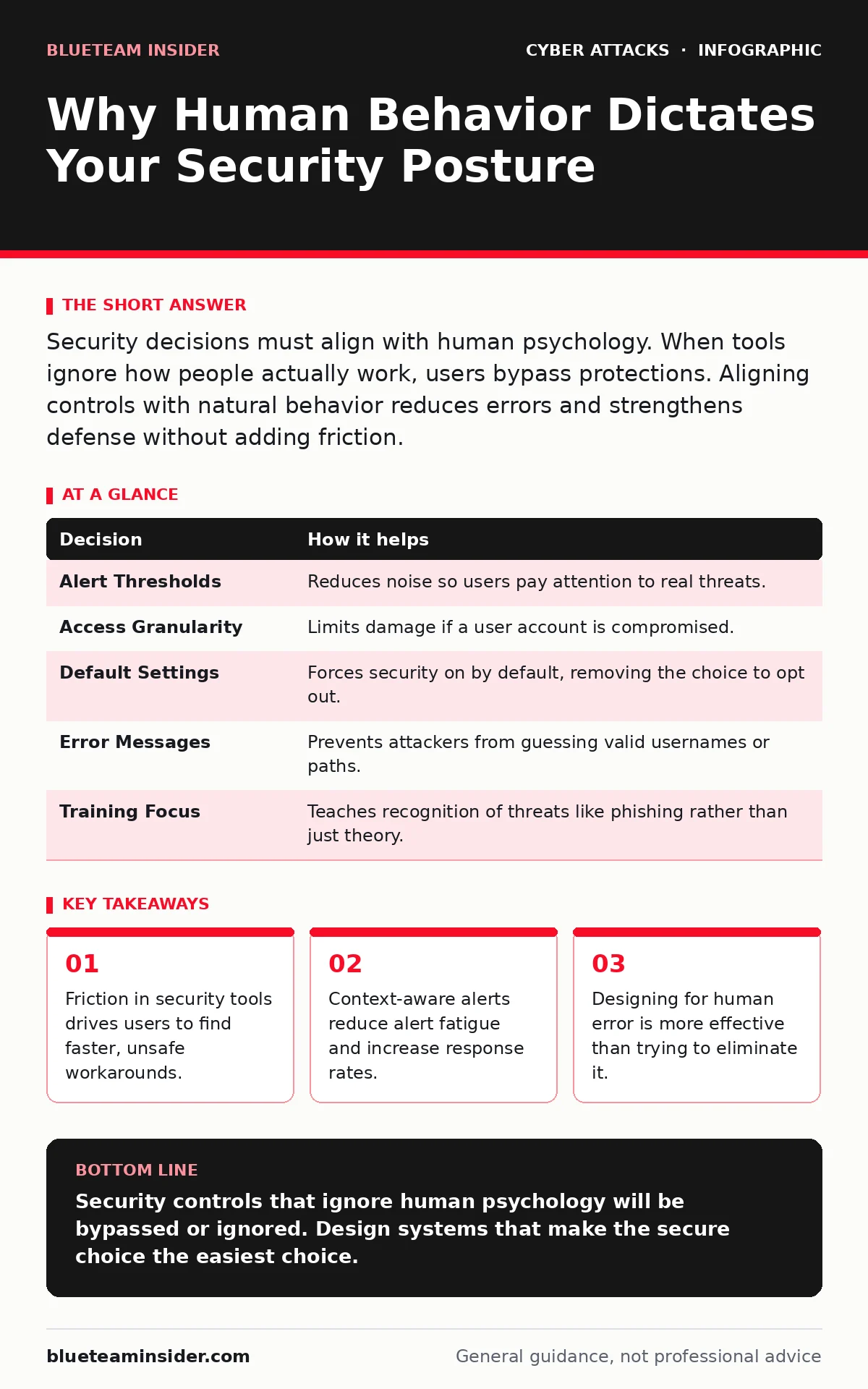
Security decisions must align with human psychology. When tools ignore how people actually work, users bypass protections. Aligning controls with natural behavior reduces errors and strengthens defense without adding friction.
The Psychology of the Click
You cannot secure a system if you ignore the person operating it. Most security failures do not stem from malicious intent. They stem from a desire to finish a task quickly. When a security control adds friction, the user’s brain seeks the path of least resistance. This is not a moral failing. It is a biological imperative.
Consider the mechanism of habituation. This is the process by which humans stop noticing a stimulus after repeated exposure. If a system sends an alert for every minor anomaly, the user’s brain learns to ignore the notification sound. The next time a genuine threat triggers that same sound, it is missed. The control exists, but the human factor has neutralized it.
Friction Versus Flow
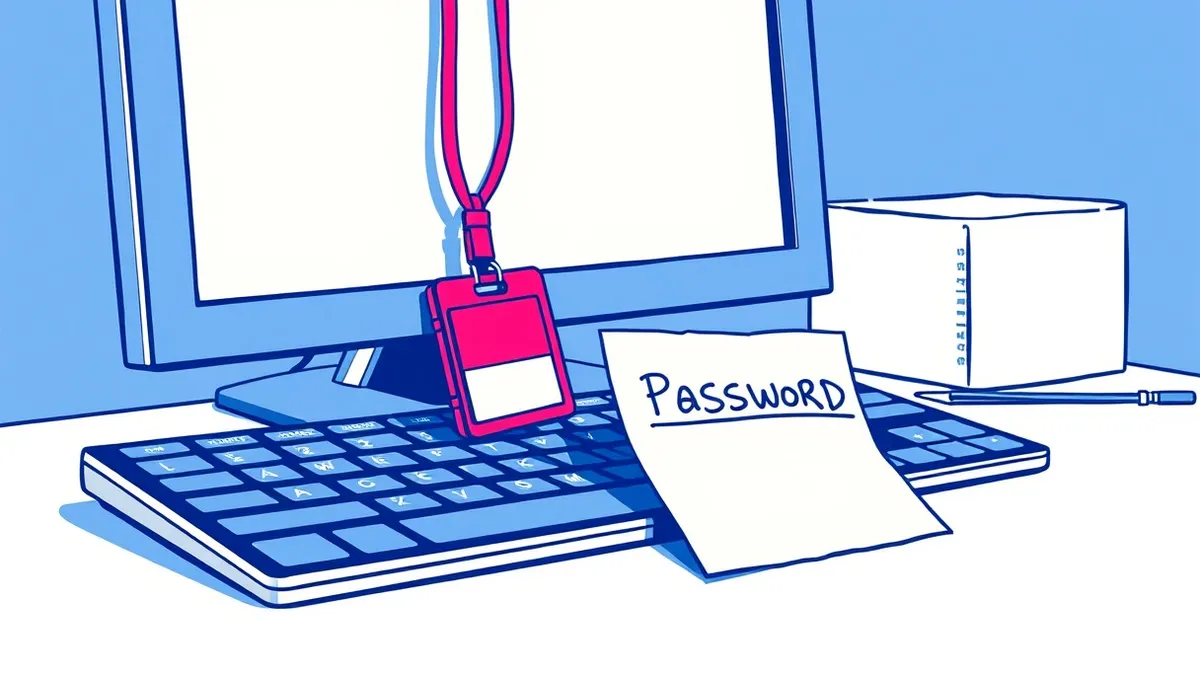
Every security measure introduces friction. This is the resistance a user feels when a tool interrupts their workflow. A password manager requires a step before logging in. Two-factor authentication adds a delay. If the friction is too high, the user will seek to remove it. They might save passwords in a text file. They might turn off security software.
You must balance protection with usability. High friction does not equal high security. It often equals high risk because it encourages bypassing. The goal is to make the secure path the easiest path. If the safe action requires more clicks than the unsafe one, the unsafe one will win.
Contrast in Execution
Imagine two teams facing the same pressure to meet a tight deadline. Team A uses a system that requires complex, multi-step approvals for every file share. Team B uses a system that automatically encrypts files and logs access, requiring no extra steps for the user.
Team A’s members feel the deadline pressure. They look for shortcuts. They might share credentials via chat to skip the approval queue. They might use an unapproved cloud service that is faster. Team B’s members simply do their work. The security happens in the background. The outcome is the same for the business, but Team A has created multiple new vulnerabilities. Team B has maintained its security posture without slowing down.
Decisions Informed by Behavior
Your technical decisions must be grounded in how humans actually behave. You cannot design a firewall rule set in a vacuum. You must consider who will interact with the systems behind it.
| Decision | How it helps |
|---|---|
| Alert Thresholds | Reduces noise so users pay attention to real threats. |
| Access Granularity | Limits damage if a user account is compromised. |
| Default Settings | Forces security on by default, removing the choice to opt out. |
| Error Messages | Prevents attackers from guessing valid usernames or paths. |
| Training Focus | Teaches recognition of threats like phishing rather than just theory. |
What Goes Wrong Without It
When teams ignore the human factor, they build castles with open gates. They install sophisticated monitoring tools that generate thousands of false positives. The security team becomes overwhelmed. They stop investigating alerts because they cannot keep up.
This leads to alert fatigue. The security operations center (SOC) analysts begin to trust their gut over the data. They miss subtle indicators of compromise. Meanwhile, end users are frustrated by constant interruptions. They begin to view the security team as an obstacle rather than a partner. This cultural divide makes incident response slower and less effective.
Without understanding human behavior, you also miss the value of email authentication protocols. These technical standards verify sender identity. If users do not understand why an email might look legitimate but fail authentication, they may still click through. Technical controls need human awareness to be fully effective.
How Teams Use It
Effective teams integrate human factors into their design phase. They do not add security at the end. They ask how a tired, stressed employee will interact with the system. They use phishing simulations not to punish users, but to identify where training is lacking.
Teams also leverage login alerts wisely. Instead of alerting on every login, they alert on impossible travel or unusual device types. This respects the user’s time while catching anomalies. They understand that shoulder surfing is a risk in open offices and adjust their physical security accordingly.
They also recognize that drive-by downloads exploit browser vulnerabilities. By keeping browsers updated, they remove the attack surface. But they also train users to recognize suspicious browser prompts. This dual approach covers both the technical flaw and the human interaction.
Designing for Error
You must assume that mistakes will happen. The question is how the system responds. A good system contains the error. If a user accidentally deletes a critical file, the system should have a backup. If a user clicks a bad link, network segmentation should prevent the malware from spreading to other parts of the infrastructure.
This is not about blaming the user. It is about building resilience. When you design for error, you reduce the impact of the human factor. You create a safety net that catches slips before they become disasters. This approach builds trust. Users feel safe to report mistakes, which allows the team to fix underlying issues.
The Long Game
Security is not a one-time project. It is a continuous adaptation. As technology changes, human behavior changes. New tools introduce new friction points. New threats exploit new psychological triggers. You must continuously evaluate the balance between security and usability.
Monitor how users interact with your controls. Are they bypassing them? Are they ignoring alerts? If so, the control is failing. Adjust the threshold. Simplify the process. Make the right choice the easy choice. By respecting the human factor, you build a security culture that is sustainable and effective.
Key takeaways
- Friction in security tools drives users to find faster, unsafe workarounds.
- Context-aware alerts reduce alert fatigue and increase response rates.
- Designing for human error is more effective than trying to eliminate it.
Security controls that ignore human psychology will be bypassed or ignored. Design systems that make the secure choice the easiest choice.
Frequently asked questions
How do I know if my security tools are too frustrating for users?
Look for high rates of bypass attempts, frequent support tickets about security blocks, or slow adoption of new tools.
How often should I review security friction?
Review friction whenever you deploy new tools or notice a drop in user compliance or an increase in help desk requests.
How this guide was produced: written by the BlueTeam Insider editorial team with AI assistance, checked against the public references listed below, and reviewed when the facts change. See our editorial policy or report an error.