Incident Response Plan for Ransomware Attack: Stop the Spread
A ransomware incident response plan focuses on isolation and restoration, not negotiation, to ensure business continuity without paying criminals.

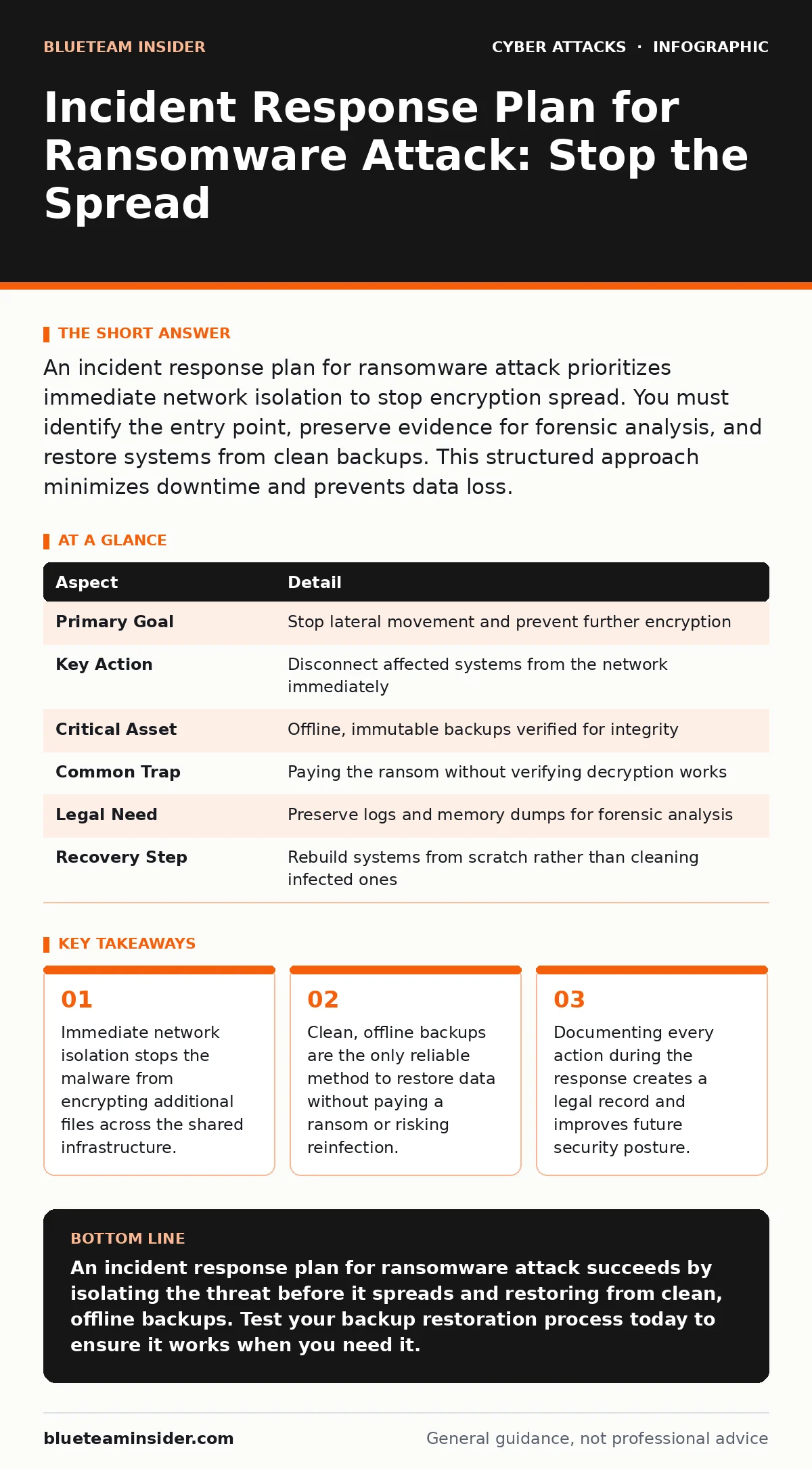
An incident response plan for ransomware attack prioritizes immediate network isolation to stop encryption spread. You must identify the entry point, preserve evidence for forensic analysis, and restore systems from clean backups. This structured approach minimizes downtime and prevents data loss.
The Broken Firewall Analogy
Imagine a fire breaks out in one room of your house. You do not open every window to "ventilate" the smoke. You close the interior doors to contain the heat and flames. You call the fire department. You wait for the all-clear before re-entering. An incident response plan for ransomware attack works on this same principle of containment. The malware is the fire. Your network segments are the rooms. Your plan is the procedure for closing doors and calling help.
Ransomware is malicious software that encrypts your files, making them unreadable. The attacker then demands payment to restore access. The goal of your response is not to decrypt files manually. The goal is to isolate the infection, assess the damage, and restore operations from known-good states. This process protects your data integrity and your operational continuity.
At a Glance
| Aspect | Detail |
|---|---|
| Primary Goal | Stop lateral movement and prevent further encryption |
| Key Action | Disconnect affected systems from the network immediately |
| Critical Asset | Offline, immutable backups verified for integrity |
| Common Trap | Paying the ransom without verifying decryption works |
| Legal Need | Preserve logs and memory dumps for forensic analysis |
| Recovery Step | Rebuild systems from scratch rather than cleaning infected ones |
How the Response Cycle Works
The response cycle follows a linear path. You cannot jump to restoration before containment. Each phase depends on the success of the previous one.
- Preparation: You define roles and tools before an attack occurs. This includes having contact lists for legal counsel and cybersecurity experts.
- Identification: You detect unusual activity. This might be a spike in CPU usage or files with strange extensions.
- Containment: You isolate the affected machine. This prevents the malware from spreading to other devices on the same network segment.
- Eradication: You remove the malware. This often means wiping the drive, not just deleting the executable file.
- Recovery: You restore data from backups. You verify that the restored data is clean before reconnecting to the network.
- Lessons Learned: You review what happened. You update your defenses to block the specific vector used.
Isolation is the most critical step. If you attempt to analyze the malware while it is connected to the network, it may trigger additional encryption or exfiltrate sensitive data. Speed matters, but accuracy matters more. A hasty disconnect that takes down the entire server room is worse than a targeted isolation of a single workstation.
Who Is Affected by the Plan
You might think this plan only affects the IT department. It affects everyone in the organization. The impact ripples outward from the initial infection point.
- Operations Staff: They lose access to critical files. Their work stops until systems are restored. Clear communication reduces panic and prevents them from taking unauthorized actions.
- Legal Team: They determine if data was stolen. Some jurisdictions require notification if personal information was compromised. The legal team guides these disclosures.
- Executive Leadership: They decide whether to engage law enforcement. They also manage public communications if the breach becomes public knowledge.
- External Partners: Vendors or clients may be impacted if their data was stored on your systems. You must have a protocol for notifying them.
Understanding these stakeholders helps you prioritize communication. You cannot fix the technical issue if the legal team is paralyzed by uncertainty. You cannot restore trust if the public is left in the dark. The plan must include communication templates for each group.
What to Do About It
You must act decisively when you suspect an attack. Hesitation allows the malware to spread. Follow these steps immediately.
- Isolate the System: Physically disconnect the device from the network. Do not shut it down if possible, as this destroys volatile memory that forensics teams need.
- Identify the Scope: Check other devices on the same network segment. Look for similar symptoms. Use network monitoring tools to see if other devices are communicating with known command-and-control servers.
- Preserve Evidence: Take screenshots of the ransom note. Save log files. Do not delete anything yet. You may need this evidence for insurance claims or law enforcement.
- Activate Backups: Verify that your backups are offline and clean. Do not restore from a backup that was connected to the network during the infection window.
- Rebuild Systems: Do not try to clean the infected operating system. Wipe the drive and reinstall the OS. Restore data from the clean backup. This ensures no hidden backdoors remain.
See also: Cloud Incident Response: 8 Practices to Contain Breaches Fast · Build and Validate SOC Playbooks for Incident Response
What People Usually Get Wrong
Many organizations make fatal errors during the initial hours. These mistakes often stem from panic or misunderstanding of how ransomware operates.
- Paying the Ransom: Paying does not guarantee you get your files back. Attackers may provide a broken decryptor. Paying also marks you as a target for future attacks. It funds further criminal activity.
- Rebooting the System: Rebooting can trigger encryption routines that were waiting in memory. It also clears the RAM, destroying critical forensic evidence. Leave the system on but disconnected.
- Ignoring the Entry Point: Restoring systems without fixing the vulnerability that allowed the attack is futile. If you do not patch the hole, the malware returns. See our guide on phishing to understand how attackers often gain initial access.
- Assuming Backups Are Safe: If your backups are connected to the network, the ransomware may have encrypted them too. Offline backups are the only safe option.
You must also consider the human element. Employees might panic and try to "fix" the issue themselves. Training helps prevent this. Read about the human factor in security to understand how behavior impacts technical defenses.
Strengthening Your Defenses
A response plan is only as good as your preparation. You need to test your plan regularly. Tabletop exercises simulate an attack without real consequences. These drills reveal gaps in your procedure.
- Test Restorations: Regularly attempt to restore data from backups. Verify that the data is usable. An untested backup is no backup at all.
- Update Contact Lists: Ensure you have current phone numbers for key personnel. In a crisis, you cannot wait to find who to call.
- Segment Your Network: Divide your network into zones. If one zone is infected, the others remain safe. This limits the blast radius.
- Monitor Login Activity: Unusual login patterns can indicate compromised credentials. Review our section on login alerts to set up proper monitoring.
Checklist for Readiness
Use this list to verify your preparedness.
- Isolate procedures are documented and accessible.
- Backup integrity is verified monthly.
- Contact list for legal and PR is current.
- Network segmentation is implemented.
- Staff training on incident recognition is completed.
- Forensic tools are licensed and ready.
Key takeaways
- Immediate network isolation stops the malware from encrypting additional files across the shared infrastructure.
- Clean, offline backups are the only reliable method to restore data without paying a ransom or risking reinfection.
- Documenting every action during the response creates a legal record and improves future security posture.
An incident response plan for ransomware attack succeeds by isolating the threat before it spreads and restoring from clean, offline backups. Test your backup restoration process today to ensure it works when you need it.
Frequently asked questions
How long does it take to recover from ransomware?
Recovery time varies based on data volume and backup quality. Small organizations might recover in days, while large enterprises may take weeks or months.
Should I pay the ransom to get my files back?
Paying is generally discouraged. It does not guarantee recovery and may violate sanctions laws. Focus on isolation and restoration instead.
Can antivirus software stop ransomware?
Antivirus helps detect known threats, but it may miss new variants. Layered security, including network segmentation and user training, is more effective.
What if my backups are also encrypted?
If backups are online and encrypted, you have no clean restore point. You must rebuild from scratch or use secondary offline copies if available.
How this guide was produced: written by the BlueTeam Insider editorial team with AI assistance, checked against the public references listed below, and reviewed when the facts change. See our editorial policy or report an error.