Build and Validate SOC Playbooks for Incident Response
Most playbooks fail because they assume perfect data; you must design for missing context and automate the noise filtering to save analyst time.

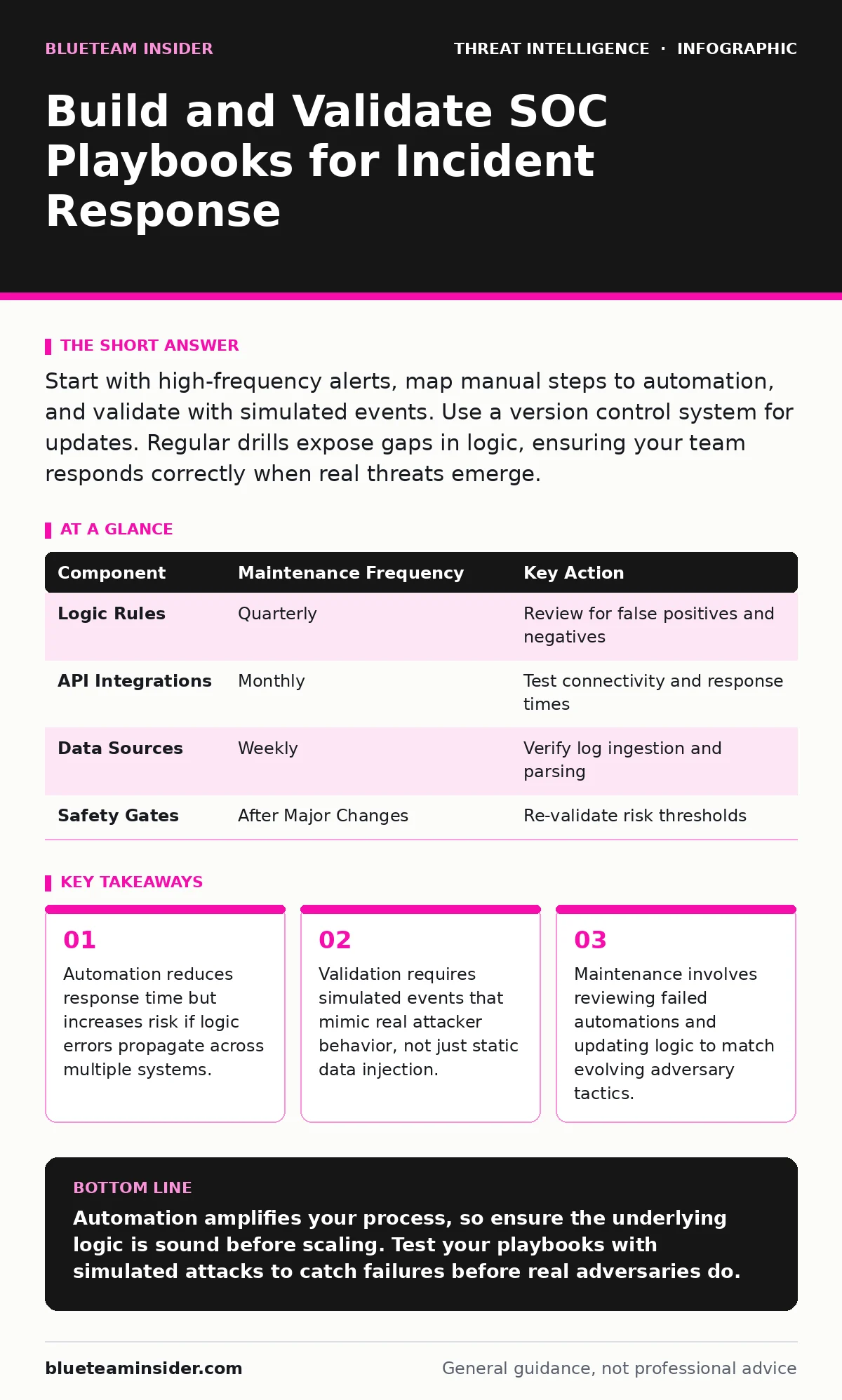
Start with high-frequency alerts, map manual steps to automation, and validate with simulated events. Use a version control system for updates. Regular drills expose gaps in logic, ensuring your team responds correctly when real threats emerge.
Define Scope and Data Sources
You cannot automate a process you do not understand. Begin by selecting a narrow set of high-volume, low-severity alerts. These events occur frequently enough to justify automation but rarely enough to cause alert fatigue if mishandled. Common examples include failed login attempts or standard port scanning activity.
Identify every data source required to investigate these alerts. Your playbook needs context from identity providers, endpoint detection tools, and network logs. If the data does not exist, no amount of scripting will fix the gap. You must ensure your security information and event management system ingests these logs consistently.
Consider how IOC enrichment fits into this phase. Enriching indicators of compromise with external threat intelligence adds context. It helps distinguish between a benign IP address and one associated with malicious activity. This step reduces false positives before an analyst ever sees the alert.
Step 1: Map the Manual Process
Draw the exact steps an analyst takes currently. Include every click, query, and decision point. Do not skip steps that seem trivial, such as checking if an account is disabled. These small actions often hide critical logic.
Document the decision tree. If a condition is true, what happens next? If false, does the investigation stop or branch? This map becomes the blueprint for your automation. It exposes where human judgment is necessary and where rules can replace it.
Step 2: Build the Automation Logic
Translate your map into code or configuration. Use a platform that supports conditional branching and API calls. The automation should pull data, analyze it, and take pre-defined actions. Common actions include isolating a host, disabling a user, or creating a ticket.
Define clear exit conditions. The playbook must know when to stop. It should close the alert if the risk is ruled out or escalate it if evidence of compromise appears. Ambiguous outcomes lead to unmanaged tickets and analyst frustration.
Step 3: Implement Safety Gates
No automation should act without checks. Implement safety gates that prevent irreversible actions unless conditions are strict. For example, do not isolate a production server based on a single heuristic score. Require multiple corroborating signals.
Include a "dry run" mode. This mode logs what the playbook would do without actually executing the actions. You can review these logs to verify the logic matches your expectations. This step catches errors before they impact operations.
Step 4: Deploy to a Controlled Environment
Roll out the playbook to a small group of analysts or a non-production environment. Monitor its performance closely. Look for unexpected failures, missed detections, or excessive noise.
Gather feedback from the users. They will notice edge cases you missed during design. Did the playbook handle a missing field correctly? Did it time out on a slow API response? Use this feedback to refine the logic.
See also: Cloud Incident Response: 8 Practices to Contain Breaches Fast · Incident Response Plan for Ransomware Attack: Stop the Spread
Step 5: Full Deployment and Monitoring
Once stable, deploy the playbook to the entire security operations center. Monitor key metrics such as mean time to detect and mean time to respond. These metrics show if the automation is saving time or creating bottlenecks.
Set up alerts for playbook failures. If the automation breaks, you need to know immediately. A broken playbook is worse than no playbook because it creates a false sense of security. Ensure someone is notified when the system cannot process an alert.
Verify It Works with Simulations
You must test the playbook against realistic scenarios. Imagine an attacker performs LSASS credential theft on a workstation. Does your playbook detect the process execution? Does it correlate it with subsequent lateral movement?
Run these simulations regularly. Adversaries change their tactics, and your data sources evolve. A playbook that worked last month may fail today if an attacker modifies their defense evasion techniques to hide process injection.
Check for false negatives. These are the silent failures where the playbook misses a real attack. Review closed tickets that were later found to be malicious. This retrospective analysis is vital for continuous improvement.
Maintain and Update Regularly
Playbooks are living documents. They require constant upkeep. Schedule quarterly reviews to assess performance. Update the logic to reflect new threats, changes in your infrastructure, or lessons learned from incidents.
Document every change. Keep a history of why logic was modified. This audit trail helps new analysts understand the reasoning behind specific rules. It also aids in troubleshooting when unexpected behavior occurs.
Refer to your security metrics during reviews. If the volume of alerts handled by the playbook spikes without a corresponding increase in threats, something is wrong. Investigate the root cause and adjust the filters.
| Component | Maintenance Frequency | Key Action |
|---|---|---|
| Logic Rules | Quarterly | Review for false positives and negatives |
| API Integrations | Monthly | Test connectivity and response times |
| Data Sources | Weekly | Verify log ingestion and parsing |
| Safety Gates | After Major Changes | Re-validate risk thresholds |
- Review failed automation logs for errors
- Update IOC lists and enrichment sources
- Validate logic against recent threat reports
- Train analysts on updated procedures
Key takeaways
- Automation reduces response time but increases risk if logic errors propagate across multiple systems.
- Validation requires simulated events that mimic real attacker behavior, not just static data injection.
- Maintenance involves reviewing failed automations and updating logic to match evolving adversary tactics.
Automation amplifies your process, so ensure the underlying logic is sound before scaling. Test your playbooks with simulated attacks to catch failures before real adversaries do.
Frequently asked questions
How do I know if an automation is failing silently?
Monitor the gap between expected and actual alert volumes. If alerts disappear without resolution, the playbook may be dropping them due to errors or missing data fields.
Should I automate high-severity incidents?
Start with low-severity events. High-severity incidents often require nuanced human judgment and context that automation cannot yet replicate reliably.
How often should I update my playbooks?
Update them after every significant incident or change in your IT environment. Quarterly reviews are a minimum baseline to ensure continued relevance.
What is the role of **phishing infrastructure** analysis in playbooks?
Playbooks can automatically check sender domains and URLs against known phishing networks. This helps filter out malicious emails before they reach the user inbox.
How this guide was produced: written by the BlueTeam Insider editorial team with AI assistance, checked against the public references listed below, and reviewed when the facts change. See our editorial policy or report an error.