Tor Browser Privacy Risks: Incident Response Steps
Leaving an exposed Tor session running allows active adversaries to correlate live network traffic and extract local circuit states from system memory.

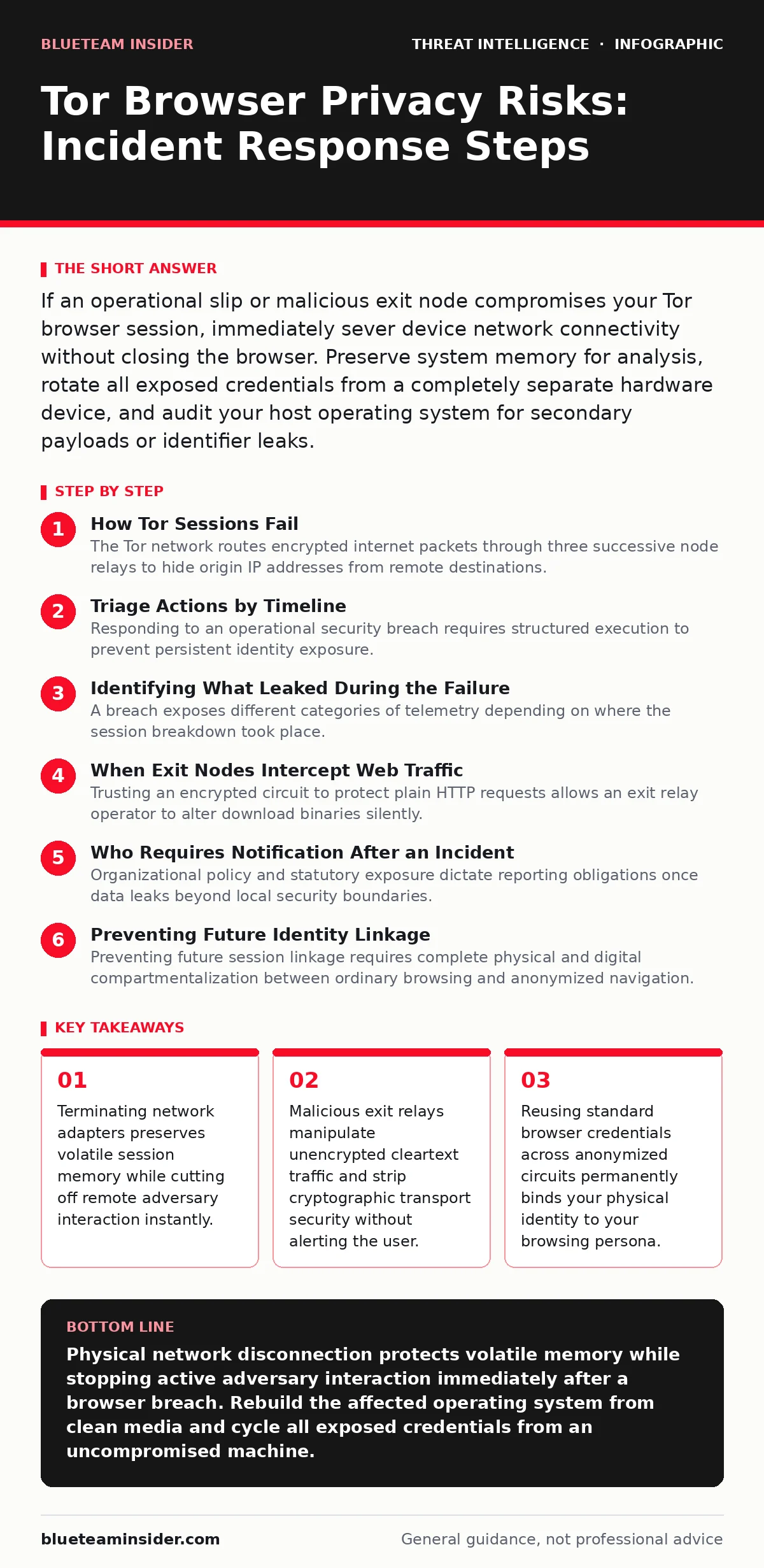
If an operational slip or malicious exit node compromises your Tor browser session, immediately sever device network connectivity without closing the browser. Preserve system memory for analysis, rotate all exposed credentials from a completely separate hardware device, and audit your host operating system for secondary payloads or identifier leaks.
How Tor Sessions Fail
The Tor network routes encrypted internet packets through three successive node relays to hide origin IP addresses from remote destinations. A guard relay accepts your encrypted traffic, a middle relay obfuscates the internal path, and an exit relay decrypts the payload before forwarding it to the public web.
Failures occur when unencrypted protocols traverse malicious exit relays or when users execute active web scripts that bypass browser proxies entirely. Adversaries who operate exit infrastructure inspect cleartext transmissions, harvest session cookies, and alter unencrypted downloads. Correlating external traffic volume against localized guard node traffic enables well-placed network eavesdroppers to deanonymize your host system.
Triage Actions by Timeline
Responding to an operational security breach requires structured execution to prevent persistent identity exposure. System triage must move through distinct containment phases to isolate local devices and sever external surveillance links.
First hour
Physical isolation prevents outbound telemetry while preserving the system state needed to understand how deep the compromise reaches. Run through these immediate triage checks:
- Disconnect physical Ethernet cables and disable all local wireless radio adapters.
- Record the precise system time, open browser tabs, visible circuit relays, and local network configurations.
- Capture the running volatile system memory to external media to preserve evidence of active network sockets.
- Terminate the browser process only after completing the memory image to prevent background script execution.
Clear any stored browser bundles from automated launch services. Operating systems often retain cached identity artifacts within temporary swap directories, allowing local malware to observe prior execution paths. Check running background services for unexpected child processes spawned directly by the browser executable.
First day
Containment during the initial day shifts focus toward external credential revocation and host integrity verification. Assume any service accessed during the compromised session is fully controlled by external adversaries. Use an entirely separate, clean hardware system to rotate passwords and revoke active session tokens for every service touched during the incident.
Examine the operating system for indicators of persistence using system auditing frameworks such as Sysmon. Adversaries seeking long-term access deploy secondary malware via browser exploitation to establish persistent beachheads. Attackers frequently turn to techniques like process injection to hide their payloads within benign operating system processes, rendering basic file inspection ineffective.
First week
Review external service logs across the initial week to identify unauthorized access attempts originating from alternate geographic regions. Look for new session registrations, unexpected authentication factor additions, and modifications to account recovery options.
Rebuild the underlying host operating system from verified offline media if you observed unprompted file execution or malicious script downloads. Reset local network gateway routing rules and replace network access tokens. Reconstructing the system eliminates lingering risks introduced by advanced defense evasion tactics designed to outlast typical disk sanitization routines.
Identifying What Leaked During the Failure
A breach exposes different categories of telemetry depending on where the session breakdown took place. Isolating the failure domain narrows the operational fallout and guides subsequent identity recovery.
| Failure Domain | Primary Cause | Compromised Data | Residual System Threat |
|---|---|---|---|
| Exit Relay | Unencrypted HTTP communication | Cleartext credentials, unencrypted form data | Session hijacking, payload manipulation |
| Local Host | Browser exploit or active content | Real IP address, MAC address, hardware profile | Persistent device compromise |
| Network Circuit | Guard and exit relay correlation | Traffic timing, destination server addresses | Physical deanonymization |
Exit nodes only inspect data that leaves the final relay without secondary encryption. When an adversary controls the exit point, unencrypted payloads expose cleartext account credentials and target destinations. Conversely, malicious scripts running locally within the browser engine reveal your public IP address and query hardware identifiers, bypassing the proxy layer completely.
When Exit Nodes Intercept Web Traffic
Adversaries establish fleets of exit relays to harvest unencrypted user data on massive scales. If your destination website does not enforce transport layer security, the exit node operator observes every transmission directly. Malicious nodes downgrade connection security protocols, alter displayed content, and redirect DNS requests toward controlled phishing infrastructure.
Circuit compromise does not mean the Tor network's onion routing encryption failed mathematically. The failure occurs at the boundary where the exit relay must translate onion packets back into standard internet traffic. If this outgoing stream lacks end-to-end transport encryption, the exit operator occupies a privileged position capable of logging every outgoing byte.
Who Requires Notification After an Incident
Organizational policy and statutory exposure dictate reporting obligations once data leaks beyond local security boundaries. If the compromised session involved corporate infrastructure, alert your internal security operations center immediately to isolate enterprise directory services.
Notify your data protection officer if the leak exposed personal records, consumer information, or protected regulatory filings. Disclose the incident to upstream identity providers to invalidate compromised OAuth tokens and security keys. Swift disclosure allows external identity platforms to block automated account takeover attacks originating from anonymous proxy pools.
See also: Incident Response Plan for Ransomware Attack: Stop the Spread · Build and Validate SOC Playbooks for Incident Response
Preventing Future Identity Linkage
Preventing future session linkage requires complete physical and digital compartmentalization between ordinary browsing and anonymized navigation. Never log into accounts associated with your physical identity while running an anonymized browser session.
Disable interactive web features such as client-side script execution, audio processing APIs, and media plugins. Restrict browser execution environments using strict access control profiles to prevent binary execution from standard user download directories. Isolate your local workstation network segment so that secondary compromise attempts cannot reach peripheral hardware or internal identity directories.
Key takeaways
- Terminating network adapters preserves volatile session memory while cutting off remote adversary interaction instantly.
- Malicious exit relays manipulate unencrypted cleartext traffic and strip cryptographic transport security without alerting the user.
- Reusing standard browser credentials across anonymized circuits permanently binds your physical identity to your browsing persona.
Physical network disconnection protects volatile memory while stopping active adversary interaction immediately after a browser breach. Rebuild the affected operating system from clean media and cycle all exposed credentials from an uncompromised machine.
Frequently asked questions
What happens if an exit node is compromised?
An adversary controlling an exit node reads any unencrypted cleartext traffic leaving the circuit and can manipulate unsecured file downloads. End-to-end encrypted connections remain unreadable to the exit node, which only sees the destination IP address and aggregate packet sizes.
Can visiting a website reveal my real IP address through Tor?
A standard website cannot see your real IP address unless malicious scripts exploit a browser flaw to establish connections outside the configured proxy. Keeping the browser updated and disabling executable active web scripts prevents this bypass from triggering.
How do I know if my browsing session was intercepted?
Interception signs include abrupt transport security certificate errors, unexpected session logouts, protocol downgrade warnings, and novel access alerts from remote account providers. Review host network socket states and volatile system memory captures to verify unauthorized external connections.
Does clearing browser history remove evidence of a compromise?
Clearing browser history merely deletes local surface records while leaving persistent malware, compromised session tokens, and adversary network connections completely untouched. Remediating a compromise requires external credential revocation and operating system integrity verification rather than simple file clearing.
How this guide was produced: written by the BlueTeam Insider editorial team with AI assistance, checked against the public references listed below, and reviewed when the facts change. See our editorial policy or report an error.