Cloud Incident Response: 8 Practices to Contain Breaches Fast
Most cloud breaches persist because responders rely on manual logs instead of automated containment scripts that trigger within seconds.

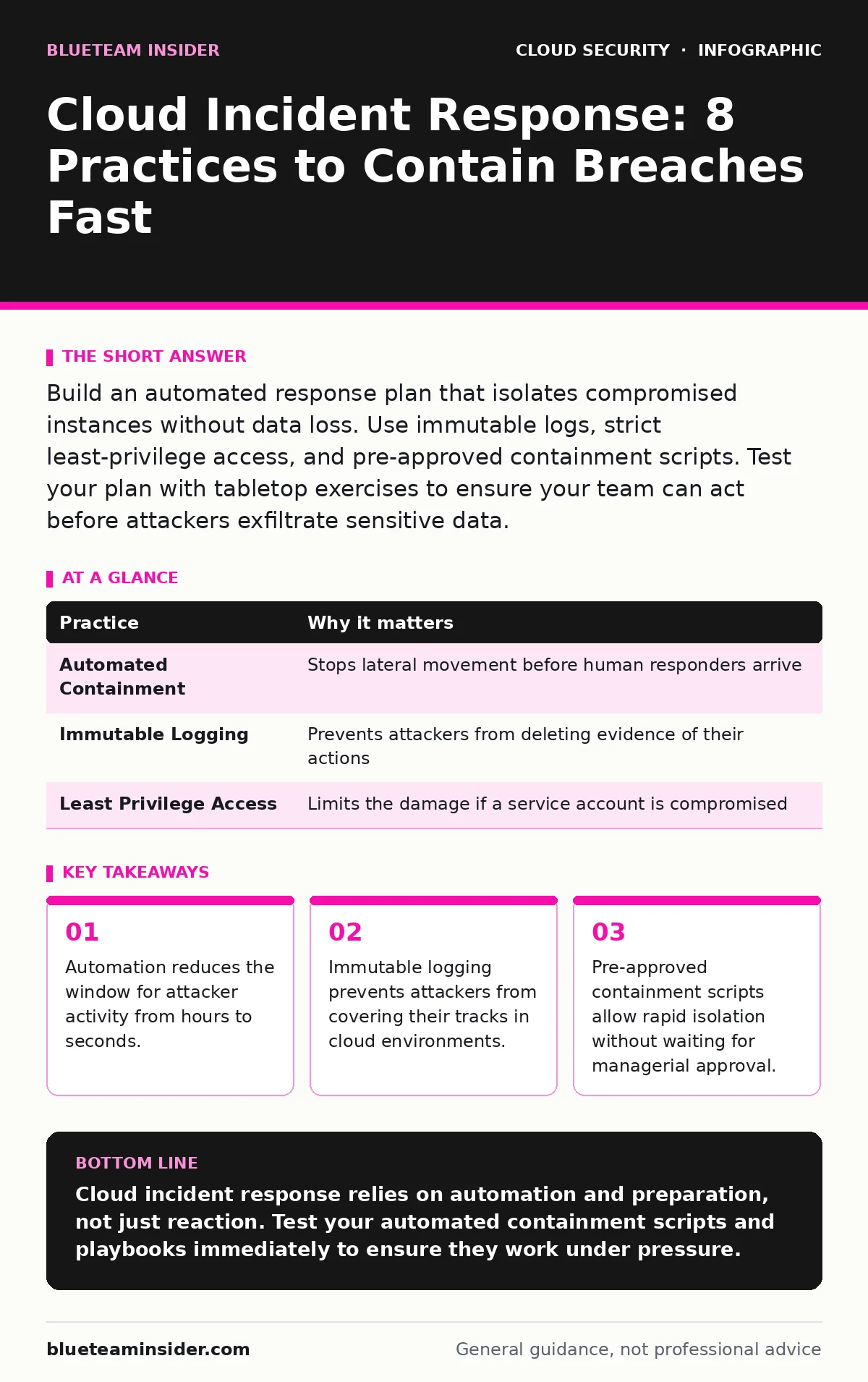
Build an automated response plan that isolates compromised instances without data loss. Use immutable logs, strict least-privilege access, and pre-approved containment scripts. Test your plan with tabletop exercises to ensure your team can act before attackers exfiltrate sensitive data.
1. Automate Initial Containment Actions
Cloud environments change faster than human responders can react. You cannot manually isolate every compromised instance during a large-scale breach. Automation bridges this gap by executing predefined actions the moment a threat detection system flags anomalous behavior. This reduces the time attackers have to move laterally or exfiltrate data.
Automated containment does not mean shutting down systems blindly. It means triggering specific, low-impact actions like blocking network traffic from a compromised IP or revoking a specific API key. This preserves evidence while stopping the immediate threat.
Practical Tip: Create pre-approved scripts that isolate compromised resources by modifying security group rules. These scripts should run automatically when a high-severity alert is triggered.
| Practice | Why it matters |
|---|---|
| Automated Containment | Stops lateral movement before human responders arrive |
| Immutable Logging | Prevents attackers from deleting evidence of their actions |
| Least Privilege Access | Limits the damage if a service account is compromised |
2. Implement Immutable Cloud Audit Logs
Attackers often delete logs to hide their presence. In a cloud environment, they can modify permissions to stop logging entirely. If your logs are mutable, you lose the ability to reconstruct the attack timeline. Immutable logging ensures that once a log entry is written, it cannot be changed or deleted for a specified retention period.
This creates a reliable record for forensic analysis. Even if an attacker gains root access, they cannot erase the history of their actions. This is critical for understanding the scope of the breach and meeting legal requirements.
Practical Tip: Configure your cloud audit logs to write to a separate, read-only storage bucket with object lock enabled. This ensures logs remain intact even if the main environment is compromised. For deeper insights on collecting this data, review our guide on cloud audit logs.
3. Enforce Strict Least-Privilege Access
Broad access permissions allow attackers to move freely once they compromise a single account. If a service account has admin rights, it can access every resource in your organization. Least-privilege access ensures that each user and service has only the permissions necessary to perform its specific function.
This limits the blast radius of a breach. If an attacker compromises a low-privilege account, they cannot access sensitive data or modify critical infrastructure. It forces them to work harder to escalate privileges, giving you more time to detect and respond.
Practical Tip: Regularly review and revoke unused permissions. Use identity-based policies that grant access based on attributes like department or project, rather than static roles. See our guide on cloud privilege escalation to understand how attackers bypass weak permissions.
4. Maintain Pre-Approved Response Playbooks
Panic leads to mistakes. During an incident, responders need clear, step-by-step instructions. Pre-approved playbooks eliminate decision fatigue by providing a standardized response for common scenarios like ransomware, data exfiltration, or unauthorized access.
These playbooks should include specific commands, contact lists, and escalation paths. They ensure that every team member knows their role and can act quickly without waiting for approval. This consistency reduces response time and improves the quality of your actions.
Practical Tip: Update your playbooks quarterly to reflect changes in your cloud architecture. Include specific examples of commands to run and screenshots of expected outputs. This reduces ambiguity during high-stress situations.
5. Conduct Regular Tabletop Exercises
Theory fails under pressure. You must test your incident response plan to identify gaps before a real breach occurs. Tabletop exercises simulate various attack scenarios and force your team to walk through their response steps. This reveals missing permissions, unclear responsibilities, and communication breakdowns.
These exercises also build muscle memory. Your team becomes familiar with the tools and processes they need to use. This reduces hesitation and improves coordination during a real incident.
Practical Tip: Run a tabletop exercise every six months. Include scenarios that test your automation, logging, and communication plans. Invite stakeholders from different departments to ensure everyone understands their role.
See also: Bot Management Misconceptions: What Cloud Security Teams Get Wrong · Cloud Detection and Response: 6 Misunderstandings That Leave You Exposed
6. Isolate Compartmentalized Resources
Cloud environments are interconnected. A breach in one service can spread to others if they share credentials or network access. Compartmentalization limits this spread by dividing your environment into isolated zones. Each zone has its own security controls, logging, and access policies.
If an attacker breaches one zone, they cannot easily move to another. This containment strategy reduces the overall impact of the breach. It also simplifies forensic analysis by narrowing the scope of the investigation.
Practical Tip: Use separate virtual private clouds or security groups for different applications. Ensure that cross-zone traffic is explicitly allowed and logged. This prevents implicit trust between services.
7. Secure Infrastructure-as-Code Repositories
Your cloud infrastructure is defined by code. If an attacker compromises your code repository, they can deploy malicious configurations or backdoors. This type of attack is difficult to detect because it looks like legitimate infrastructure changes. Securing your infrastructure-as-code repositories is as important as securing your running instances.
You must enforce strict access controls and review processes for your code repositories. Every change should be reviewed by at least one other person. This prevents malicious code from being deployed to your production environment.
Practical Tip: Enable branch protection rules that require pull request reviews and passing automated tests before merging. Integrate infrastructure-as-code scanning tools to detect misconfigurations and security vulnerabilities in your code.
8. Integrate Threat Intelligence Feeds
Local logs only show what happened inside your environment. Threat intelligence feeds provide context about external threats. They alert you to known malicious IPs, domains, and file hashes. Integrating this data into your monitoring systems helps you detect attacks that rely on external command-and-control servers.
This external context improves your detection accuracy. It reduces false positives by distinguishing between legitimate traffic and known malicious activity. It also helps you prioritize responses based on the severity of the threat.
Practical Tip: Subscribe to reputable threat intelligence feeds and integrate them with your SIEM or cloud security posture management tool. Ensure that your alerts trigger when traffic matches known malicious indicators.
9. Plan for Data Recovery and Restoration
Prevention is not enough. You must be able to recover your data and systems after a breach. This requires regular backups and tested restoration procedures. Without a reliable recovery plan, a breach can result in permanent data loss and extended downtime.
Your backups should be stored separately from your production environment. This ensures that they are not affected by the breach. You must also test your restoration procedures regularly to ensure they work as expected.
Practical Tip: Use the 3-2-1 backup rule: keep 3 copies of your data, on 2 different media, with 1 offsite. Test your restoration procedures quarterly to ensure you can recover quickly. Consider bring your own key encryption to protect your backups from unauthorized access.
Key takeaways
- Automation reduces the window for attacker activity from hours to seconds.
- Immutable logging prevents attackers from covering their tracks in cloud environments.
- Pre-approved containment scripts allow rapid isolation without waiting for managerial approval.
Cloud incident response relies on automation and preparation, not just reaction. Test your automated containment scripts and playbooks immediately to ensure they work under pressure.
Frequently asked questions
How do I know if my cloud environment is compromised?
Look for unusual network traffic, unexpected permission changes, or anomalies in resource usage. Automated monitoring tools can alert you to these signs in real time.
What is the first step in cloud incident response?
The first step is containment. Isolate the affected resources to prevent the attacker from moving laterally or exfiltrating more data. Do not shut down systems unless necessary, as this destroys evidence.
Can I automate incident response completely?
No. Automation handles initial containment and alerting, but human judgment is required for complex decisions and forensic analysis. Automation supports responders, it does not replace them.
How often should I update my incident response plan?
Update your plan whenever your cloud architecture changes significantly. Conduct tabletop exercises at least twice a year to test and refine your procedures.
How this guide was produced: written by the BlueTeam Insider editorial team with AI assistance, checked against the public references listed below, and reviewed when the facts change. See our editorial policy or report an error.