Cloud Detection and Response: 6 Misunderstandings That Leave You Exposed
Cloud detection tools often miss the real threat because they monitor infrastructure state rather than the identity actions that grant attackers persistent access.
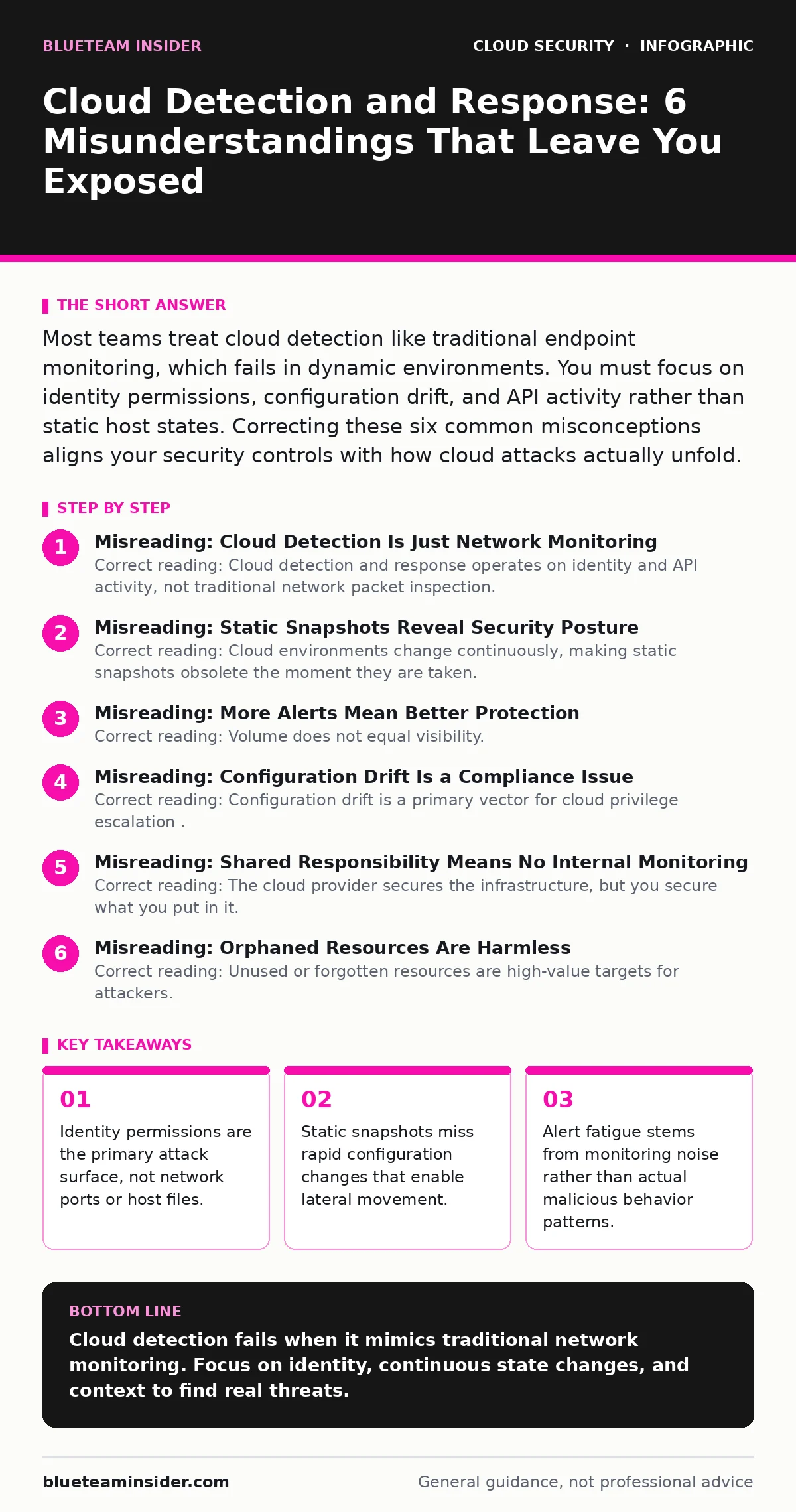
Most teams treat cloud detection like traditional endpoint monitoring, which fails in dynamic environments. You must focus on identity permissions, configuration drift, and API activity rather than static host states. Correcting these six common misconceptions aligns your security controls with how cloud attacks actually unfold.
Misreading: Cloud Detection Is Just Network Monitoring
Correct reading: Cloud detection and response operates on identity and API activity, not traditional network packet inspection. In a virtualized environment, traffic often stays within the provider’s backbone, invisible to perimeter tools. You must monitor the control plane, where users and services request resources, rather than the data plane, where the actual workloads run. Network-based tools miss the initial compromise if the attacker uses legitimate API calls to spin up resources.
Traditional firewalls cannot see an administrator granting excessive permissions to a service account. The attack happens through the management console, not through a port scan. You need tools that understand the cloud provider’s specific APIs and record who called them, when, and with what result. This shift from network-centric to identity-centric monitoring changes how you design your detection rules.
Misreading: Static Snapshots Reveal Security Posture
Correct reading: Cloud environments change continuously, making static snapshots obsolete the moment they are taken. A configuration that is secure at 9:00 AM may be vulnerable by 9:05 AM if a developer deploys a new resource with open permissions. Relying on periodic scans creates blind spots during those windows. Continuous monitoring tracks the delta between states, identifying when a secure resource becomes exposed.
Imagine a storage bucket that is private at deployment. An automated script later modifies its policy to allow public read access for a short period. A nightly scan might miss this window entirely. Continuous detection captures the moment the policy changed and the identity that made the change. This allows you to correlate the event with other suspicious activity, such as data exfiltration attempts, rather than just seeing a broken rule in a report.
For deeper context on tracking these changes, see the guide on cloud audit logs.
Misreading: More Alerts Mean Better Protection
Correct reading: Volume does not equal visibility. High alert rates often indicate poor signal-to-noise ratios, causing teams to ignore genuine threats. Cloud detection tools generate noise when they flag benign automation or standard operational changes as anomalies. You must tune detection logic to understand your baseline behavior. Without context, every unusual API call looks like an attack, overwhelming your response team.
Effective detection focuses on context-aware signals. A login from a new country is less concerning if it originates from a known corporate VPN. A login from a personal device at 3 AM is more significant. You reduce noise by correlating identity, device, and location data. This approach filters out false positives, ensuring your team investigates only events that deviate from established patterns of life.
Misreading: Configuration Drift Is a Compliance Issue
Correct reading: Configuration drift is a primary vector for cloud privilege escalation. Attackers exploit misconfigured resources to gain higher access levels. A storage container with public write access allows an attacker to upload malicious scripts. A database with weak authentication enables direct data theft. Treating these issues as mere compliance violations ignores their immediate security impact.
You must treat configuration errors as active threats. When a resource drifts from its secure baseline, it creates an entry point. Detection systems should alert on drift that increases risk, not just any change. For example, opening a security group to the entire internet is a critical risk. Adding a tag to a server is not. Prioritizing drift by risk severity ensures you respond to the changes that actually enable attacks.
Misreading: Shared Responsibility Means No Internal Monitoring
Correct reading: The cloud provider secures the infrastructure, but you secure what you put in it. This includes your data, your applications, and your identity permissions. Assuming the provider handles detection leads to gaps in your security posture. You are responsible for detecting misuse of your accounts and misconfigurations of your resources. The provider’s tools monitor for attacks on their platform, not on your specific workloads.
You must implement your own detection layers for your tenant. This includes monitoring for compromised credentials, unusual resource creation, and data access patterns. The provider cannot know if a legitimate user is acting maliciously or if an account has been hijacked. You must define what normal behavior looks like for your organization and detect deviations. This responsibility extends to every service you consume.
See also: Bot Management Misconceptions: What Cloud Security Teams Get Wrong · Detect Orphaned Cloud Resources: Logs, Signals and Blind Spots
Misreading: Orphaned Resources Are Harmless
Correct reading: Unused or forgotten resources are high-value targets for attackers. An orphaned cloud resource often lacks proper maintenance, updates, or monitoring. Attackers scan for these weak points to gain a foothold. An old development server with default credentials provides easy access to your network. A decommissioned database left running may contain sensitive data that is no longer protected.
You must detect and remediate orphaned resources as part of your security hygiene. Detection tools should identify resources with no recent activity, no tags, or no associated users. These resources represent unmanaged risk. Cleaning them up reduces your attack surface. Regularly reviewing resource usage ensures you only maintain what is necessary, limiting the opportunities for attackers to find an open door.
Misreading: Detection Replaces Prevention
Correct reading: Detection is the last line of defense, not the first. Relying solely on detection assumes you will always be breached. Prevention controls, such as least privilege access and secure configuration baselines, stop attacks before they start. Detection identifies failures in prevention. You need both layers to build a resilient security posture.
Imagine a lock on your door. Prevention is the lock. Detection is the alarm. If the lock fails, the alarm alerts you. If you only have an alarm, the intruder is already inside. You must prioritize preventing misconfigurations and privilege abuse. Detection then catches what slips through. This layered approach reduces the severity of incidents and limits the damage an attacker can cause.
Key takeaways
- Identity permissions are the primary attack surface, not network ports or host files.
- Static snapshots miss rapid configuration changes that enable lateral movement.
- Alert fatigue stems from monitoring noise rather than actual malicious behavior patterns.
Cloud detection fails when it mimics traditional network monitoring. Focus on identity, continuous state changes, and context to find real threats.
Frequently asked questions
How do I start cloud detection and response?
Begin by enabling comprehensive logging for all API activities. Define baseline behaviors for your users and services. Then, create alerts for deviations that indicate privilege escalation or data exposure.
Is cloud detection different from endpoint detection?
Yes. Endpoint detection monitors software on specific devices. Cloud detection monitors API calls and configuration changes across the entire environment. They serve different purposes and require different tools.
How do I reduce alert fatigue?
Correlate alerts with identity and context. Suppress alerts for known benign activities. Focus on high-risk actions like permission changes and data access from unusual locations.
Can I automate response to cloud threats?
Yes. You can automate actions like revoking permissions, isolating resources, or disabling compromised accounts. Ensure your automation is tested to avoid disrupting legitimate operations.
How this guide was produced: written by the BlueTeam Insider editorial team with AI assistance, checked against the public references listed below, and reviewed when the facts change. See our editorial policy or report an error.