Detect Orphaned Cloud Resources: Logs, Signals and Blind Spots
Orphaned cloud resources persist because deletion workflows fail silently, leaving active billing hooks and hidden attack surfaces that standard dashboards often miss entirely.

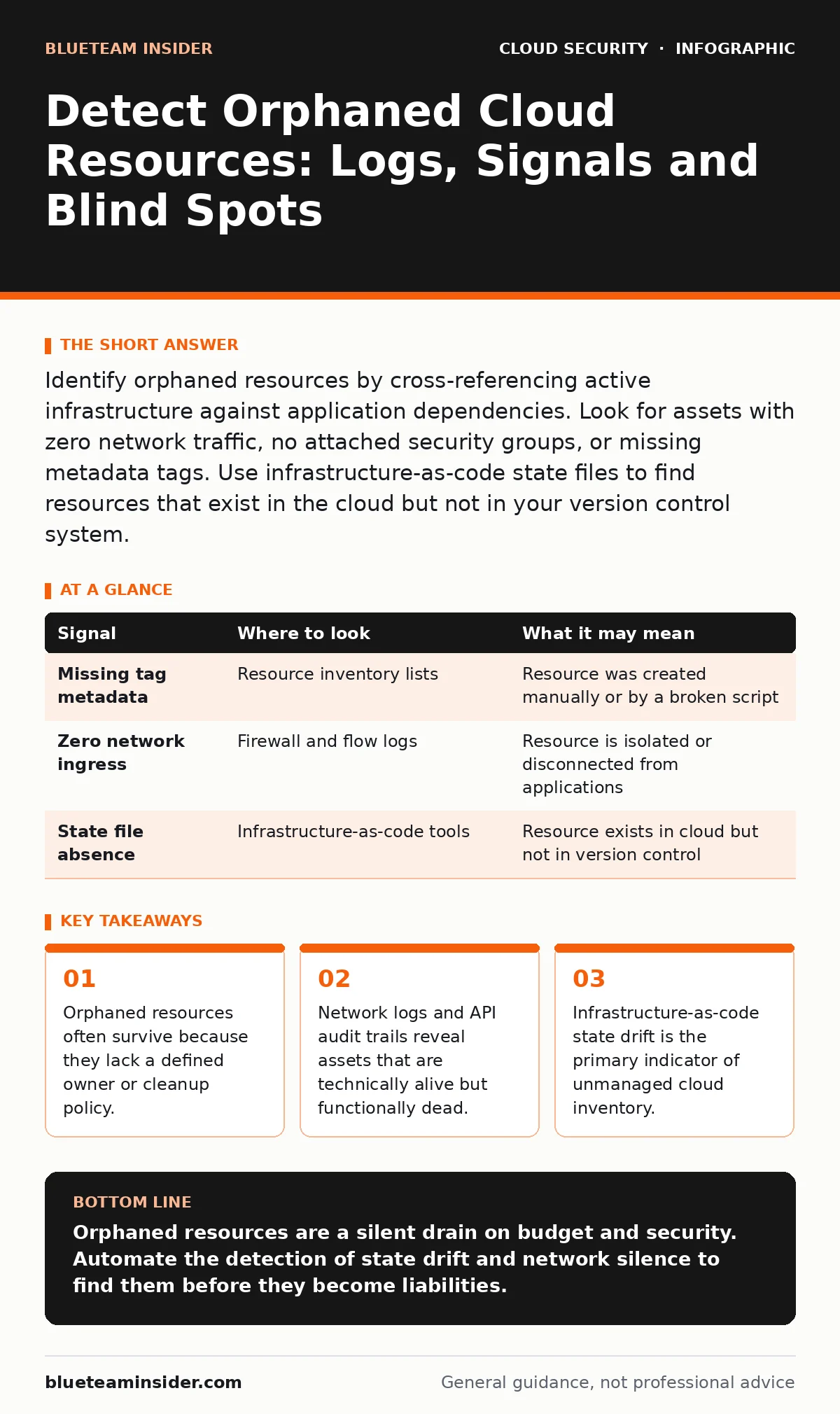
Identify orphaned resources by cross-referencing active infrastructure against application dependencies. Look for assets with zero network traffic, no attached security groups, or missing metadata tags. Use infrastructure-as-code state files to find resources that exist in the cloud but not in your version control system.
The Definition of an Orphan
An orphaned cloud resource is any infrastructure component that remains active but serves no business function. This includes storage buckets without data, virtual machines without attached applications, or load balancers without backend targets. These resources do not disappear automatically. They persist until someone manually deletes them or an automated policy catches them.
The danger lies in their silence. They do not crash, they do not report errors, and they do not appear on standard monitoring dashboards. They simply exist, consuming budget and expanding your attack surface. You must treat them as persistent vulnerabilities rather than mere accounting errors.
Infrastructure State Drift
The most reliable evidence of orphaned resources appears in your infrastructure-as-code state files. These files track the intended configuration of your cloud environment. When the actual cloud environment diverges from these files, you have drift.
Suppose you delete a service in your code repository but forget to run the corresponding cloud provider command. The resource remains live. It is now an orphan. You can detect this by comparing your local state files against the live cloud inventory. Any resource present in the cloud but absent from the code is a candidate for investigation.
This method catches resources that were created manually during troubleshooting and never cleaned up. It also identifies resources that were part of a failed deployment pipeline. The state file is the source of truth for what should exist.
| Signal | Where to look | What it may mean |
|---|---|---|
| Missing tag metadata | Resource inventory lists | Resource was created manually or by a broken script |
| Zero network ingress | Firewall and flow logs | Resource is isolated or disconnected from applications |
| State file absence | Infrastructure-as-code tools | Resource exists in cloud but not in version control |
Network Activity Patterns
Active resources generate network traffic. Orphaned resources often do not. You can identify silent assets by analyzing firewall logs and flow logs. Look for resources that have not sent or received a packet in a significant period.
Imagine a virtual machine that was part of a testing environment. The test ended, but the machine remained running. It may still receive heartbeat checks from a monitoring agent, but it will not process application traffic. Filter out known monitoring ports to find the true silence.
This approach has a trade-off. Some legitimate resources, such as cold storage archives, are designed to be quiet. You must define a threshold for inactivity that accounts for your specific business cycles. A resource idle for weeks is suspicious. A resource idle for months is likely orphaned.
API and Audit Trail Analysis
Cloud providers record every management action in audit logs. These logs show who created a resource, when it was last modified, and who accessed it. Orphaned resources often show a pattern of initial creation followed by total silence.
You can also look for resources created by automated services or CI/CD pipelines that no longer run. If the pipeline that created the resource was deleted, the resource itself remains. The audit trail will show the creator as a service account or a temporary token.
This method helps you trace the lineage of an orphan. You can see if it was part of a specific project that ended. It also helps you identify resources created by former employees who no longer have access to the account.
Metadata and Tagging Gaps
Cloud providers allow you to attach metadata tags to resources. These tags can include project names, owners, and cost centers. Orphaned resources frequently lack these tags or have incomplete information.
Search your inventory for resources with missing owner tags. If a resource does not have a designated human owner, it is difficult to assign responsibility for its deletion. This is a common blind spot in large organizations.
You should also look for resources with generic or default names. Resources named "test-vm-1" or "new-bucket" are often temporary assets that were never cleaned up. A consistent naming convention makes these outliers easier to spot.
See also: Bot Management Misconceptions: What Cloud Security Teams Get Wrong · Cloud Detection and Response: 6 Misunderstandings That Leave You Exposed
Common Blind Spots
Several areas consistently hide orphaned resources. The first is shared service accounts. Resources created by shared accounts often lack clear ownership. The second is cross-account resources. If you use multiple cloud accounts, resources created in one account for use in another may be forgotten when the primary account changes.
The third blind spot is nested or dependent resources. When you delete a parent resource, some child resources may not be deleted automatically. For example, deleting a virtual network may not delete the security groups associated with it. These children become orphans.
You must also consider resources in different regions. Teams often create resources in a region that is geographically close to them for testing. When the project ends, these regional resources are easily overlooked if your central dashboard does not aggregate all regions.
Tools and Automation
You need tools that can scan your entire cloud environment and compare it against your defined policies. Cloud security posture management tools can identify resources that violate tagging or naming standards. Infrastructure-as-code tools can detect state drift.
Custom scripts can also help. You can write scripts that query your cloud provider's API for resources with no recent activity. Combine this with your audit logs to get a complete picture. The key is to automate the detection process. Manual checks are too slow and prone to error.
Integrate these checks into your continuous integration and continuous delivery pipelines. This ensures that new resources are tagged correctly and that old resources are reviewed regularly. Do not wait for a quarterly audit to find orphans.
Next Steps for Remediation
Once you identify an orphaned resource, you must decide whether to delete it or assign it to an owner. Do not delete resources immediately. Verify that they are not part of a backup strategy or a disaster recovery plan.
If the resource is truly unused, delete it. Document the deletion in your audit logs. This creates a record of the cleanup effort. If the resource is needed, assign it to a specific team and update its metadata tags.
Regular reviews prevent the accumulation of orphans. Schedule monthly or quarterly reviews of your cloud inventory. Use the signals described above to identify candidates for deletion. This reduces cost and minimizes risk.
Key takeaways
- Orphaned resources often survive because they lack a defined owner or cleanup policy.
- Network logs and API audit trails reveal assets that are technically alive but functionally dead.
- Infrastructure-as-code state drift is the primary indicator of unmanaged cloud inventory.
Orphaned resources are a silent drain on budget and security. Automate the detection of state drift and network silence to find them before they become liabilities.
Frequently asked questions
How do I know if a cloud resource is truly orphaned?
Check for zero network traffic, missing metadata tags, and absence from infrastructure-as-code state files. Verify with the supposed owner if possible.
Can automated tools delete orphaned resources safely?
Automated tools can flag orphans, but manual verification is recommended before deletion to avoid disrupting active but quiet processes.
What is the biggest risk of orphaned cloud resources?
They expand your attack surface by providing unused entry points for attackers and incur unnecessary costs.
How often should I scan for orphaned resources?
Scan monthly or integrate checks into your deployment pipelines to catch drift as it happens.
How this guide was produced: written by the BlueTeam Insider editorial team with AI assistance, checked against the public references listed below, and reviewed when the facts change. See our editorial policy or report an error.