How Cloud Incident Response Works: The Hidden Mechanisms
Cloud incident response fails when teams treat virtual assets like physical servers, ignoring the rapid speed of API-driven containment and the opacity of shared responsibility.

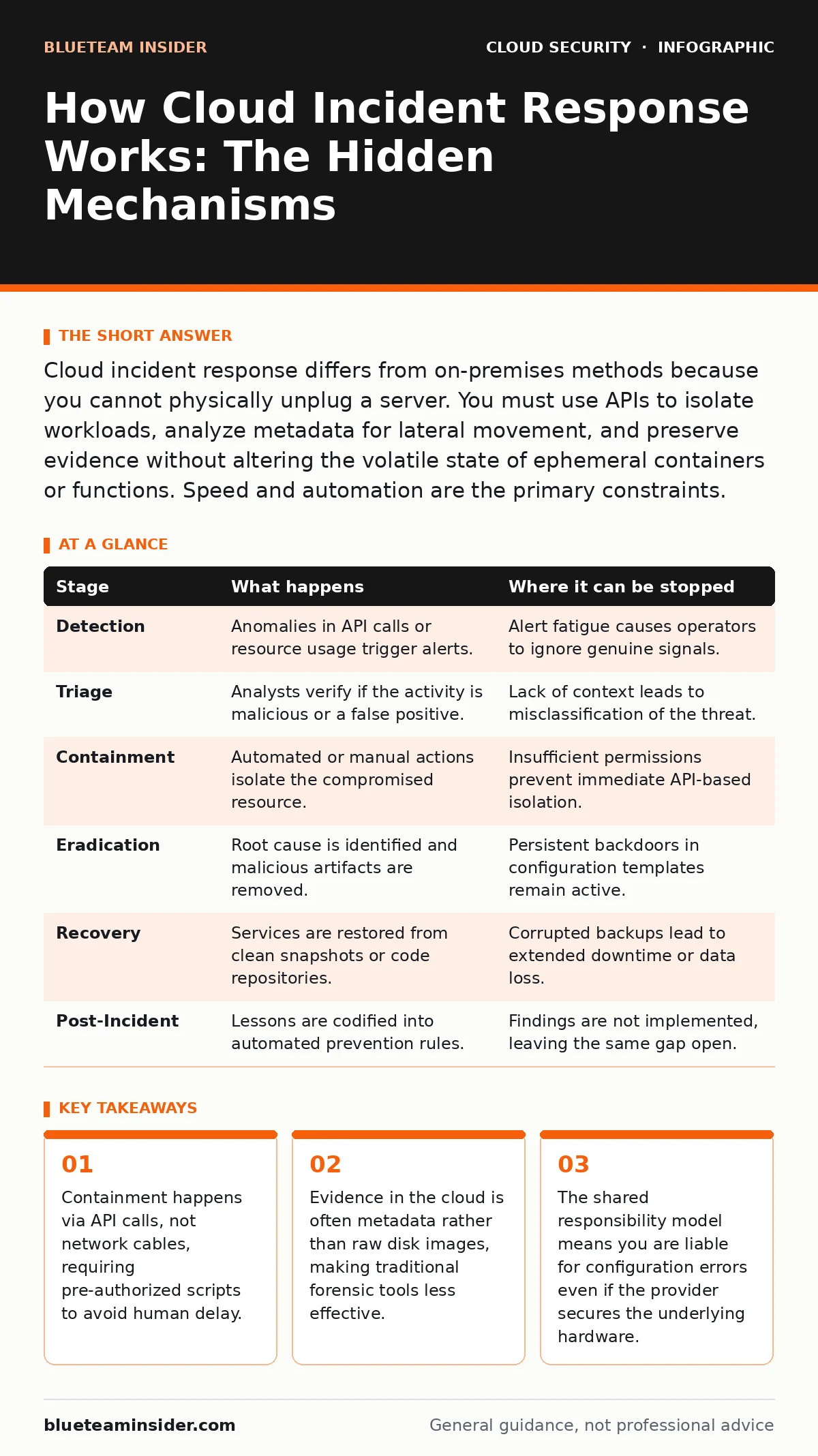
Cloud incident response differs from on-premises methods because you cannot physically unplug a server. You must use APIs to isolate workloads, analyze metadata for lateral movement, and preserve evidence without altering the volatile state of ephemeral containers or functions. Speed and automation are the primary constraints.
The Shift from Physical to Programmatic
Traditional incident response relies on physical separation. You unplug a server from the network to stop the bleeding. In the cloud, that lever does not exist. Instead, you manipulate software-defined boundaries. This shift changes the speed of response from minutes to seconds, but it also introduces new failure modes. If your automation fails, the attacker has already moved.
You cannot rely on network segmentation alone because cloud environments often use flat networking for microservices. An attacker who compromises one container can often scan the entire virtual private cloud. This makes early detection and immediate isolation of the compromised identity critical.
Initial Detection and Triage
Detection in the cloud rarely starts with a perimeter alert. It often begins with anomalous API activity or unexpected data transfers. You must distinguish between a misconfigured script and a malicious actor. This triage phase determines whether you escalate to full containment or adjust a configuration.
Log aggregation is the primary tool here. You need visibility into service logs, access logs, and flow logs. If these are scattered across different services or regions, you will miss the pattern. Centralized logging allows you to correlate events that appear unrelated in isolation.
| Stage | What happens | Where it can be stopped |
|---|---|---|
| Detection | Anomalies in API calls or resource usage trigger alerts. | Alert fatigue causes operators to ignore genuine signals. |
| Triage | Analysts verify if the activity is malicious or a false positive. | Lack of context leads to misclassification of the threat. |
| Containment | Automated or manual actions isolate the compromised resource. | Insufficient permissions prevent immediate API-based isolation. |
| Eradication | Root cause is identified and malicious artifacts are removed. | Persistent backdoors in configuration templates remain active. |
| Recovery | Services are restored from clean snapshots or code repositories. | Corrupted backups lead to extended downtime or data loss. |
| Post-Incident | Lessons are codified into automated prevention rules. | Findings are not implemented, leaving the same gap open. |
Containment Strategies
Containment is the most delicate phase. You must stop the attack without destroying evidence or disrupting legitimate business operations. In the cloud, this means using infrastructure as code principles to isolate threats. You might revoke specific credentials, isolate a subnet, or pause a deployment pipeline.
The challenge is that cloud resources are ephemeral. Containers spin up and down frequently. If you wait for a manual approval, the compromised instance may already be destroyed and replaced by another infected one. Automation bridges this gap by executing containment playbooks instantly upon verification.
Evidence Preservation and Forensics
Forensics in the cloud is fundamentally different from disk imaging. You cannot image a running virtual machine without potentially altering its state. Instead, you rely on logs, metadata, and memory dumps. These artifacts are volatile and may be overwritten quickly.
You must enable detailed logging before an incident occurs. If logging is not enabled, you have no history. This is a common failure point. Teams often disable detailed logging to save costs, only to find themselves blind during a breach. The cost of logging is far lower than the cost of an uninvestigated incident.
Eradication and Root Cause Analysis
Eradication requires finding every artifact the attacker left behind. This includes new user accounts, modified security groups, and hidden storage buckets. In cloud environments, attackers often create "shadow" infrastructure that does not appear in standard asset inventories.
You must check for orphaned resources. These are resources that have no owner and are often used for command and control. They blend in with legitimate noise. A thorough sweep requires comparing current state against a known good baseline. Any deviation needs explanation.
See also: Bot Management Misconceptions: What Cloud Security Teams Get Wrong · Cloud Detection and Response: 6 Misunderstandings That Leave You Exposed
Recovery and Restoration
Restoration is not just about turning services back on. It is about ensuring they are secure. You should restore from known good backups or rebuild from immutable infrastructure code. Never restore from a backup that might have been taken while the attacker had access.
Verify the integrity of your dependencies. If the attacker compromised a library or a container image, simply rebooting the server will not help. You must update the source code and rebuild the images. This ensures that the new instances are clean from the ground up.
Post-Incident Improvement
The final stage is improving your defenses based on what happened. This is where many organizations fail. They treat the incident as a closed ticket rather than a learning opportunity. You must update your detection rules and containment playbooks.
Automation is the key to lasting improvement. If a human had to manually revoke a key, script it. If a configuration error allowed the attack, enforce it with policy-as-code. This reduces the mean time to remediate for future incidents.
Limits and Trade-offs
No incident response process is perfect. In the cloud, you face a trade-off between security and operational efficiency. Overly restrictive containment rules can cause false positives that disrupt business. Underly restrictive rules allow attacks to spread.
You also face the limit of visibility. If you do not own the underlying infrastructure, you cannot inspect the hypervisor. You must trust the provider’s security while securing your own configurations. This shared responsibility model requires clear boundaries and constant monitoring.
For teams managing complex multi-cloud environments, understanding hybrid cloud security is necessary to ensure consistent response capabilities across different platforms. Additionally, ensuring MFA for cloud accounts reduces the risk of credential theft, which is a common entry point.
Key takeaways
- Containment happens via API calls, not network cables, requiring pre-authorized scripts to avoid human delay.
- Evidence in the cloud is often metadata rather than raw disk images, making traditional forensic tools less effective.
- The shared responsibility model means you are liable for configuration errors even if the provider secures the underlying hardware.
Frequently asked questions
How long does cloud incident response typically take?
Time varies by complexity, but initial containment should happen within minutes using automation. Full eradication and recovery can take days depending on the scope of compromise and the availability of clean backups.
Can I use traditional forensic tools in the cloud?
Traditional disk imaging tools are often ineffective or risky in cloud environments. You should use cloud-native forensic tools that capture logs, metadata, and memory dumps without altering the running state of the workload.
What is the most common mistake in cloud incident response?
The most common mistake is failing to enable detailed logging before an incident occurs. Without logs, you cannot reconstruct the attack timeline or identify the scope of the compromise, making effective response impossible.
How do I prevent orphaned resources from being used in an attack?
Implement automated lifecycle policies that delete resources after a set period of inactivity. Regularly audit your environment for resources without tags or owners, and ensure your incident response plan includes scanning for these hidden assets. BOTTOM LINE: Cloud incident response requires shifting from physical containment to API-driven isolation and relying on logs rather than disk images for forensics. Automate your containment playbooks today to ensure you can respond to threats faster th
How this guide was produced: written by the BlueTeam Insider editorial team with AI assistance, checked against the public references listed below, and reviewed when the facts change. See our editorial policy or report an error.