Detect LSASS Credential Theft: Signals, Tools, and Blind Spots
Attackers often access memory directly, bypassing disk logs and leaving only volatile traces in process trees and handle counts.

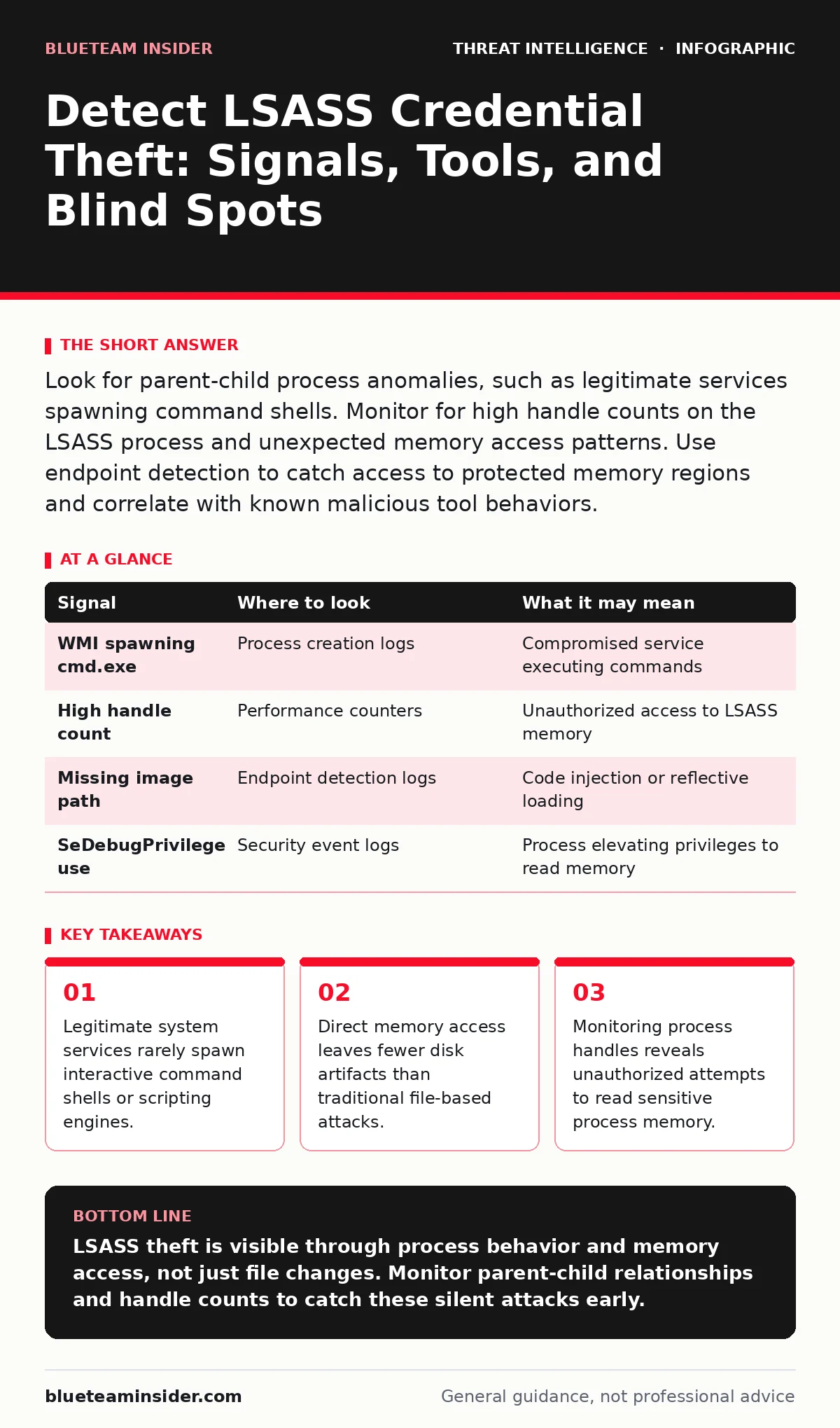
Look for parent-child process anomalies, such as legitimate services spawning command shells. Monitor for high handle counts on the LSASS process and unexpected memory access patterns. Use endpoint detection to catch access to protected memory regions and correlate with known malicious tool behaviors.
The Mechanics of Memory Access
Local Security Authority Subsystem Service, or LSASS, manages security policies and authentication on Windows systems. It holds plaintext credentials in memory during the authentication process. Attackers target this memory to steal hashes or passwords. They do not need to crack files on the disk. Instead, they inject code into the LSASS process or read its memory directly. This method bypasses many traditional file-integrity monitoring controls. You must look for signs of memory manipulation rather than just file changes.
Process Tree Anomalies
The most reliable indicator is an unusual parent-child process relationship. System services like Windows Management Instrumentation or Task Scheduler should not spawn command prompts or PowerShell sessions. When they do, it often signals a compromised service being used to execute code. This technique allows the attacker to hide behind a trusted process name. You should map the entire process tree to identify the root cause. A standalone command prompt is less suspicious than one spawned by a background service.
Handle Count Spikes
Every time a process opens a handle to another process, it requests access rights. Reading LSASS memory requires specific handles with read access. A sudden increase in the number of handles held by a single process is a strong signal. This spike indicates the process is interacting heavily with system components. You can monitor handle counts using built-in Windows performance counters. A steady baseline is normal; a sharp spike is not. This metric helps catch attacks that do not create new processes.
Memory Access Patterns
Modern detection relies on observing how processes interact with memory. Tools that hook into the operating system can see when a process attempts to read protected memory. This is known as API monitoring. It captures calls to functions that access process memory. You should look for calls from non-system processes to these functions. The source process is often a disguised binary or a legitimate tool used maliciously. This approach detects the action itself, regardless of the tool used.
Common Attacker Tools
Attackers use specific utilities to extract credentials from memory. These tools have distinct behaviors that leave digital footprints. Some tools inject code directly into LSASS, while others create a shadow copy of the process. Each method has unique indicators. For example, code injection often results in a process with no visible executable path. Shadow copying creates a temporary file that is quickly deleted. Understanding these methods helps you tune your detection rules. You can find more context on how attackers hide these actions in our guide on defense evasion.
| Signal | Where to look | What it may mean |
|---|---|---|
| WMI spawning cmd.exe | Process creation logs | Compromised service executing commands |
| High handle count | Performance counters | Unauthorized access to LSASS memory |
| Missing image path | Endpoint detection logs | Code injection or reflective loading |
| SeDebugPrivilege use | Security event logs | Process elevating privileges to read memory |
See also: Tor Browser Privacy Risks: Incident Response Steps
Log Gaps and Blind Spots
Not all attacks leave clear traces in standard logs. Some methods use direct system calls that bypass monitored APIs. These techniques are harder to detect with basic logging. You may miss events if your endpoint agent is not configured for kernel-level monitoring. Additionally, some attacks occur so quickly that logs are not flushed to disk. This creates a gap in your visibility. You must assume that some activity will evade standard logging. Supplement logs with behavioral analysis and network indicators.
Correlating Network Activity
Credential theft often precedes lateral movement. Once attackers have credentials, they log into other systems. You can correlate memory access alerts with subsequent authentication events. Look for successful logins from the compromised host shortly after the alert. This timeline helps confirm the attack and identify the scope. Network logs show where the stolen credentials are being used. This connection between host and network data is critical for full visibility. For deeper analysis of how attackers move through networks, see our guide on remote desktop abuse.
Tuning Detection Rules
False positives are common when monitoring sensitive processes. Legitimate administrative tools may access LSASS memory. You must whitelist known good processes and users. This requires a baseline of normal activity for your environment. Without a baseline, you will drown in alerts. Review alerts daily to refine your rules. Remove noise by excluding expected administrative actions. Focus on anomalies that deviate from the established norm. This tuning process is ongoing and requires regular review. See our guide on security metrics to measure the effectiveness of your tuning efforts.
Building a Response Plan
Detection is only the first step. You need a plan to respond when an alert triggers. Isolate the affected machine to prevent further spread. Reset credentials that may have been exposed. Investigate the source of the initial compromise. This might involve checking email logs or web proxies. Understanding the initial entry point helps prevent recurrence. Your response should be swift but methodical. Avoid rushing to restore systems without identifying the root cause. For structured response steps, refer to our guide on SOC playbooks.
Key takeaways
- Legitimate system services rarely spawn interactive command shells or scripting engines.
- Direct memory access leaves fewer disk artifacts than traditional file-based attacks.
- Monitoring process handles reveals unauthorized attempts to read sensitive process memory.
LSASS theft is visible through process behavior and memory access, not just file changes. Monitor parent-child relationships and handle counts to catch these silent attacks early.
Frequently asked questions
Can antivirus software stop LSASS credential theft?
Traditional antivirus often fails because it focuses on known file signatures. Memory-based attacks use legitimate system functions that look benign to signature scanners.
Do I need expensive tools to detect this?
Basic Windows event logs can show process creation anomalies. However, detecting memory access requires endpoint detection and response capabilities for deeper visibility.
Is this attack only on Windows systems?
Yes, LSASS is a Windows-specific process. Linux and macOS systems have different authentication mechanisms and different attack vectors.
How do I distinguish between admin work and an attack?
Look at the context. Admin work usually happens during business hours from known management stations. Attacks often occur off-hours from unusual parent processes.
How this guide was produced: written by the BlueTeam Insider editorial team with AI assistance, checked against the public references listed below, and reviewed when the facts change. See our editorial policy or report an error.