Port Scanning Risks and Protection for Small Business Networks
Port scanning reveals your digital attack surface, allowing attackers to map every open service before launching a targeted intrusion against your small business.
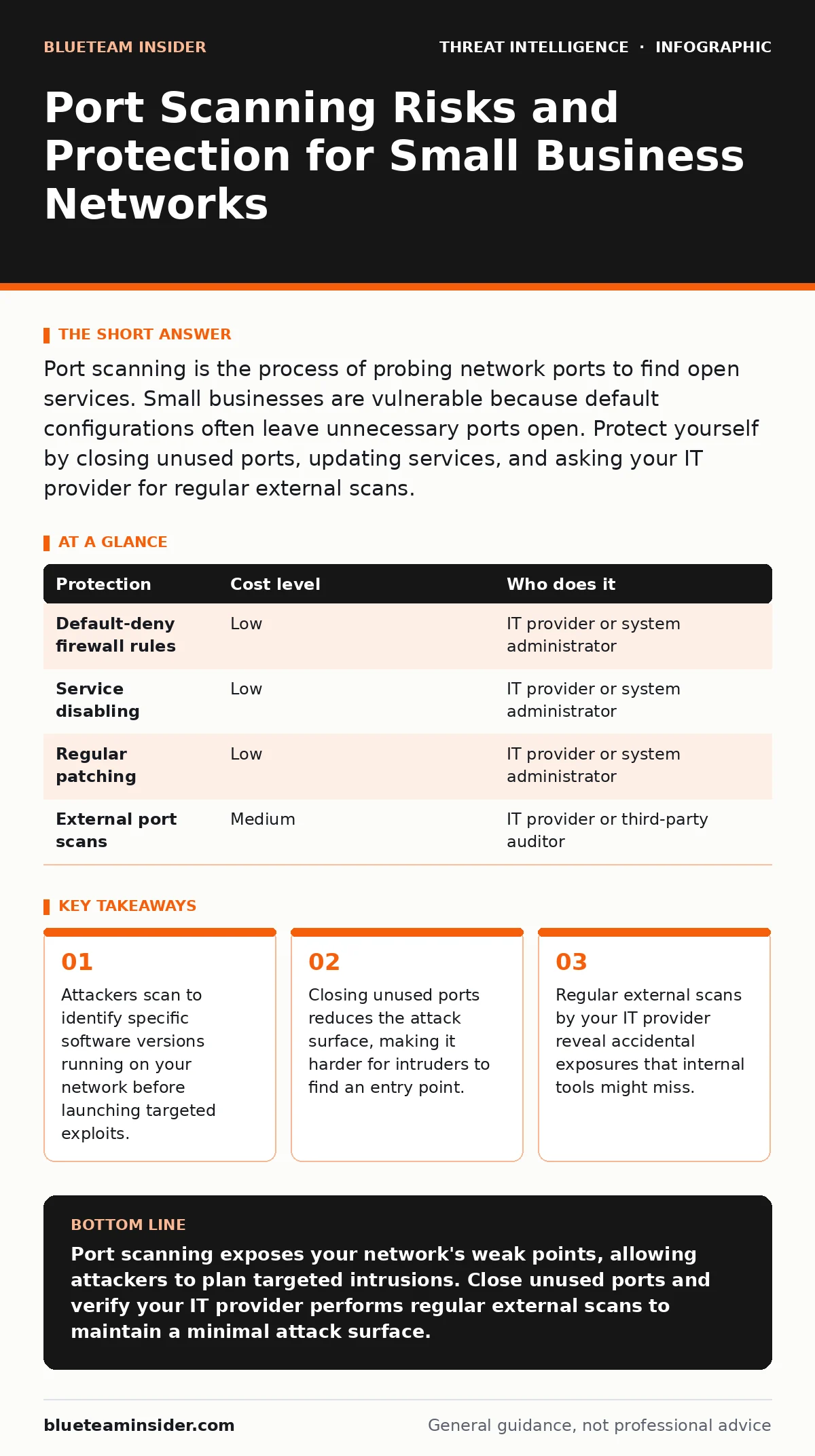
Port scanning is the process of probing network ports to find open services. Small businesses are vulnerable because default configurations often leave unnecessary ports open. Protect yourself by closing unused ports, updating services, and asking your IT provider for regular external scans.
The Mechanics of Network Probing
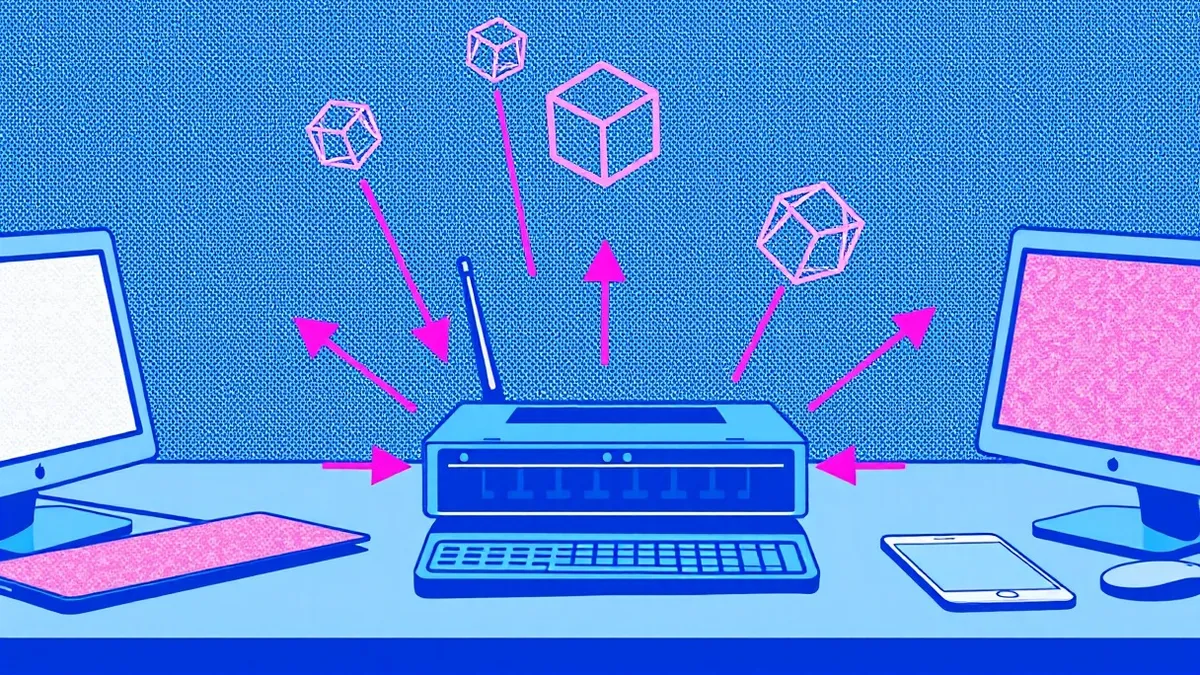
Port scanning is the technical act of querying specific ports on a computer to determine if a service is listening. Computers communicate through these numbered ports, which act like doors to specific applications. Port 80 typically serves web traffic, while port 22 handles secure remote connections. When a scanner sends a request to a port, the target computer responds in one of three ways. It accepts the connection, rejects it, or ignores it entirely. This response tells the scanner whether the door is open, closed, or filtered by a security device.
Attackers use this information to build a map of your network. They are not guessing randomly. They look for specific services that have known vulnerabilities. If a scanner finds an outdated database service running on port 3306, the attacker knows exactly which exploit tools will work. This reconnaissance phase is quiet and often invisible to standard antivirus software. The goal is not to break in immediately, but to understand what is inside before taking any risky action.
Why Small Organizations Remain Exposed
Small businesses often assume they are too small to be targeted by sophisticated cybercriminals. This assumption is dangerous. Automated scanning tools do not distinguish between a multinational corporation and a local shop. They scan entire ranges of IP addresses continuously. Your network is probed simply because it exists on the internet. The exposure comes from misconfiguration rather than a lack of importance.
Many small organizations rely on default settings provided by their internet service provider or hardware vendor. These defaults often leave diagnostic ports or management interfaces open to the public internet. Additionally, small teams rarely have dedicated security staff to review firewall logs daily. An open port might go unnoticed for months. If an employee installs a personal device that opens a new port, the firewall may not flag it if the device is trusted. This creates a hidden gap in your defense that scanners will eventually find.
The Hidden Cost of Open Services
Every open port represents a potential entry point. The cost is not just the risk of a breach, but the complexity of maintenance. Each service running on an open port requires updates and patches. If you run a web server, a file server, and a printer management service, you must keep all three secure. A vulnerability in the printer service can compromise the entire network if the ports are exposed.
Closing ports you do not actively use is the most effective low-cost protection. This practice is known as port hardening. It does not stop all attacks, but it removes the easy targets. Attackers prioritize systems with many open ports because the probability of finding a weakness is higher. By reducing the number of open doors, you force attackers to spend more time and effort on your network. This increases the likelihood that they will move on to an easier target.
Low-Cost Protections for Your Network
You can implement several protections without significant financial investment. The first step is to review your firewall configuration. Most modern firewalls allow you to block incoming traffic on all ports except those you explicitly permit. This is called a default-deny policy. Instead of allowing everything and blocking threats, you block everything and allow only necessary traffic. This reverses the burden of proof, requiring you to justify each open port.
Second, disable unused services on your servers and workstations. If you do not use remote desktop, turn off the service. If your printer does not need web management, disable that feature. These changes stop the services from listening on ports in the first place. Third, keep your operating systems and applications updated. Many port scans look for specific versions of software that have unpatched flaws. Updating removes these known vulnerabilities, rendering the scan results useless to the attacker.
| Protection | Cost level | Who does it |
|---|---|---|
| Default-deny firewall rules | Low | IT provider or system administrator |
| Service disabling | Low | IT provider or system administrator |
| Regular patching | Low | IT provider or system administrator |
| External port scans | Medium | IT provider or third-party auditor |
What to Ask Your IT Provider
If you outsource your IT management, you must verify that they are actively managing your attack surface. Do not assume that having an IT provider means you are secure. You need to ask specific questions about how they handle network exposure. Check if they perform regular external scans. These scans simulate an attacker’s view from the public internet, revealing ports that are accidentally open.
Ask for a list of all ports that are currently open to the outside world. Each entry should have a documented business reason. If a port is open for legacy software that is no longer used, it must be closed. Inquire about their process for monitoring new services. When a new server is added, how quickly is it hardened? Ensure they follow the principle of least privilege, where services only have the access they strictly need. Discuss how they handle remote desktop abuse, as this is a common target for scanners looking for weak credentials.
See also: Network Segmentation: How to Partition and Protect Your Data · Packet Capture Analysis: How to Read Network Traffic
Understanding the Attack Lifecycle
Port scanning is just the first step in a larger attack chain. Once an attacker identifies an open port, they may attempt to exploit the service running on it. If successful, they may try to move laterally within your network. This is often referred to as island hopping attacks, where they jump from one compromised device to another. Understanding this progression helps you prioritize your defenses.
Securing the perimeter is vital, but internal segmentation is equally important. If an attacker gets through an open port, can they reach your sensitive data? Network segmentation limits the damage by isolating critical systems. Even if one segment is compromised, the attacker cannot easily access the rest of the network. This adds a layer of complexity that slows down the attacker. It also gives your team more time to detect and respond to the intrusion.
Monitoring and Continuous Improvement
Security is not a one-time setup. You must continuously monitor your network for changes. Automated tools can alert you when a new port opens or a service changes. However, these tools require proper configuration to avoid alert fatigue. You need to tune them to ignore expected changes and focus on anomalies. Regular reviews of your firewall rules ensure that old permissions do not accumulate over time.
Consider integrating security metrics into your regular reporting. Track the number of open ports, the age of software patches, and the frequency of external scans. These metrics provide a clear picture of your security posture. They also help you justify security investments to stakeholders. By demonstrating the reduction in attack surface, you show tangible progress. This data-driven approach ensures that your protection measures remain effective against evolving threats.
Key takeaways
- Attackers scan to identify specific software versions running on your network before launching targeted exploits.
- Closing unused ports reduces the attack surface, making it harder for intruders to find an entry point.
- Regular external scans by your IT provider reveal accidental exposures that internal tools might miss.
Port scanning exposes your network's weak points, allowing attackers to plan targeted intrusions. Close unused ports and verify your IT provider performs regular external scans to maintain a minimal attack surface.
Frequently asked questions
How often should I check for open ports?
You should perform external port scans at least quarterly. More frequent checks are advisable if you frequently change network configurations or add new services.
What is the difference between a port scan and a vulnerability scan?
A port scan identifies which ports are open and what services are running. A vulnerability scan goes further by testing those services for known security flaws. Both are necessary for a complete security assessment.
How this guide was produced: written by the BlueTeam Insider editorial team with AI assistance, checked against the public references listed below, and reviewed when the facts change. See our editorial policy or report an error.