Alert Fatigue Meaning: How Noise Drowns Out Real Threats
Alert fatigue occurs when security teams ignore warnings because the volume of false positives exceeds their capacity to investigate each one thoroughly.
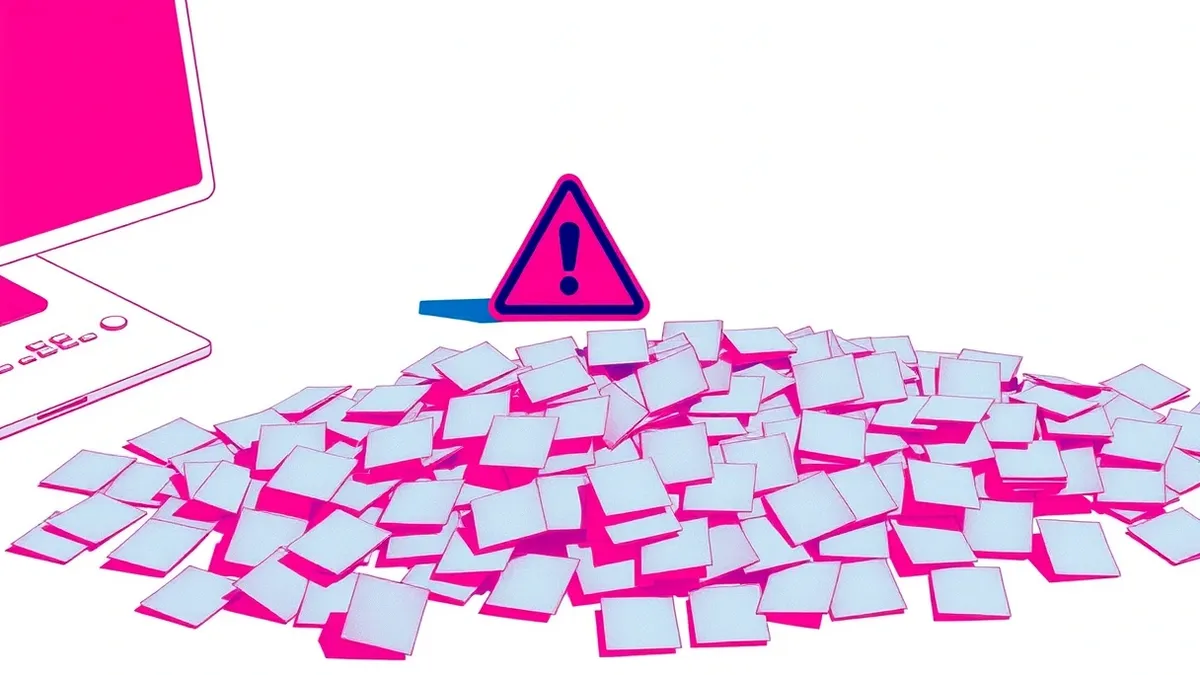
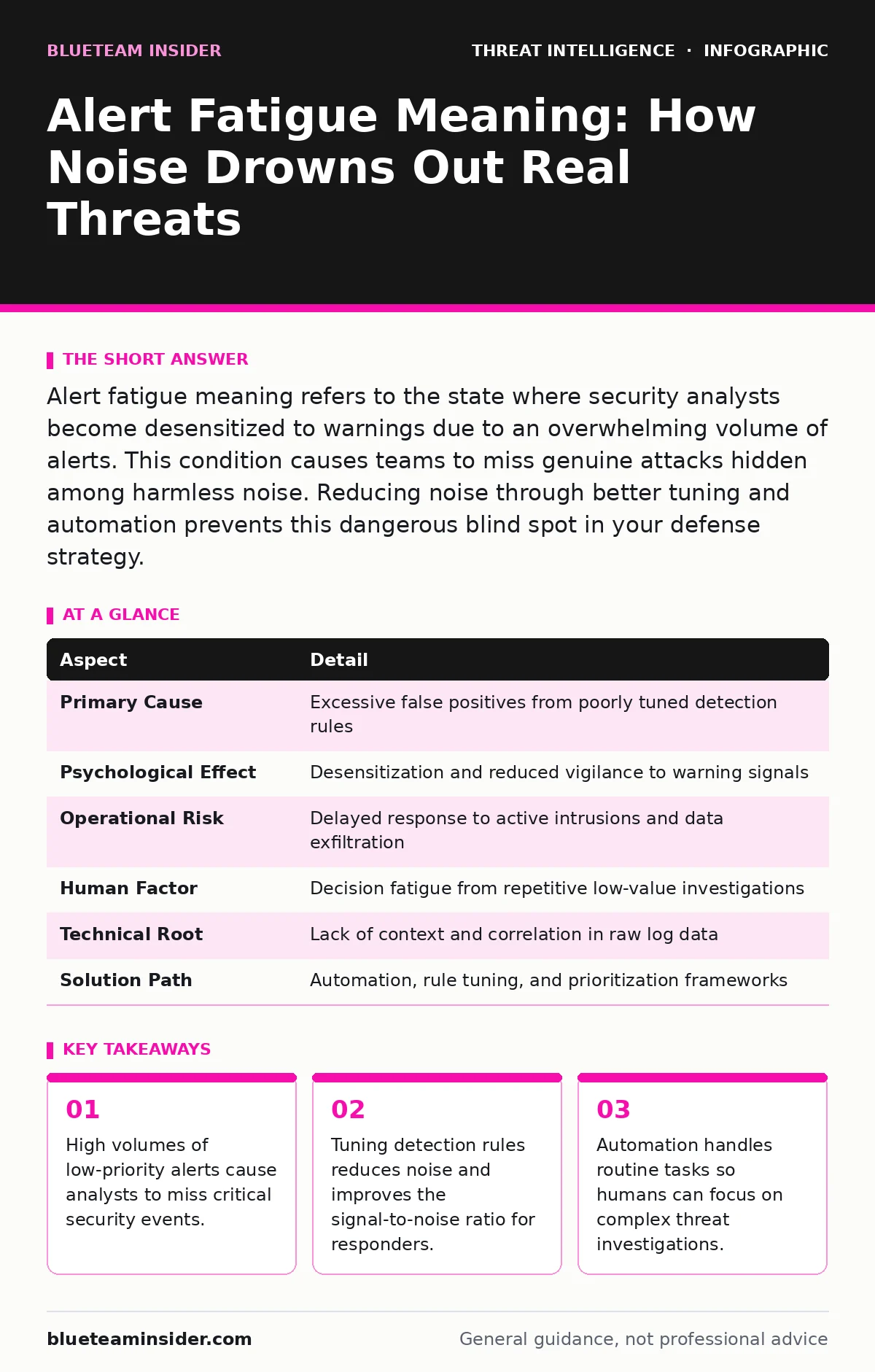
Alert fatigue meaning refers to the state where security analysts become desensitized to warnings due to an overwhelming volume of alerts. This condition causes teams to miss genuine attacks hidden among harmless noise. Reducing noise through better tuning and automation prevents this dangerous blind spot in your defense strategy.
The Alarm Clock Analogy
Imagine your phone alarm rings every 15 minutes for three days straight. On the fourth morning, you hear it ring but assume it is a glitch or a false trigger. You ignore it. If that ring was actually a fire alarm, the consequence is catastrophic. Security monitoring works the same way. When your systems generate hundreds of warnings daily, your brain learns to filter them out as background noise. This psychological adaptation is the core mechanism behind alert fatigue. You stop seeing the individual alert and start seeing the pattern of noise.
What Alert Fatigue Actually Is
Alert fatigue meaning describes the degradation of an analyst’s ability to respond to security warnings. It is not merely feeling tired. It is a specific failure mode in human-computer interaction. The system produces more signals than the human can process. The human adapts by lowering their threshold for concern. This adaptation creates a blind spot. Real threats arrive with the same visual signature as the noise. The analyst skips them. The attack proceeds undetected. This happens in every organization that relies on manual review of high-volume logs.
Who Suffers from Notification Noise
Security operations centers bear the brunt of this problem. Analysts staring at screens for eight hours face constant interruption. The cost is not just eye strain. It is cognitive overload. Each alert demands a decision: investigate or dismiss. Making 500 decisions a day drains mental energy. Accuracy drops. Response times slow. The problem extends beyond dedicated security staff. IT administrators managing endpoint logs face similar pressure. They must balance system stability with security visibility. When every minor error triggers a security ticket, they begin to ignore the tickets. This creates gaps in your defense perimeter.
| Aspect | Detail |
|---|---|
| Primary Cause | Excessive false positives from poorly tuned detection rules |
| Psychological Effect | Desensitization and reduced vigilance to warning signals |
| Operational Risk | Delayed response to active intrusions and data exfiltration |
| Human Factor | Decision fatigue from repetitive low-value investigations |
| Technical Root | Lack of context and correlation in raw log data |
| Solution Path | Automation, rule tuning, and prioritization frameworks |
How Detection Rules Create Noise
Most security tools generate alerts based on simple thresholds. If a user logs in from a new country, the system flags it. If that user travels frequently, the alert fires every week. It becomes noise. The rule is technically correct but operationally useless. You need context. Context comes from enrichment. If you understand the user’s travel patterns, you suppress the alert. This is where IOC enrichment helps. By adding reputation data and behavioral history to each event, you convert raw noise into meaningful signals. Without this layer, your tools scream constantly. Your team learns to mute the scream.
The Hidden Cost of Ignoring Warnings
Imagine a scenario where a legitimate software update triggers a file integrity alert. The analyst dismisses it as expected behavior. Two hours later, a malicious payload masquerades as a similar update. It triggers the same alert type. The analyst dismisses it again. The attacker now has persistence. This is the danger of alert fatigue. It is not that the tool failed. The tool worked perfectly. It detected the change. The human failed to distinguish the pattern. This failure allows techniques like defense evasion to succeed. Attackers rely on your inability to separate signal from noise. They hide their activity in the static.
See also: Remote Desktop Abuse: Early Warning Signs and Response Steps · Dark Web Search Engines: Uncovering Reality Behind Myths
Common Misconceptions About Alert Volume
Many leaders believe that more alerts mean better security. This is wrong. More alerts often mean worse security. It means your filters are too broad. It means you are capturing everything, including the irrelevant. Another mistake is assuming automation solves everything. Automation handles routine tasks. It cannot understand nuance. If you automate the suppression of all "low risk" alerts, you might suppress a precursor to a major breach. You must design automation carefully. It should escalate complex events to humans. It should not replace human judgment entirely. You need a balance.
Reducing Noise Through Tuning
Tuning your detection rules is the most effective step. Review your alerts weekly. Ask which ones led to no action. Disable or refine those rules. Add conditions. Require multiple signals before firing an alert. For example, do not alert on a single failed login. Alert on five failed logins from a new IP. This reduces false positives. It increases the likelihood that the alert represents a real threat. This process requires time. It is ongoing. You must adapt as your environment changes. New software releases create new noise. Your rules must evolve.
Prioritizing What Matters Most
Not all threats are equal. Some require immediate action. Others can wait. Implement a prioritization framework. Assign severity levels based on impact and likelihood. Focus your team’s attention on high-severity events. Use automation to triage low-severity items. This keeps your analysts engaged with meaningful work. It prevents burnout. It ensures that when a real crisis hits, your team is fresh and focused. Consider how remote desktop abuse often starts with low-level access. If you prioritize high-impact lateral movement alerts, you might miss the initial foothold. Balance is key. Monitor the edges of your network.
Building a Sustainable Monitoring Culture
Alert fatigue is a symptom of poor process design. Fix the process. Encourage analysts to report noisy rules. Create a feedback loop between detection engineering and operations. When analysts complain about a rule, listen. Investigate why it is noisy. Adjust it. This collaboration improves detection quality. It also builds trust. Analysts feel heard. They stay engaged. Remember that LSASS credential theft is a high-value target for attackers. Ensure your rules for this activity are precise. They should not trigger on legitimate backup processes. Precision saves your team’s sanity.
Integrating Threat Intelligence
Raw alerts lack context. Threat intelligence adds it. By correlating alerts with known bad indicators, you elevate relevant events. This helps distinguish between a curious user and a targeted attack. For instance, domain generation algorithms create random-looking domains. If your DNS logs show queries to these domains, the alert is high priority. If it is just a typo, it is low priority. Intelligence platforms help make this distinction. They reduce the manual research burden. Your team spends less time looking up IPs and more time stopping attacks.
The Role of Automation and AI
Automation handles the repetitive. It parses logs. It correlates events. It generates initial reports. This frees humans for complex analysis. Artificial intelligence can identify anomalies that static rules miss. However, AI is not perfect. It can hallucinate. It can miss novel attacks. Use AI as a assistant, not a replacement. Verify its findings. Combine machine speed with human intuition. This hybrid approach reduces fatigue. It improves accuracy. You catch more threats. You waste less time.
Long-Term Strategy for Alert Health
Maintaining alert health is a continuous effort. It requires discipline. Review your metrics. Track the number of false positives. Track the time to investigate. If these numbers rise, your tuning has slipped. Correct it. Engage with your security tool vendors. Request updates to their detection logic. Share your findings. The community benefits when everyone improves their rules. This collective effort raises the baseline for everyone. It makes life easier for your team.
Connecting to Broader Security Concepts
Alert fatigue does not exist in isolation. It affects how you handle other threats. For example, island hopping attacks rely on moving laterally through your network. If you are fatigued, you miss the small steps. You only see the final breach. By reducing noise, you see the pattern. You stop the hop early. Similarly, bulletproof hosting provides attackers with resilient infrastructure. If your alerts are noisy, you might ignore traffic from these hosts. Clear alerts help you identify and block this traffic. Your monitoring must be sharp.
Key takeaways
- High volumes of low-priority alerts cause analysts to miss critical security events.
- Tuning detection rules reduces noise and improves the signal-to-noise ratio for responders.
- Automation handles routine tasks so humans can focus on complex threat investigations.
- Regular review of alert effectiveness prevents the gradual degradation of security monitoring.
Frequently asked questions
How do you measure alert fatigue in a team?
Track the number of dismissed alerts versus investigated alerts. A high dismissal rate indicates noise. Monitor analyst burnout and turnover rates as secondary indicators.
Can automation completely eliminate alert fatigue?
No. Automation reduces volume but cannot eliminate the need for human judgment. Complex threats still require analyst review. Poorly configured automation can create new types of noise.
What is the first step to fixing alert fatigue?
Audit your current alerts. Identify the top 10 most frequent alerts. Determine if they provide actionable intelligence. If not, refine or disable them.
Does alert fatigue affect small teams differently?
Yes. Small teams have fewer resources to absorb noise. Each wasted minute has a higher impact. They need tighter tuning and better automation from the start.
How this guide was produced: written by the BlueTeam Insider editorial team with AI assistance, checked against the public references listed below, and reviewed when the facts change. See our editorial policy or report an error.