Sysmon Misunderstandings: Fix These 6 Configuration Errors Now
Sysmon generates noise when configured poorly, turning high-fidelity telemetry into an unmanageable flood that hides actual threat activity from defenders.

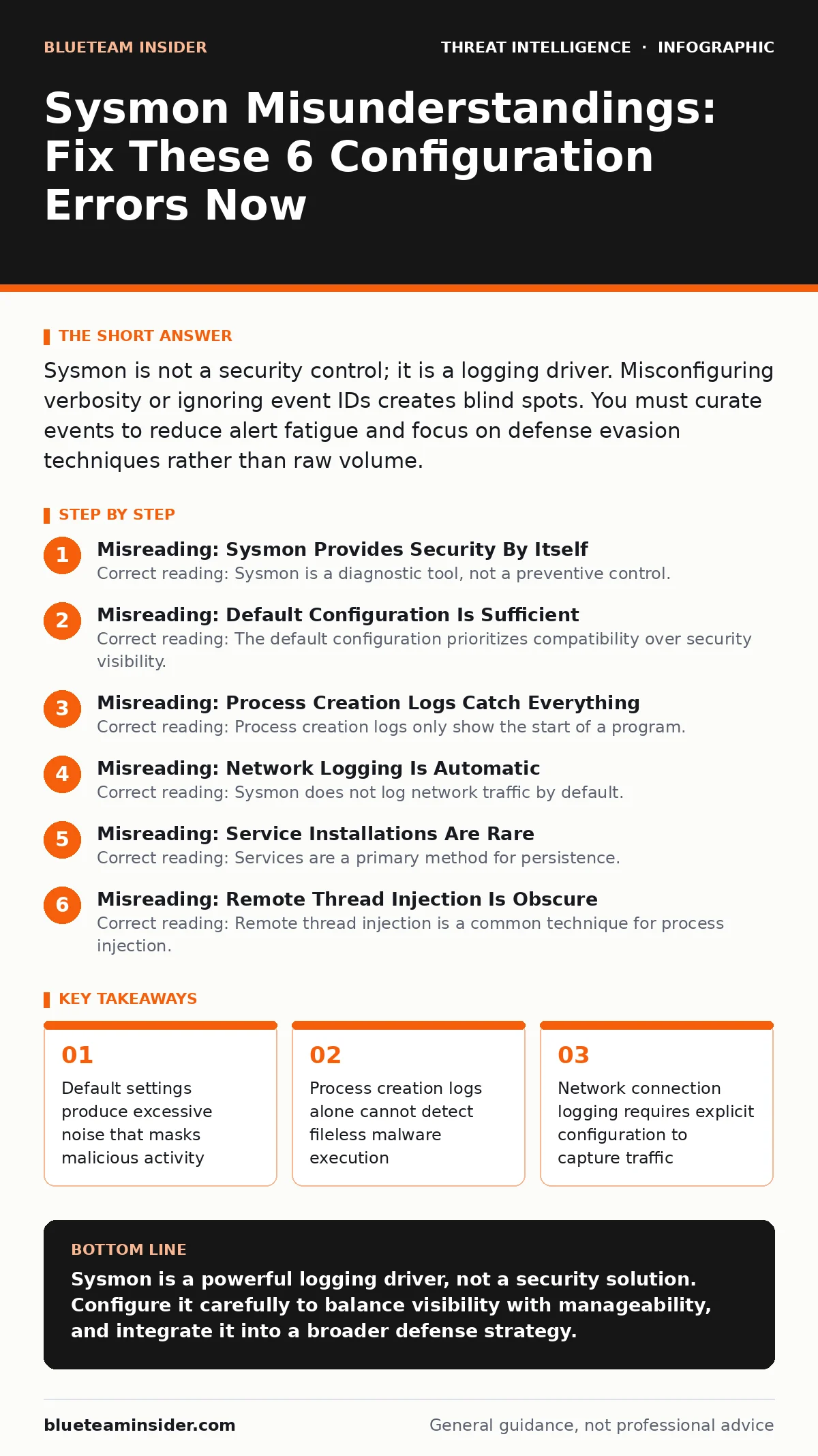
Sysmon is not a security control; it is a logging driver. Misconfiguring verbosity or ignoring event IDs creates blind spots. You must curate events to reduce alert fatigue and focus on defense evasion techniques rather than raw volume.
Misreading: Sysmon Provides Security By Itself
Correct reading: Sysmon is a diagnostic tool, not a preventive control. It records system events but does not block execution. Imagine a camera recording a break-in. The camera does not stop the intruder. It only provides evidence after the fact. You must pair Sysmon with an endpoint detection and response platform or a security information and event management system. Without an engine to analyze the logs, the data sits idle. Attackers exploit this gap by performing actions that look benign in isolation. The tool tells you what happened, not whether it was bad. You need context to interpret the signals.
Misreading: Default Configuration Is Sufficient
Correct reading: The default configuration prioritizes compatibility over security visibility. It logs very few events to avoid overwhelming older systems. This baseline misses most modern threat techniques. You must customize the configuration file to enable specific event IDs. For example, default settings may not log process command lines or network connections. Leaving these disabled creates blind spots for defense evasion tactics. Attackers know these defaults. They craft payloads that avoid triggering default logs. You must actively select which events matter for your environment. Silence is not safety. It is ignorance.
Misreading: Process Creation Logs Catch Everything
Correct reading: Process creation logs only show the start of a program. They do not show what the program does afterward. A malicious actor can launch a legitimate binary like PowerShell. The log shows PowerShell starting. It does not show the malicious script running inside it. This is known as living off the land. You must enable command line logging for process creation events. This reveals the arguments passed to the program. Without this detail, you cannot distinguish between administrative tasks and malicious execution. Command lines expose the intent behind the process.
Misreading: Network Logging Is Automatic
Correct reading: Sysmon does not log network traffic by default. You must explicitly enable network connection events. Even when enabled, it only logs connections initiated by processes. It does not capture all packet data. This limitation is critical for detecting command and control channels. If you ignore network events, you miss the exfiltration phase of an attack. Threat actors use DNS tunneling or encrypted channels to steal data. Sysmon logs the connection attempt. It does not decrypt the payload. You must correlate these logs with other network security tools. Packet capture analysis provides the deep inspection that Sysmon cannot.
Misreading: Service Installations Are Rare
Correct reading: Services are a primary method for persistence. Attackers install malicious services to survive reboots. Many administrators disable service installation logging to reduce noise. This is a dangerous trade-off. A single service installation can grant an attacker long-term access. You must log service binary paths. This reveals where the malicious code resides on disk. If you do not log these events, you cannot detect persistence mechanisms. The attacker gains a foothold that survives system restarts. Checking service paths is a low-cost, high-value configuration. Do not ignore this vector.
See also: Remote Desktop Abuse: Early Warning Signs and Response Steps · Dark Web Search Engines: Uncovering Reality Behind Myths
Misreading: Remote Thread Injection Is Obscure
Correct reading: Remote thread injection is a common technique for process injection. An attacker forces a legitimate process to execute malicious code. This hides the malware within a trusted process. Many configurations disable logging for remote thread injection to save resources. This leaves a major gap in visibility. You must enable this event ID. It logs when one process injects code into another. This detection is vital for identifying advanced persistence and evasion. Without it, the malware operates invisibly within standard system processes. The logs reveal the injection attempt. They do not stop it. You need a response plan.
Misreading: Log Volume Is Manageable
Correct reading: High-verbosity configurations generate massive log volumes. This leads to alert fatigue for analysts. When every event triggers an alert, real threats are missed. You must tune your detection rules to filter noise. Focus on rare or suspicious behaviors. For instance, log process creation only for specific executables. Use whitelisting for known benign applications. This reduces the signal-to-noise ratio. You must also implement strict log rotation. Disk space exhaustion can cause Sysmon to stop logging. This creates a complete blind spot. Monitor disk usage daily. Archive old logs to external storage. Balance visibility with storage constraints.
Misreading: Sysmon Replaces Other Telemetry
Correct reading: Sysmon focuses on host-based events. It does not replace network monitoring or cloud logging. You need a layered defense strategy. Sysmon provides deep host visibility. Other tools provide broader context. For example, phishing infrastructure detection relies on email headers and URL analysis. Sysmon cannot see the email. It only sees the result of clicking a link. Combine Sysmon with email security and network monitoring. This holistic view reveals the full attack chain. Relying on a single tool creates gaps. Attackers exploit these gaps by moving laterally. Island hopping attacks bypass single-point defenses. You must correlate data from multiple sources.
Misreading: Configuration Is Static
Correct reading: Threat tactics evolve constantly. A configuration that works today may fail tomorrow. You must update your Sysmon configuration regularly. New malware variants use new techniques. You must adjust event IDs and filters accordingly. This is an ongoing process, not a one-time setup. Monitor threat intelligence feeds for new evasion methods. Adjust your logging to capture these behaviors. Static configurations become obsolete quickly. They provide a false sense of security. You must treat configuration as a living document. Review and update it frequently. Stay ahead of the threat actor profiling trends.
Misreading: Log Analysis Is Trivial
Correct reading: Raw Sysmon logs are difficult to interpret. You need automated analysis tools. Manual review is impossible at scale. Use a SIEM to parse and correlate events. Create detection rules for known attack patterns. For instance, detect PowerShell executing encoded commands. Or detect a web browser spawning a command prompt. These anomalies indicate compromise. You must train analysts to recognize these patterns. Human intuition helps, but automation is necessary. Without proper parsing, the logs are just text. You need structure to find the signal. Invest in tooling and training. This ensures you can act on the data.
Key takeaways
- Default settings produce excessive noise that masks malicious activity
- Process creation logs alone cannot detect fileless malware execution
- Network connection logging requires explicit configuration to capture traffic
- Service binary paths are often ignored, allowing persistence mechanisms
Sysmon is a powerful logging driver, not a security solution. Configure it carefully to balance visibility with manageability, and integrate it into a broader defense strategy.
Frequently asked questions
Does Sysmon block malware execution?
No, Sysmon only logs events. It does not prevent execution. You must use other tools to block malicious activity.
How often should I update the Sysmon configuration?
Update it whenever new threat techniques emerge. Regular reviews ensure coverage of current attack methods.
Can Sysmon detect fileless malware?
Yes, if configured correctly. Logging command lines and process injection helps detect fileless techniques.
Is Sysmon free?
Yes, Sysmon is a free tool from Microsoft. It requires no licensing fees for deployment.
How this guide was produced: written by the BlueTeam Insider editorial team with AI assistance, checked against the public references listed below, and reviewed when the facts change. See our editorial policy or report an error.