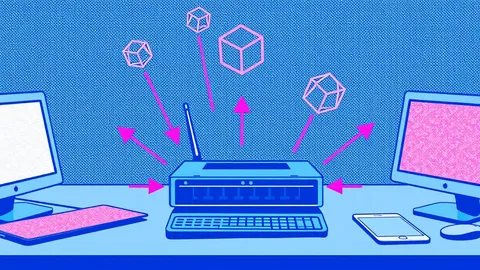
Packet Capture Analysis: How to Read Network Traffic
Packet captures reveal the raw conversation between devices, exposing hidden threats that standard logs often miss entirely.
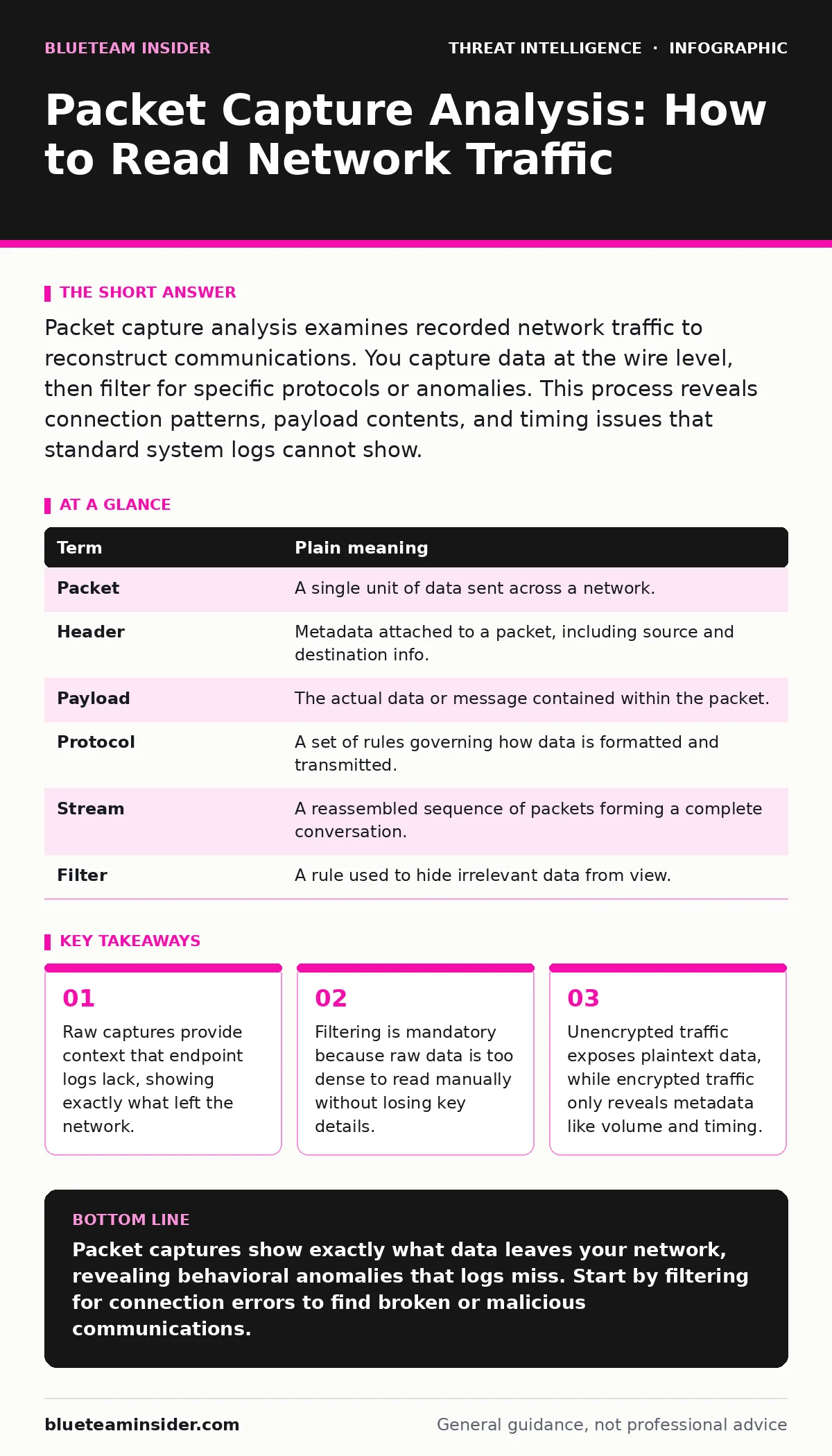
Packet capture analysis examines recorded network traffic to reconstruct communications. You capture data at the wire level, then filter for specific protocols or anomalies. This process reveals connection patterns, payload contents, and timing issues that standard system logs cannot show.
The Highway Surveillance Analogy
Imagine your network as a busy highway. Standard security logs are like toll booth receipts. They tell you a vehicle entered at a specific time and left later. They do not tell you who was inside, what they were carrying, or whether the driver was talking on a phone. Packet capture analysis is like installing cameras on every mile of that highway. You see every car, every lane change, and every interaction between vehicles. This visual record allows you to reconstruct events with precision.
The Anatomy of a Capture
A packet is the smallest unit of data transmitted over a network. When you perform a capture, you record these packets as they travel across a specific interface. Each packet contains a header and a payload. The header acts as an envelope, listing the source and destination addresses. The payload contains the actual message or file being sent. Understanding this structure is the foundation of all analysis.
Decoding the Noise
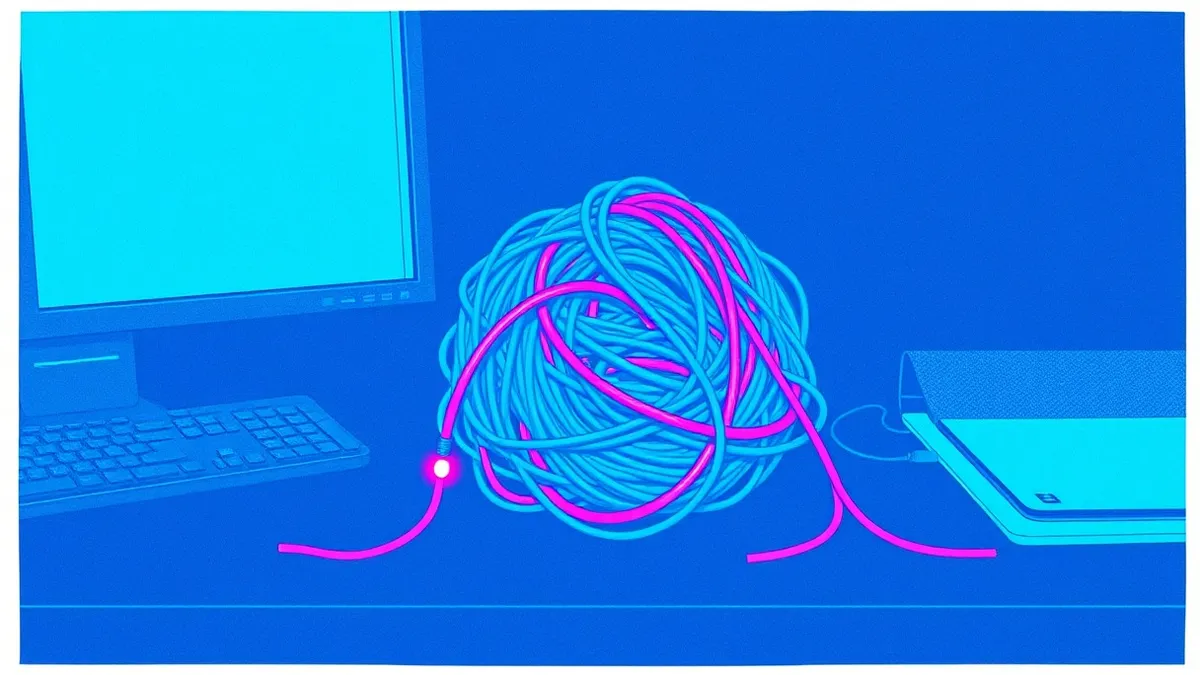
Raw capture files contain every bit of data that passes through the monitored port. This includes operating system updates, video streaming, and internal health checks. If you attempt to read this stream linearly, you will find nothing but noise. You must apply filters to isolate relevant traffic. Most analysis tools allow you to create display filters. These filters hide packets that do not match your criteria, such as specific ports or IP ranges.
Key Terms and Meanings
You will encounter specific terminology when working with capture files. Knowing these terms helps you navigate the interface and understand what you are seeing. The following table defines the most common concepts you will face.
| Term | Plain meaning |
|---|---|
| Packet | A single unit of data sent across a network. |
| Header | Metadata attached to a packet, including source and destination info. |
| Payload | The actual data or message contained within the packet. |
| Protocol | A set of rules governing how data is formatted and transmitted. |
| Stream | A reassembled sequence of packets forming a complete conversation. |
| Filter | A rule used to hide irrelevant data from view. |
The Hidden Cost of Encryption
Many users assume that encryption makes traffic invisible to analysts. This is only partially true. Encryption hides the payload, preventing you from reading the actual message. However, it does not hide the metadata. You can still see who is talking to whom, how much data is being transferred, and how often. Sudden spikes in data volume to an unknown server can indicate data exfiltration, even if the content is unreadable. This metadata remains valuable for threat detection.
See also: Port Scanning Risks and Protection for Small Business Networks · Network Segmentation: How to Partition and Protect Your Data
Reconstructing the Conversation
Individual packets are rarely useful on their own. They arrive out of order and in fragments. Analysis tools reassemble these fragments into streams. A stream represents a single conversation, such as an HTTP request and response. By following a stream, you can see the full exchange. This is critical for identifying attacks that span multiple packets. For example, NTLM relay attacks often involve specific handshake patterns that only become visible when you view the entire session.
Practical Application Steps
You can begin analyzing traffic immediately with the right mindset. These steps help you move from raw data to actionable insight without overwhelming yourself.
- Capture a baseline. Record traffic during normal operations. This gives you a reference point for what "good" looks like. You cannot detect anomalies if you do not know the standard behavior.
- Filter for errors. Look for TCP retransmissions or reset flags. These indicate communication failures. Malware often causes connection errors when it tries to phone home to unreachable servers.
- Follow the stream. Select a suspicious packet and use the tool to follow the stream. Read the conversation from start to finish. This reveals the full context of the interaction.
Integrating with Broader Defense
Packet capture analysis does not exist in a vacuum. It complements other security disciplines. When you see suspicious traffic, you may need to check for defense evasion techniques used by the attacker. If the traffic involves credential transfers, consider if LSASS credential theft is occurring on the endpoint. Understanding how these elements connect creates a complete picture.
Limitations and Scope
This method has clear boundaries. It only shows traffic that passes through the monitored interface. If an attack happens entirely within a single machine, the capture will see nothing. It also cannot decrypt traffic without the private keys. Do not expect this to replace endpoint detection. It serves as a verification tool. When logs are ambiguous, the packet capture provides the ground truth of what crossed the wire.
Key takeaways
- Raw captures provide context that endpoint logs lack, showing exactly what left the network.
- Filtering is mandatory because raw data is too dense to read manually without losing key details.
- Unencrypted traffic exposes plaintext data, while encrypted traffic only reveals metadata like volume and timing.
Packet captures show exactly what data leaves your network, revealing behavioral anomalies that logs miss. Start by filtering for connection errors to find broken or malicious communications.
Frequently asked questions
Can I analyze packet captures from a different country?
Yes. Network protocols are standardized globally. The structure of a packet is the same regardless of geographic location.
Do I need special hardware to capture packets?
No. Standard network interface cards can capture traffic. You may need a tool that supports promiscuous mode to see all traffic on the segment.
Is it legal to capture network traffic?
Generally, you can capture traffic on networks you own or manage. Capturing traffic on public networks or without consent may violate laws. Check local regulations.
How long should I keep capture files?
Store them as long as your retention policy allows. They are useful for forensic investigations long after the initial event occurs.
How this guide was produced: written by the BlueTeam Insider editorial team with AI assistance, checked against the public references listed below, and reviewed when the facts change. See our editorial policy or report an error.