Password Spraying: How Attackers Bypass Lockouts and Steal Data
Attackers avoid detection by using common passwords against many accounts simultaneously, bypassing the account lockout policies that stop traditional brute force attempts.

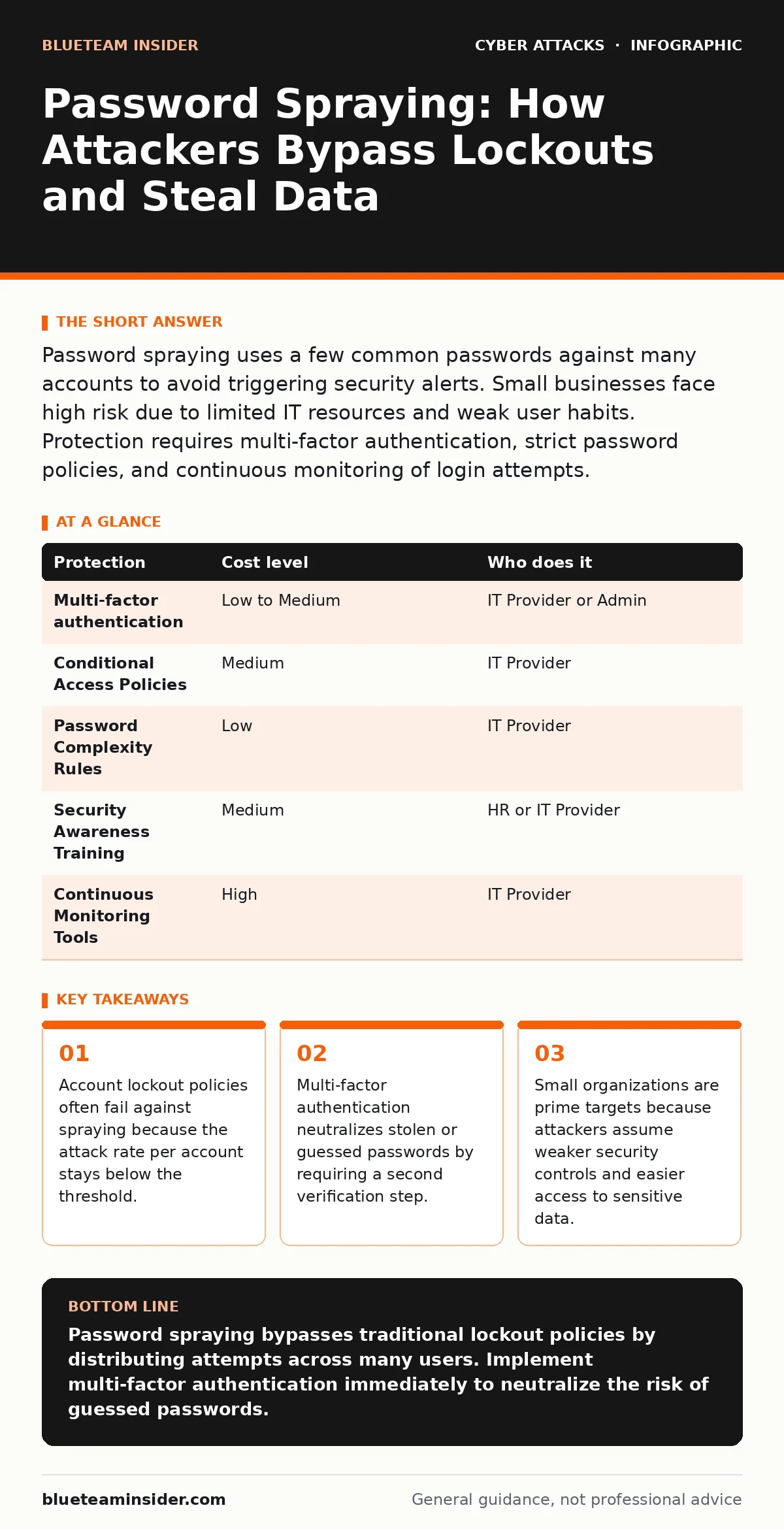
Password spraying uses a few common passwords against many accounts to avoid triggering security alerts. Small businesses face high risk due to limited IT resources and weak user habits. Protection requires multi-factor authentication, strict password policies, and continuous monitoring of login attempts.
The Mechanics of Low-and-Slow Attacks
Password spraying is a credential stuffing technique where an attacker tries a small number of common passwords against a large list of usernames. Unlike brute force attacks, which guess many passwords for one account, spraying flips the model. The attacker uses "Summer2024" or "Welcome1" against every user in the directory.
This approach exploits a common security configuration known as account lockout. Most systems lock an account after five or ten failed login attempts. This stops a brute force attacker from guessing the correct password. However, if an attacker tries one password against ten different users, no single account hits the lockout threshold. The system sees ten failed attempts spread across ten users, not ten attempts against one user.
The attack is slow by design. Attackers wait minutes or hours between attempts to avoid triggering rate-limiting controls. This stealthy nature allows them to operate for days or weeks before detection. They are looking for the few users who reused a simple password. Once they find a match, they have full access to that account.
Why Small Organizations Are Exposed
Small businesses often assume they are too small to target. This assumption is dangerous. Attackers use automated tools that scan the internet for exposed login portals. They do not care about the size of the company, only the presence of a vulnerable entry point.
Small teams frequently lack dedicated security staff. This means default configurations often remain in place. Many cloud services enable weak password policies by default to ease user onboarding. Without an IT professional to harden these settings, employees can set passwords that are easy to guess.
Shared credentials are another common weakness. Small teams often share accounts for software licenses or administrative tasks. If one person leaves or changes their password, others may still use the old one. This creates a situation where the attacker only needs to guess one password to access multiple systems. The human factor in security becomes the weakest link when processes are informal.
The Hidden Cost of Lockout Policies
Many organizations rely on account lockout policies as their primary defense. This is a false sense of security. Lockouts protect against targeted attacks on specific users. They do nothing to stop an attacker who distributes their attempts across the entire user base.
There is a secondary risk known as a Denial of Service attack. An attacker can intentionally trigger lockouts for critical accounts. By guessing wrong passwords for an administrator account, they can lock it out. This prevents the legitimate admin from logging in during a crisis. The organization must then perform a manual reset, which takes time and resources.
This trade-off forces administrators to choose between security and availability. If the lockout threshold is too low, you risk locking out legitimate users who make typos. If it is too high, you give attackers more attempts before the system reacts. Password spraying exploits this balance by staying just below the reaction point.
Multi-Factor Authentication as the Primary Defense
The most effective protection against password spraying is multi-factor authentication. This security process requires two forms of verification. The first is something you know, like a password. The second is something you have, like a phone or hardware key.
Even if the attacker guesses the password, they cannot complete the login without the second factor. This renders the spraying attack useless. The attacker gains no access, regardless of how many accounts they compromise.
Implementation requires care. SMS-based verification is less secure than authenticator apps or hardware tokens. SMS messages can be intercepted through SIM swapping or network vulnerabilities. For maximum security, use an app that generates time-based codes or a physical security key. These methods are resistant to remote interception.
| Protection | Cost level | Who does it |
|---|---|---|
| Multi-factor authentication | Low to Medium | IT Provider or Admin |
| Conditional Access Policies | Medium | IT Provider |
| Password Complexity Rules | Low | IT Provider |
| Security Awareness Training | Medium | HR or IT Provider |
| Continuous Monitoring Tools | High | IT Provider |
Conditional Access and Network Boundaries
Conditional access policies add context to login attempts. These rules evaluate the risk of a login based on location, device, and time. For example, a policy can block logins from countries where the business has no operations.
If a login attempt comes from a new device or an unusual location, the system can require additional verification. This adds friction for attackers who often use compromised devices or virtual machines. It does not stop the attempt, but it increases the chance of detection.
Network segmentation also limits the damage. If an attacker compromises one account, segmentation ensures they cannot move laterally to other systems. This isolates the breach. See our guide on network segmentation for details on isolating critical assets. Without segmentation, a single compromised password can lead to total system exposure.
See also: Login Alerts for Small Teams: Stop Account Takeovers Fast · Email Spoofing Risks and Protection for Small Businesses
What to Ask Your IT Provider
Small businesses often outsource IT management. You must ensure your provider is actively monitoring for these threats. Do not assume standard maintenance includes security monitoring.
Ask specific questions about their detection capabilities. You need to know if they can see failed login patterns across the entire organization. Standard antivirus software does not detect password spraying. You need identity and access management tools that track authentication events.
- Do you monitor for failed login spikes across multiple users?
- How do you handle account lockout policies to prevent denial of service?
- Can you enforce multi-factor authentication for all administrative accounts?
- What is the process for resetting accounts if they are locked out by an attacker?
- Do you provide logs of all login attempts, including successful and failed ones?
User Behavior and Password Hygiene
Technology alone cannot solve this problem. Users must avoid using common passwords. Passwords like "Password123" or "Company2024" appear in every attacker's dictionary. These are the first words tried in a spray attack.
Encourage the use of password managers. These tools generate long, random passwords that are impossible to guess. They also store these passwords securely, so users do not need to remember them. This eliminates the need for users to create "memorable" but weak passwords.
Regular training helps users understand the risk. They should know that reusing passwords across personal and work accounts is dangerous. If a personal account is breached, the attacker will try that password on work accounts. This is why email authentication and email spoofing protections are also relevant. If an attacker can send a fake password reset link, they can bypass many controls. See our guide on email spoofing to understand how attackers trick users into revealing credentials.
Key takeaways
- Account lockout policies often fail against spraying because the attack rate per account stays below the threshold.
- Multi-factor authentication neutralizes stolen or guessed passwords by requiring a second verification step.
- Small organizations are prime targets because attackers assume weaker security controls and easier access to sensitive data.
Password spraying bypasses traditional lockout policies by distributing attempts across many users. Implement multi-factor authentication immediately to neutralize the risk of guessed passwords.
Frequently asked questions
Can I stop password spraying by changing passwords frequently?
No. Frequent changes do not stop attackers who use common passwords. Attackers will simply try the new common password. Multi-factor authentication is the only reliable stop.
Does multi-factor authentication protect against all attacks?
It protects against credential theft and guessing. It does not protect against phishing attacks where users voluntarily enter codes, or man-in-the-middle attacks where traffic is intercepted.
How do I know if I am being sprayed?
Look for a sudden increase in failed login attempts across many accounts. Legitimate users do not fail to log in in large numbers at the same time.
Is SMS two-factor authentication safe?
It is better than no authentication, but it is vulnerable to SIM swapping and interception. Use an authenticator app or hardware key for better security.
How this guide was produced: written by the BlueTeam Insider editorial team with AI assistance, checked against the public references listed below, and reviewed when the facts change. See our editorial policy or report an error.