Server-Side Request Forgery: Risks and Protection for Small Businesses
Server-side request forgery lets attackers trick your server into accessing internal resources or external services without your permission.

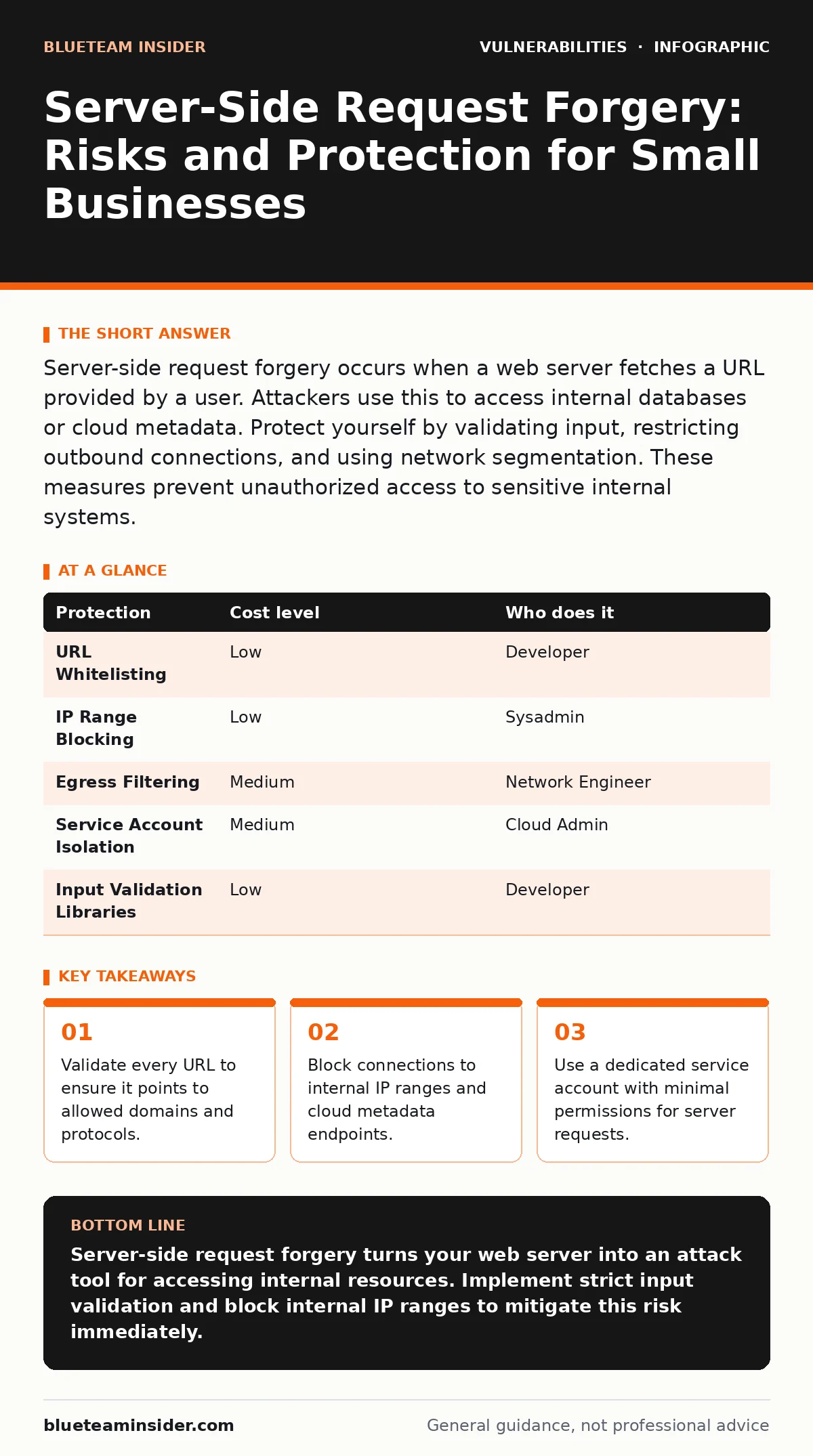
Server-side request forgery occurs when a web server fetches a URL provided by a user. Attackers use this to access internal databases or cloud metadata. Protect yourself by validating input, restricting outbound connections, and using network segmentation. These measures prevent unauthorized access to sensitive internal systems.
The Hidden Door in Your Web App
Server-side request forgery exploits the trust your server places in user-provided data. When your application fetches a resource on behalf of a user, it acts as a proxy. The server makes the request, not the user’s browser. This bypasses browser security controls like the same-origin policy. Attackers leverage this to pivot from the public internet into your private network.
Small organizations are exposed because they often prioritize feature speed over input validation. A simple image loader or URL shortener becomes an attack vector. The server has more access than the user. If the server can reach internal services, the attacker can too. This risk exists regardless of your industry or size. The mechanism relies on the server’s connectivity, not complex exploits.
Why Small Teams Face Higher Risk
Small teams often lack dedicated security engineers. They rely on generic configurations that assume external traffic is the only threat. This assumption fails when the server itself becomes the attacker’s tool. Internal networks are frequently flat, meaning any compromised server can reach other systems. Cloud metadata services are a primary target. These services provide temporary credentials for managing cloud resources. Accessing them grants control over the entire cloud environment.
The cost of fixing this after a breach is high. The cost of prevention is low. Many small businesses do not realize their web server can talk to their internal database. They assume the firewall blocks external access. The firewall does not block the server’s own outbound requests. This architectural blind spot is common. It turns a simple web feature into a critical vulnerability.
Low-Cost Protections You Can Implement Today
You can reduce risk without expensive tools. Start by validating all user-supplied URLs. Check the domain against a whitelist of allowed sites. Reject any URL that uses unexpected protocols. File protocols like file:// or gopher:// are dangerous. They allow reading local files or accessing legacy services. This simple check blocks many common attacks.
Next, block connections to private IP ranges. These ranges include 10.0.0.0/8, 172.16.0.0/12, and 192.168.0.0/16. Cloud providers also use specific internal IPs for metadata. Identify these ranges and block them at the server level. Use a firewall rule or a proxy configuration. This stops the server from reaching internal targets. It does not stop all attacks, but it removes the most dangerous ones.
| Protection | Cost level | Who does it |
|---|---|---|
| URL Whitelisting | Low | Developer |
| IP Range Blocking | Low | Sysadmin |
| Egress Filtering | Medium | Network Engineer |
| Service Account Isolation | Medium | Cloud Admin |
| Input Validation Libraries | Low | Developer |
The Hidden Cost of Open Proxies
Some applications use open proxies to fetch content. These proxies accept requests from anyone on the internet. They are convenient for caching images or fetching RSS feeds. However, they are a direct path for attackers. An open proxy allows an attacker to scan your internal network. They can test ports, check for services, and exploit weaknesses. This turns your server into a scanning tool for criminals.
Imagine a developer sets up a proxy to speed up image loading. They forget to restrict access. An attacker uses the proxy to scan the internal network. They find an unpatched server with known vulnerabilities. The attacker exploits that server to gain deeper access. The initial SSRF vulnerability was just the entry point. The real damage comes from the secondary exploits. This chain of events is common in breaches.
Asking Your IT Provider the Right Questions
If you use an IT provider, you need to verify their security practices. Do not assume they have covered this risk. Ask specific questions about their configuration. Request a demonstration of how they handle user input. Ask how they validate URLs and restrict outbound traffic. Demand to see their network segmentation plan. Ensure internal services are not reachable from web servers.
Ask about their patch management process. Delayed patches increase the window of exposure. Inquire about their logging and monitoring. They should detect unusual outbound traffic patterns. Ask if they use a web application firewall. These tools can filter malicious requests. Ensure the firewall rules are updated regularly. Static rules often miss new attack techniques.
- How do you validate user-supplied URLs in web applications?
- What mechanisms block connections to internal IP ranges?
- How do you monitor outbound traffic for anomalies?
- Can you demonstrate your network segmentation strategy?
- What is your process for updating firewall rules?
See also: Use-After-Free Vulnerabilities: How Memory Errors Become Hacks
Beyond Basic Input Validation
Input validation is not enough on its own. Attackers use techniques to bypass simple checks. They might encode the URL or use DNS rebinding. DNS rebinding changes the IP address of a domain after the initial check. The server validates the domain, then the domain points to an internal IP. This bypasses domain whitelists. You must resolve the IP address before making the request. Check that the resolved IP is not internal. This adds a layer of protection against rebinding attacks.
Another bypass involves time-of-check to time-of-use flaws. The server checks the URL, then waits. The attacker changes the DNS record during the wait. The server then connects to the new IP. This race condition is hard to detect. Use a short timeout for DNS resolution. Resolve the IP immediately before the connection. Do not cache DNS results for long periods. This reduces the window for manipulation.
Integrating with Broader Security Practices
SSRF protection works best when combined with other security measures. Treat this as part of your overall application security. Consider how API vulnerabilities might interact with SSRF. An attacker might use an API to trigger a request. They could chain this with SQL injection to extract more data. Understanding these chains helps you prioritize fixes. Focus on the entry points that lead to internal access.
Review your threat modeling process. Identify all components that make outbound requests. Map the data flow from user input to internal services. Highlight where trust boundaries are crossed. This visual map reveals gaps in your defense. It shows where validation is missing. It also shows where network controls are weak. Regular updates to this model keep your defenses aligned with your architecture.
The Role of Secure Coding Standards
Developers must adopt secure coding standards. This includes validating all external input. It also means using secure defaults for libraries. Do not assume libraries are secure by default. Check their documentation for SSRF protections. Enable any available safeguards. Write unit tests that include malicious URLs. Test with encoded URLs, internal IPs, and cloud metadata endpoints. Automated tests catch regressions.
Training developers on these risks is valuable. They need to understand the impact of their code. A simple feature can become a major vulnerability. Encourage code reviews that focus on security. Look for places where user input influences network requests. Ask how the request is validated. Ask how the response is handled. This habit prevents SSRF before it reaches production.
Key takeaways
- Validate every URL to ensure it points to allowed domains and protocols.
- Block connections to internal IP ranges and cloud metadata endpoints.
- Use a dedicated service account with minimal permissions for server requests.
Server-side request forgery turns your web server into an attack tool for accessing internal resources. Implement strict input validation and block internal IP ranges to mitigate this risk immediately.
Frequently asked questions
Can firewalls stop server-side request forgery?
Traditional firewalls often allow outbound traffic from servers. You must configure egress filtering to block connections to internal IP ranges and metadata endpoints.
Is server-side request forgery the same as cross-site scripting?
No, cross-site scripting executes code in the user’s browser. Server-side request forgery tricks the server into making requests, bypassing browser security controls.
How do I detect an active SSRF attack?
Monitor outbound traffic for unusual patterns, such as connections to internal IPs or metadata services. Set alerts for requests to unexpected ports or protocols.
Do I need a web application firewall?
A web application firewall can help filter malicious requests. It is not a complete solution. You still need server-side validation and network controls to prevent SSRF.
How this guide was produced: written by the BlueTeam Insider editorial team with AI assistance, checked against the public references listed below, and reviewed when the facts change. See our editorial policy or report an error.