Stop Server-Side Template Injection with Input Sandboxing
Template engines often execute code by default, meaning untrusted input becomes executable logic until you explicitly restrict the execution context.

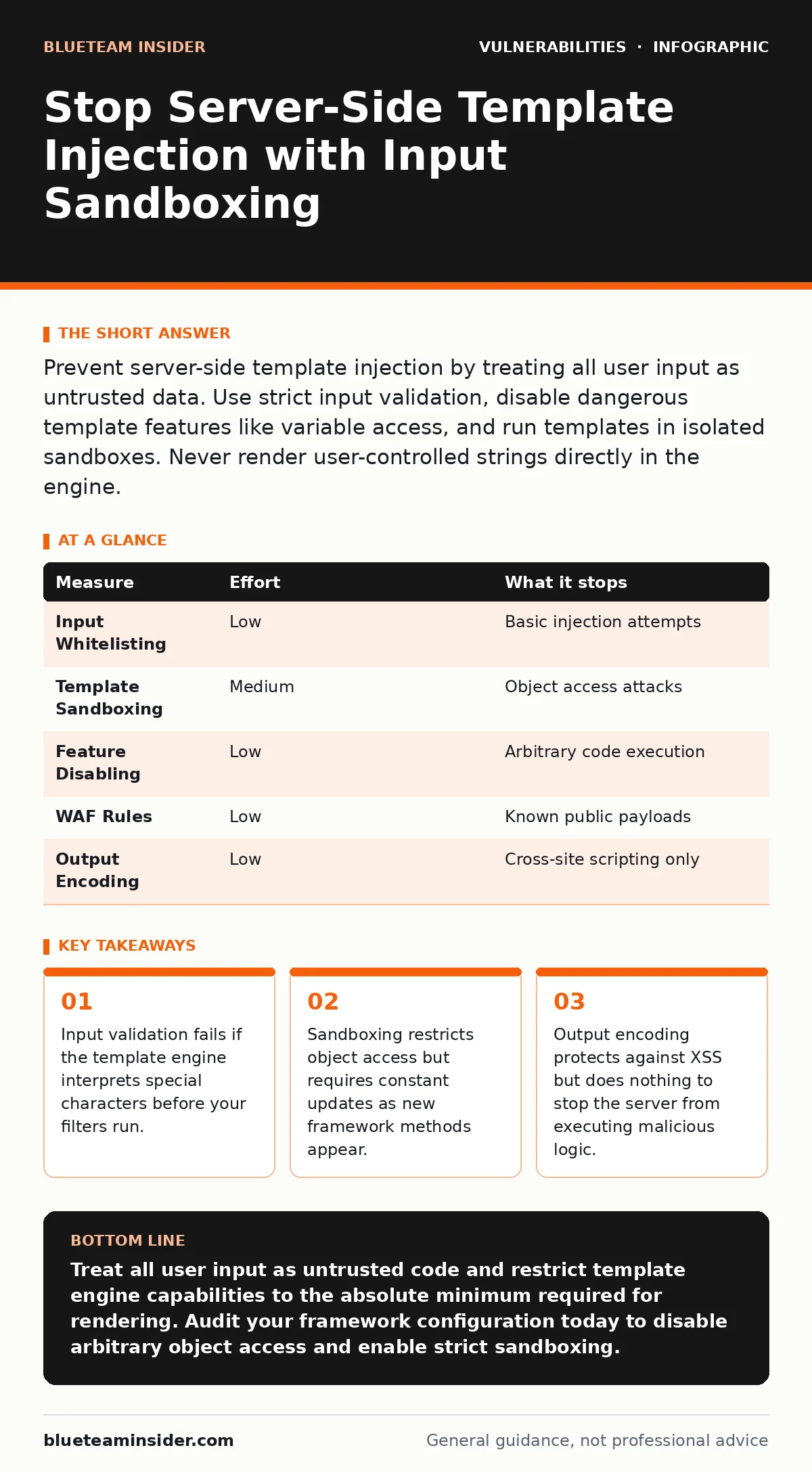
Prevent server-side template injection by treating all user input as untrusted data. Use strict input validation, disable dangerous template features like variable access, and run templates in isolated sandboxes. Never render user-controlled strings directly in the engine.
Understand the SSTI Attack Vector
Server-side template injection occurs when user input reaches a template engine without proper sanitization. Template engines allow developers to insert dynamic data into static HTML. Attackers exploit this by injecting template syntax into input fields. The server then executes this injected code. This differs from cross-site scripting because the code runs on the server, not the browser. The attacker can read files, execute system commands, or access internal databases. You must treat template variables as potentially executable code.
The vulnerability exists because many frameworks prioritize flexibility over security. Developers often embed user data directly into templates to save time. This convenience creates a direct path for code execution. If the template engine supports arbitrary object access, an attacker can traverse the application environment. They can reach sensitive objects that hold configuration secrets or database connections. Understanding this mechanism is the first step in defense.
Why Input Validation Alone Fails
Input validation is a common first line of defense. It checks for known bad patterns like semicolons or function calls. This approach fails because template syntax varies widely across frameworks. An attacker can use obfuscated characters to bypass simple filters. They might use Unicode escapes or string concatenation tricks. Your filter might block "exec()" but miss a method that achieves the same result. Relying on blacklists is impossible because the attack surface is too large.
Validation tools often focus on SQL injection or XSS patterns. Even if you block obvious keywords, the attacker can use indirect object references. They can access environment variables through complex property chains. You cannot list every possible path to sensitive data. Therefore, validation must be part of a broader strategy, not the sole defense.
Implement Strict Input Sanitization
Sanitization removes or escapes dangerous characters before they reach the template engine. You must define a strict whitelist of allowed characters for each input field. If a field only accepts names, block all symbols and numbers. This reduces the attack surface significantly. Use regex patterns that match only valid data structures. Reject any input that does not match the pattern exactly. Do not attempt to clean invalid input. Discard it entirely.
This method works best when combined with type checking. Ensure the server expects a string, integer, or boolean. If the input type is wrong, reject the request. This prevents an attacker from injecting complex objects or arrays. Some frameworks allow type juggling, which can bypass these checks. Verify that your language settings enforce strict typing. This adds a layer of protection that is difficult to bypass without significant effort.
Use Template Sandboxing
Sandboxing restricts what the template engine can access. It limits the variables and methods available during rendering. Most modern frameworks offer sandbox modes or configuration options. Enable these features to prevent access to sensitive objects. You must explicitly allow only the data needed for the template. Do not pass entire application contexts or request objects to the template. This principle of least privilege reduces the impact of a successful injection.
Sandboxing is not perfect. Attackers can sometimes bypass restrictions by chaining allowed methods. They might use a safe method to reach a dangerous one. You must review the sandbox configuration regularly. New methods added to the framework might not be restricted by default. Update your allowlists and denylists as the framework evolves. This requires ongoing maintenance but provides strong protection against common attacks.
Disable Dangerous Template Features
Many template engines include features that are useful for development but dangerous in production. These include auto-escaping, variable access, and macro definitions. Disable features that allow arbitrary code execution. Turn off auto-escaping if it interferes with your security model, but be aware of the XSS risk. Instead, rely on explicit escaping functions for output. Do not allow users to define custom filters or macros.
Variable access allows templates to read any variable in scope. Restrict this access to only the variables you explicitly pass. Use a namespace for template variables. This prevents the template from accessing global variables or environment variables. Disable any feature that allows including external files or executing shell commands. These features are rarely needed in user-facing templates. Removing them eliminates entire classes of attacks.
See also: Server-Side Request Forgery: Risks and Protection for Small Businesses
Monitor and Log Template Errors
Monitoring helps detect SSTI attempts even if prevention fails. Log all template rendering errors and warnings. Look for patterns that indicate injection attempts. These might include unusual variable names or unexpected method calls. Set up alerts for these patterns. Investigate any suspicious activity immediately. This helps you identify new attack vectors and update your defenses.
Logging also aids in forensic analysis. If an attack occurs, logs provide evidence of what happened. They show the input that caused the issue and the context in which it ran. Ensure your logs do not contain sensitive data. Mask any personal or confidential information. Store logs securely and retain them for an appropriate period. This supports compliance and incident response efforts.
What Does Not Work for SSTI
Many common security measures do not protect against SSTI. Web application firewalls often miss template-specific syntax. They focus on SQL and XSS patterns. Relying on a WAF alone leaves you exposed. Similarly, output encoding protects against XSS but not SSTI. The code executes before encoding. You cannot fix a server-side execution issue with client-side protections.
Another ineffective measure is using generic input filters. These filters block common bad characters but miss template syntax. They are too broad and often break legitimate functionality. Do not use them as a primary defense. Instead, focus on framework-specific hardening. Understand how your template engine works. Apply targeted restrictions rather than generic filters. This approach is more effective and less prone to false positives.
| Measure | Effort | What it stops |
|---|---|---|
| Input Whitelisting | Low | Basic injection attempts |
| Template Sandboxing | Medium | Object access attacks |
| Feature Disabling | Low | Arbitrary code execution |
| WAF Rules | Low | Known public payloads |
| Output Encoding | Low | Cross-site scripting only |
Quick Wins and Checklist
Start with these three actions today. First, review your template engine configuration. Disable any features that allow arbitrary code execution. Second, implement strict input validation for all user-facing fields. Reject any input that does not match the expected format. Third, enable detailed logging for template errors. Monitor for unusual patterns. These steps provide immediate protection. They reduce the risk of successful attacks while you implement more comprehensive measures.
Key takeaways
- Input validation fails if the template engine interprets special characters before your filters run.
- Sandboxing restricts object access but requires constant updates as new framework methods appear.
- Output encoding protects against XSS but does nothing to stop the server from executing malicious logic.
Treat all user input as untrusted code and restrict template engine capabilities to the absolute minimum required for rendering. Audit your framework configuration today to disable arbitrary object access and enable strict sandboxing.
Frequently asked questions
How do I know if my app is vulnerable to SSTI?
Test your application by injecting template syntax into input fields. If the server executes the syntax or returns internal data, you are vulnerable. Use a dedicated testing environment for this.
Can a WAF prevent SSTI attacks?
A WAF can block some known payloads but cannot catch all variations. Template syntax is too diverse for generic rules. Use WAFs as a secondary layer, not a primary defense.
Does output encoding stop SSTI?
No, output encoding only affects how data is displayed in the browser. SSTI executes on the server before encoding. Encoding does not prevent code execution.
What is the difference between SSTI and XSS?
SSTI executes code on the server, potentially accessing files and databases. XSS executes code in the user's browser, stealing cookies or session tokens. They require different defenses.
How this guide was produced: written by the BlueTeam Insider editorial team with AI assistance, checked against the public references listed below, and reviewed when the facts change. See our editorial policy or report an error.