Scareware Pop Up: How to Spot Fake Alerts and Stop the Threat
Scareware relies on psychological pressure rather than technical exploits, meaning your browser settings and patience are the primary defenses against infection.
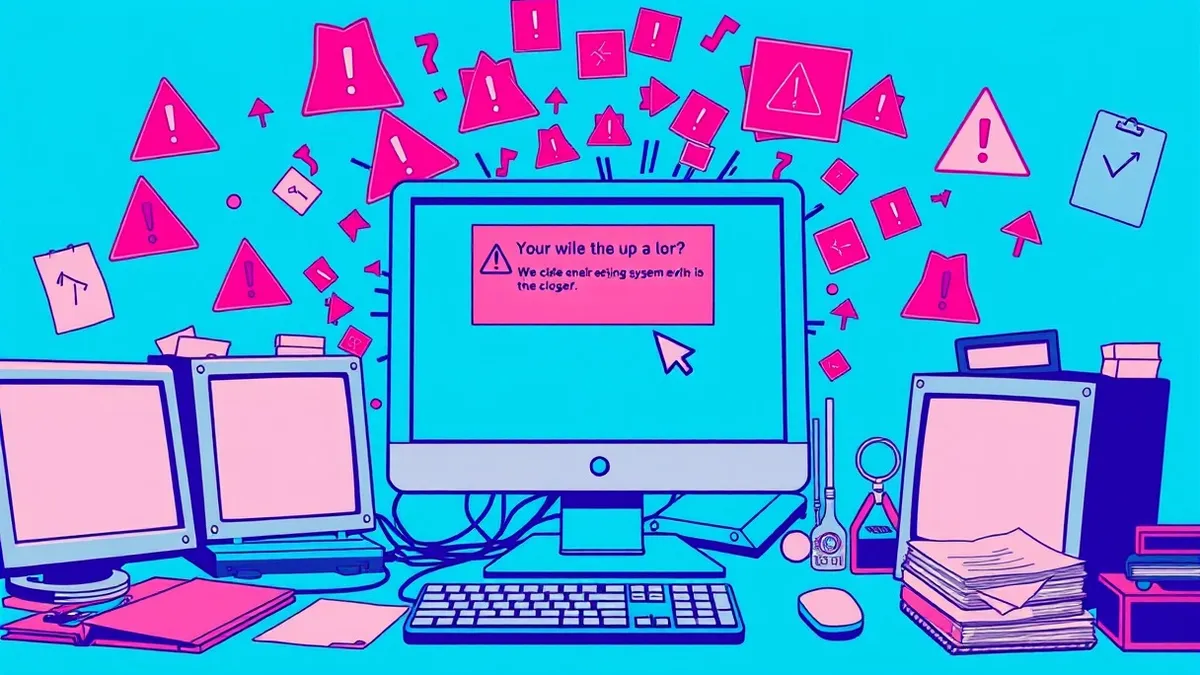
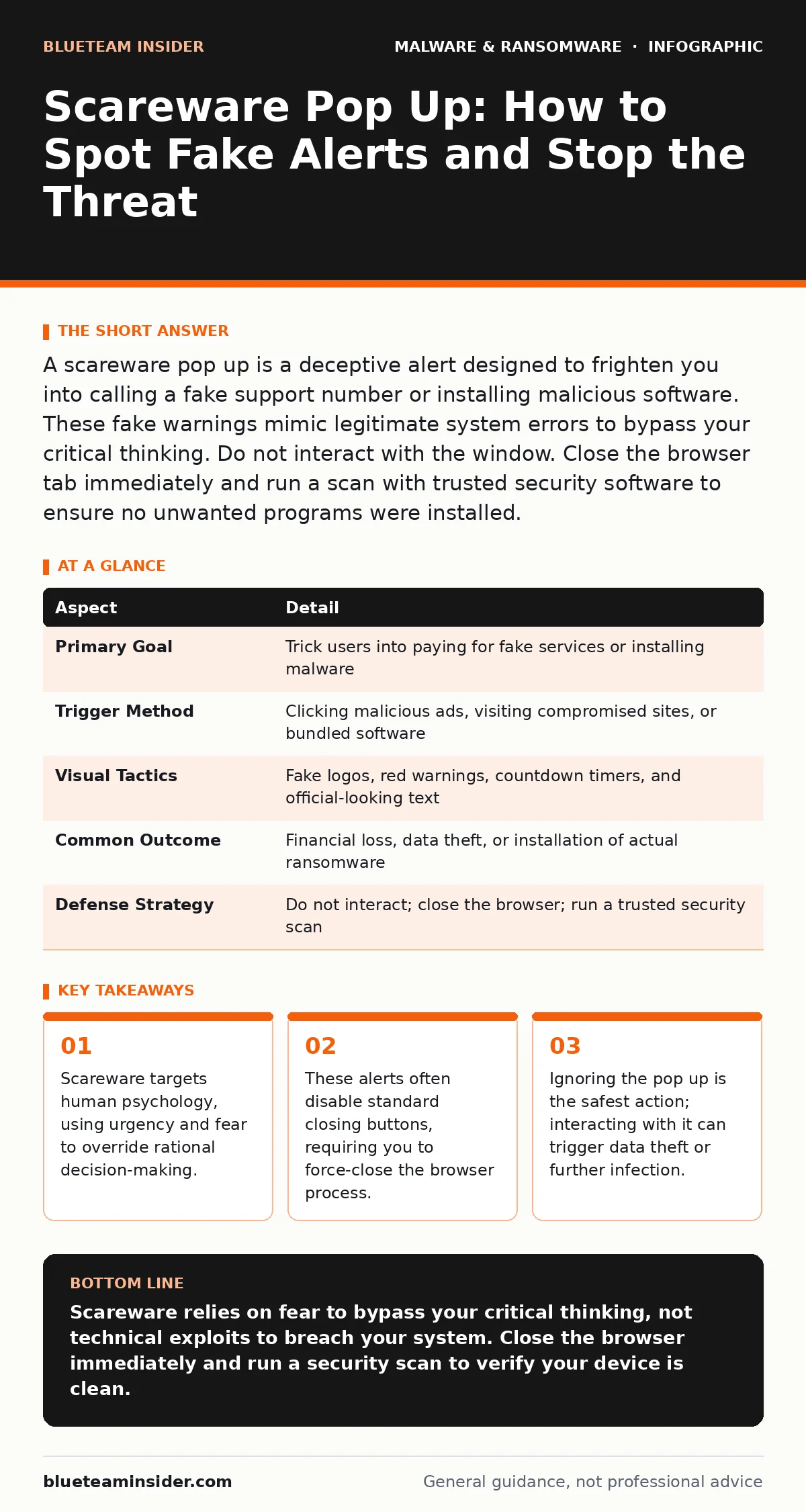
A scareware pop up is a deceptive alert designed to frighten you into calling a fake support number or installing malicious software. These fake warnings mimic legitimate system errors to bypass your critical thinking. Do not interact with the window. Close the browser tab immediately and run a scan with trusted security software to ensure no unwanted programs were installed.
The Psychology Behind the Fake Alert
Imagine a stranger bursting into your office, shouting that your computer is on fire and demanding you hand over your wallet to fix it. You would likely feel panicked and act without thinking. Scareware operates on this exact principle. It does not necessarily need a complex technical vulnerability to compromise your system. Instead, it exploits the natural human reaction to perceived immediate danger. The alert creates a sense of urgency that short-circuits your ability to verify the claim. This psychological manipulation is the core mechanism of the threat. You are not fighting code; you are fighting your own instinct to resolve a crisis quickly.
What Is a Scareware Pop Up?
A scareware pop up is a fraudulent warning message that mimics the appearance of a legitimate system alert. It claims your device is infected, locked, or under attack. The goal is to convince you to take a specific action, such as calling a phone number, downloading a cleaner, or paying a fee. These alerts often use official-looking logos and urgent language to appear authoritative. They are not actual errors from your operating system or antivirus software. They are advertisements or delivery mechanisms for malware. Recognizing them requires understanding that legitimate security tools rarely use pop up windows to demand immediate payment or phone calls.
| Aspect | Detail |
|---|---|
| Primary Goal | Trick users into paying for fake services or installing malware |
| Trigger Method | Clicking malicious ads, visiting compromised sites, or bundled software |
| Visual Tactics | Fake logos, red warnings, countdown timers, and official-looking text |
| Common Outcome | Financial loss, data theft, or installation of actual ransomware |
| Defense Strategy | Do not interact; close the browser; run a trusted security scan |
How Scareware Works in Practice
The delivery method is often as simple as a click on a misleading advertisement. You might visit a legitimate website that hosts third-party ads. One of those ads contains a script that triggers the alert. When you click it, a new window opens. This window may claim to be from your browser or operating system. It often disables the "X" button or prevents you from minimizing the window. This is a deliberate design choice to increase your anxiety. The script may also play loud alarm sounds or flash the screen. These sensory inputs are designed to overwhelm your cognitive filters. The attacker wants you to act before you can think.
Who Gets Targeted
Scareware affects anyone who uses the internet. It is not limited to specific demographics or technical skill levels. Attackers often target users who are less familiar with how operating systems communicate errors. However, even experienced users can be caught off guard by a well-crafted alert. The threat is platform-agnostic. It appears on Windows, macOS, Linux, and mobile devices. Android malware often uses similar tactics, displaying fake battery warnings or storage alerts. The common thread is the user’s interaction with the web. If you browse the internet, you are within the attack surface. The level of sophistication required to create these alerts is low, which makes them widespread.
What People Usually Get Wrong
Many users believe that ignoring a pop up is dangerous. They fear that leaving it open will cause further damage. This is incorrect. Scareware alerts are passive until you interact with them. The damage occurs when you click, call, or download. Another common mistake is trying to close the pop up by clicking the "X" or "Cancel" button.
In many cases, these buttons are programmed to open more windows or redirect you to a malicious site. You must close the entire browser application. Additionally, users often assume that because they have next-generation antivirus installed, they are immune. While good security software helps, it may not block every social engineering attempt in real time. Human verification is still required.
See also: Social Engineering Red Flags: Why Early Detection Stops Breaches · Pretexting vs Phishing: The Critical Difference in Social Engineering Attacks
How to Handle the Alert
When you see a suspicious alert, your first step is to stop. Do not click anything. Do not type any information. Do not call any number. Your second step is to close the browser. If the "X" button does not work, use the task manager or activity monitor to force quit the browser application. This terminates the process running the script. On Windows, press Ctrl+Shift+Escape to open the task manager. On macOS, press Command+Option+Escape. Select your browser and end the process. Once the browser is closed, the alert disappears. This action removes the immediate threat. You have not installed anything, and you have not provided any data.
Preventing Future Encounters
Prevention focuses on reducing the attack surface and improving detection. Keep your browser and operating system updated. Updates often include fixes for vulnerabilities that scareware scripts exploit. Use an ad blocker. These tools prevent many of the malicious advertisements that trigger the alerts from loading in the first place. Be cautious with free software installations.
Many scareware campaigns bundle their payloads with legitimate-looking installers. Read the installation steps carefully. Uncheck any boxes that offer additional software. Regularly review your browser extensions. Remove any you do not recognize or no longer use. Malicious extensions can inject alerts directly into your browsing experience.
Recovery and Verification
If you believe you have interacted with a scareware pop up, you must verify your system’s integrity. Run a full scan with your security software. Look for unfamiliar programs in your application list. Check your browser for new extensions or changed homepage settings. If you provided payment information, contact your bank immediately. They can block unauthorized charges.
If you installed remote access software, change all your passwords from a different, clean device. Do not assume the threat is over because the pop up is gone. The attacker may have installed persistent malware. Understanding the ransomware attack chain helps you see how a simple scareware alert can escalate into a full system compromise. Polymorphic malware may also be used to evade detection after the initial entry.
Related Threats to Consider
Scareware is often a precursor to more severe threats. It can be a delivery mechanism for computer worms that spread across your network. It may also lead to the installation of Linux malware if you are using that operating system. The tactics evolve, but the core principle of deception remains. Understanding these connections helps you build a broader defense. You are not just fighting a pop up; you are defending against a suite of social engineering attacks. Stay informed about current tactics. The methods used by attackers change, but the psychological triggers remain constant.
Key takeaways
- Scareware targets human psychology, using urgency and fear to override rational decision-making.
- These alerts often disable standard closing buttons, requiring you to force-close the browser process.
- Ignoring the pop up is the safest action; interacting with it can trigger data theft or further infection.
Scareware relies on fear to bypass your critical thinking, not technical exploits to breach your system. Close the browser immediately and run a security scan to verify your device is clean.
Frequently asked questions
Can a scareware pop up actually delete my files?
No, the pop up itself cannot delete files. It is a visual trick. However, if you follow its instructions to download software, that software might contain malware capable of deleting files.
Is it safe to ignore the alert and keep browsing?
It is safer to close the browser entirely. Keeping the tab open may allow the script to load more malicious content or consume system resources. Closing the browser stops the process.
Why can’t I close the pop up with the X button?
The script often disables the close button to increase your panic. You must force-close the browser application using your operating system’s task manager or activity monitor.
Do antivirus programs block all scareware?
Most modern security tools block known scareware scripts. However, new variants appear constantly. Human vigilance is still required to recognize the social engineering tactics used in the alerts.
How this guide was produced: written by the BlueTeam Insider editorial team with AI assistance, checked against the public references listed below, and reviewed when the facts change. See our editorial policy or report an error.