Cloud Audit Logs: 8 Questions About Security and Compliance
Most cloud audit logs record successful actions but fail to capture the specific configuration changes that lead to privilege escalation.

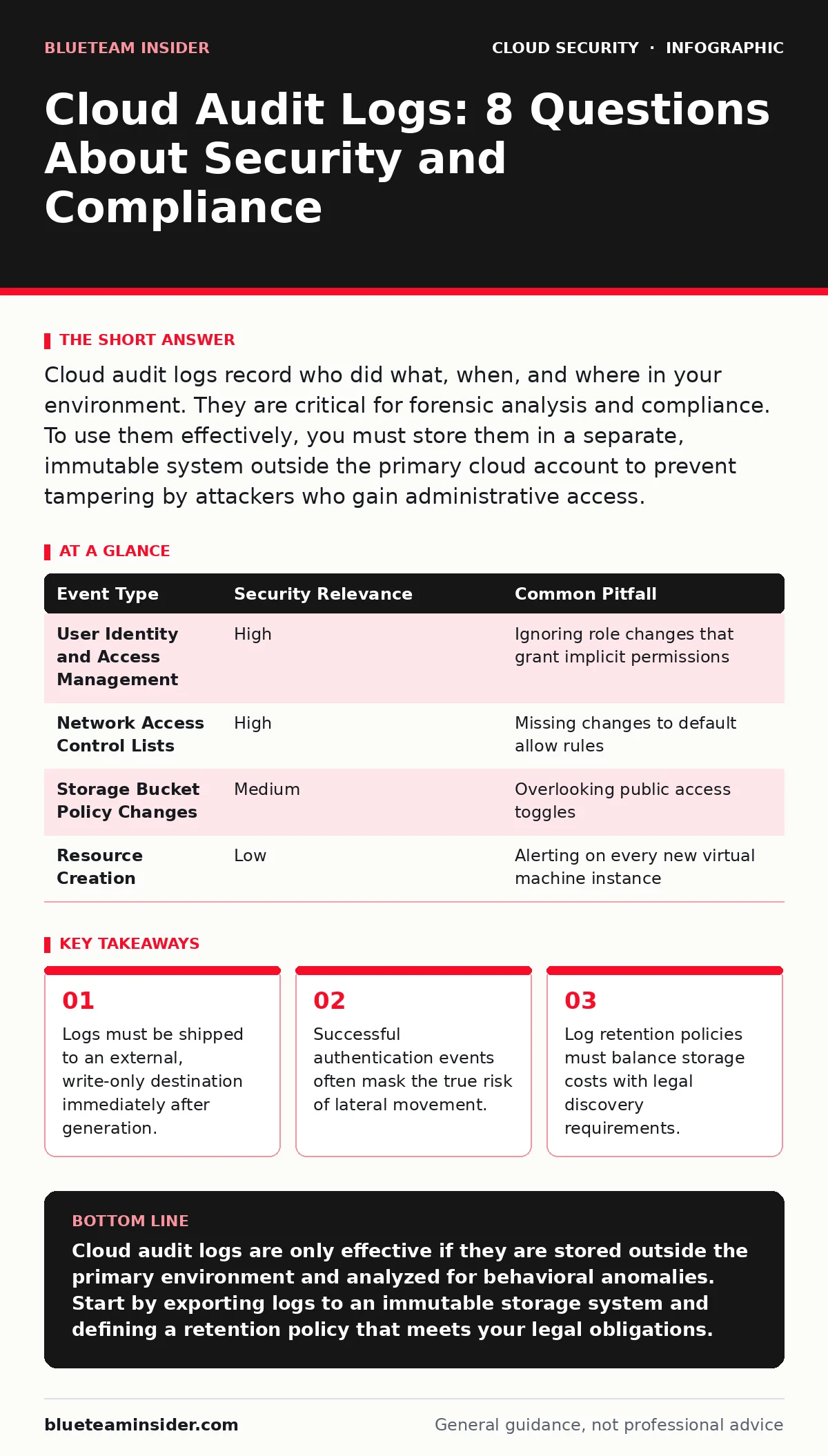
Cloud audit logs record who did what, when, and where in your environment. They are critical for forensic analysis and compliance. To use them effectively, you must store them in a separate, immutable system outside the primary cloud account to prevent tampering by attackers who gain administrative access.
What exactly do cloud audit logs record?
Cloud audit logs capture API calls and service events generated by users, applications, and services within your cloud environment. They document the identity of the actor, the time of the action, the source IP address, and the outcome of the request. These logs provide a chronological trail of activity that allows you to reconstruct events after a security incident. They do not, however, record network traffic contents or the specific data payload transferred during an API call.
Why can’t I rely on the cloud provider’s native log viewer?
Native log viewers within the cloud console are convenient for quick checks but lack the durability and isolation required for security evidence. An attacker who gains administrative privileges can delete or modify logs stored within the same account, erasing their tracks. You must export logs to a separate, independent storage system that the primary cloud account cannot modify. This separation ensures that even if the primary environment is compromised, the historical record remains intact. See our guide on cloud incident response for details on preserving evidence during an active breach.
How do I prevent attackers from deleting my logs?
You must implement a write-only logging architecture where logs are pushed to a destination that the source cloud account cannot alter. This often involves creating a dedicated logging account or using a third-party security information and event management (SIEM) system. The source account should have only publish permissions, while the destination account holds the read and retention permissions. This architectural separation creates a barrier that stops an attacker from cleaning up their footprint after gaining access.
Which log events should I prioritize for analysis?
Prioritize events that indicate changes to security configurations, such as the creation of new administrative users or modifications to firewall rules. Successful authentication events are also critical, especially when they originate from unusual geographic locations or unfamiliar IP addresses. Failed login attempts can indicate brute-force attacks, but they are often noisy and less actionable. Focus on actions that change the state of your environment rather than read-only operations, as these represent actual risk.
| Event Type | Security Relevance | Common Pitfall |
|---|---|---|
| User Identity and Access Management | High | Ignoring role changes that grant implicit permissions |
| Network Access Control Lists | High | Missing changes to default allow rules |
| Storage Bucket Policy Changes | Medium | Overlooking public access toggles |
| Resource Creation | Low | Alerting on every new virtual machine instance |
What is the hidden cost of comprehensive logging?
Enabling all possible log streams generates massive amounts of data, leading to significant storage and data transfer costs. Many organizations enable verbose logging without a clear use case, paying for data they never analyze. You must balance the granularity of logging with your actual detection capabilities. If your security team cannot process high-volume logs, increasing the volume only creates noise and increases the mean time to detect threats. See our guide on cloud compliance to understand which logs are legally required versus those that are merely optional.
See also: Vulnerability Scanning Best Practices for Accurate Risk Data
How long should I retain my cloud audit logs?
Retention periods depend on your regulatory requirements and the statute of limitations for legal actions in your jurisdiction. Most frameworks require a minimum of one year for security logs, but some industries demand seven years or more. Shorter retention periods reduce storage costs but limit your ability to investigate long-dormant threats. You must define a policy that meets legal obligations while avoiding unnecessary expense. Implementing tiered storage, where recent logs are kept in fast-access storage and older logs move to cold storage, helps manage these costs.
Why are successful logins more dangerous than failed ones?
Failed login attempts are loud and often trigger immediate alerts, but successful logins by compromised accounts are silent. An attacker using stolen credentials will appear as a legitimate user, allowing them to move laterally through your environment without triggering anomaly detection. You must monitor for successful logins from new devices, unusual locations, or at odd hours. Contextual analysis of successful authentication events is more valuable than counting failed attempts. See our guide on MFA for cloud accounts to understand how multi-factor authentication adds a layer of verification to these events.
How do I detect privilege escalation in logs?
Privilege escalation occurs when a low-privileged user gains higher-level permissions, often by modifying their own role or creating a new admin user. Look for API calls that change identity policies, create new access keys, or modify group memberships. These actions often happen in quick succession, creating a distinct pattern in the logs. Detecting this requires correlating multiple events rather than looking at a single action in isolation. See our guide on cloud privilege escalation for specific patterns to monitor.
What happens to logs when a resource is deleted?
When you delete a cloud resource, the logs associated with that resource’s API calls remain, but future events from that resource cease. If an attacker deletes a logging configuration or a monitored resource, you lose visibility into subsequent actions. This is why exporting logs externally is critical. If the primary resource is destroyed, the external copy preserves the history of what happened before the deletion. This preservation is vital for understanding the scope of an incident. See our guide on orphaned cloud resources to learn how to manage resources that are no longer actively managed but still incur costs.
How do I handle logs in a hybrid cloud environment?
Hybrid environments generate logs from both on-premises systems and cloud services, creating a fragmented view of security. You must aggregate these disparate log sources into a single platform to enable cross-environment correlation. Without this aggregation, an attacker moving from an on-premises server to a cloud instance may go undetected. Standardizing log formats and ensuring consistent time synchronization across all systems is necessary for accurate analysis. See our guide on hybrid cloud security for strategies on unifying visibility.
Can I use logs to prove compliance automatically?
Logs provide the evidence needed to demonstrate compliance, but they do not automatically prove it. You must map specific log events to control requirements defined by frameworks such as SOC 2 or ISO 27001. Automated tools can help audit these mappings, but human review is still necessary to interpret context and exceptions. Relying solely on the presence of logs without verifying their integrity and completeness leaves gaps in your compliance posture. See our guide on cloud landing zones for architectural best practices that support auditability.
Key takeaways
- Logs must be shipped to an external, write-only destination immediately after generation.
- Successful authentication events often mask the true risk of lateral movement.
- Log retention policies must balance storage costs with legal discovery requirements.
Cloud audit logs are only effective if they are stored outside the primary environment and analyzed for behavioral anomalies. Start by exporting logs to an immutable storage system and defining a retention policy that meets your legal obligations.
Frequently asked questions
Do cloud providers keep logs for me forever?
No, most providers have default retention periods that are often short, such as 90 days. You must actively configure longer retention if you need historical data for compliance or forensics.
Can I filter logs to save money?
Yes, but filtering too aggressively may remove critical security events. Filter only known benign noise and keep all security-relevant API calls, especially those related to identity and configuration changes.
What is log ingestion?
Log ingestion is the process of collecting logs from various sources and sending them to a central analysis platform. This step is critical for ensuring all relevant data is available for correlation and alerting.
How do I know if my logs are tampered with?
You cannot know if logs stored in the primary account are tampered with. This is why you must ship logs to an external, write-only destination immediately. Integrity is maintained by architectural separation, not by monitoring the logs themselves.
How this guide was produced: written by the BlueTeam Insider editorial team with AI assistance, checked against the public references listed below, and reviewed when the facts change. See our editorial policy or report an error.