Subdomain Takeover Warning Signs: Spot the Silent Host Takeovers
A broken link on a forgotten subdomain often signals that an attacker has hijacked your DNS records and now controls the traffic flow to your brand.

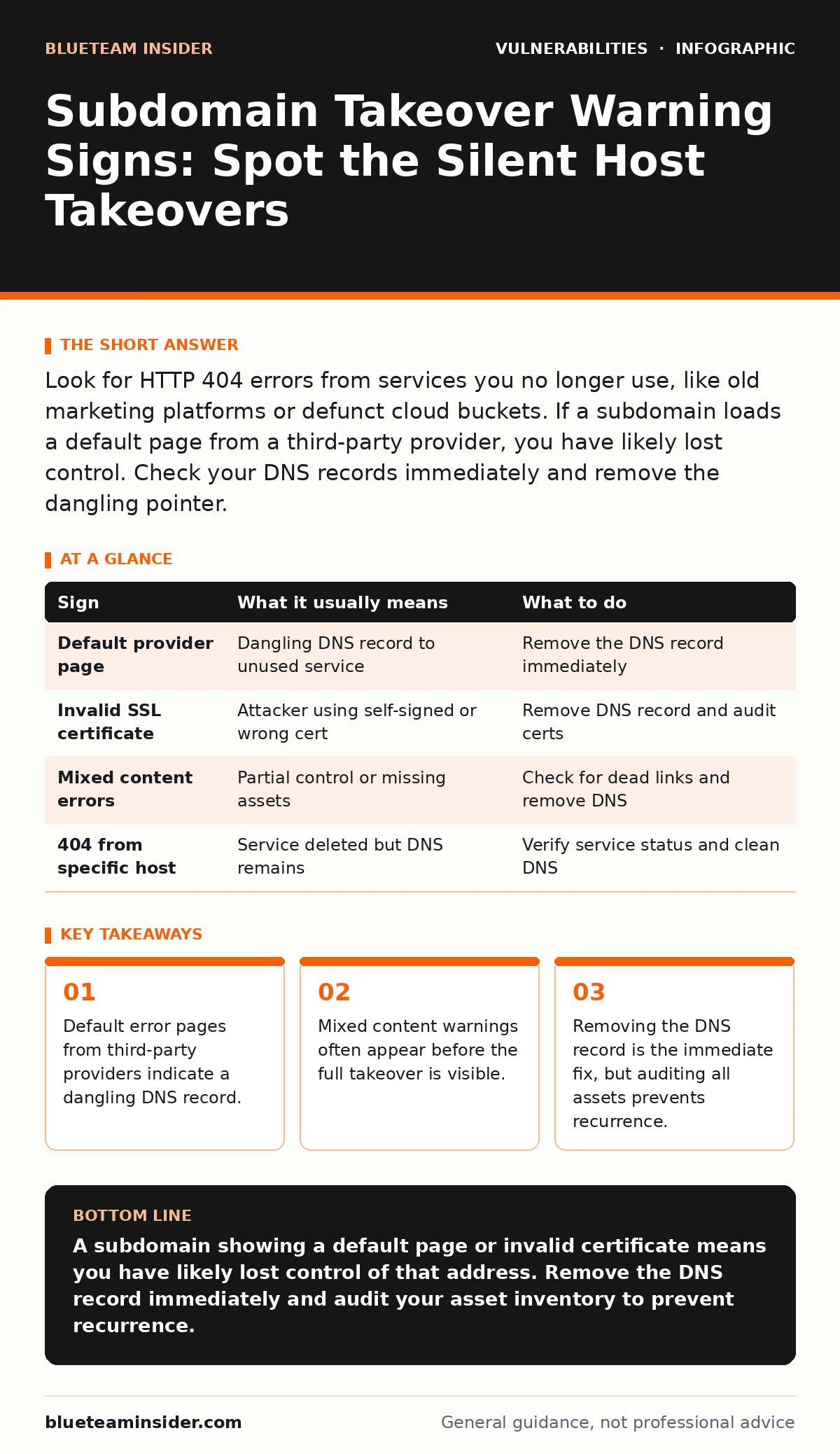
Look for HTTP 404 errors from services you no longer use, like old marketing platforms or defunct cloud buckets. If a subdomain loads a default page from a third-party provider, you have likely lost control. Check your DNS records immediately and remove the dangling pointer.
The Default Page Trap
When you abandon a web service, you often forget to remove the DNS record pointing to it. This creates a dangling DNS record. An attacker finds this orphaned pointer and registers the service with their own account. They now control the content served at that subdomain.
You will often see a generic welcome page or a setup wizard from the original provider. This is the most obvious sign. It means the domain points to a server that expects a new configuration. The attacker has provided that configuration.
Broken HTTPS Certificates
Attackers rarely use valid certificates for their initial takeover. They often use self-signed certificates or certificates that do not match the subdomain name. Your browser will flag this as a security risk.
You might see a warning about an expired certificate or a certificate issued to a different organization. This happens because the attacker did not request a proper certificate for your domain. They are using whatever the hosting provider gave them by default.
This mismatch is a strong indicator. It shows the infrastructure is no longer managed by your team. The certificate authority does not recognize your ownership of the subdomain.
Mixed Content Errors
Sometimes the takeover is partial. The main page loads, but resources like images or scripts fail to load. This creates mixed content errors. Your browser may block these resources or warn you about insecure content.
This occurs when the attacker controls the HTML but not the assets. Or, the original assets are hosted on a service you no longer pay for. The links are dead, but the domain is alive.
Hidden DNS Misconfigurations
Not all signs are visible in the browser. Some issues live in the DNS layer. You might see CNAME records pointing to services that no longer exist. These are invisible to casual visitors but visible to security tools.
A CNAME record aliases one domain name to another. If the target service is deleted, the alias remains. This is a dangling pointer. It is a silent invitation for takeover.
Regular audits of your DNS zone files are necessary. You must check every record, not just the active ones. Forgotten development or staging environments are common sources of these errors.
Immediate Remediation Steps
When you spot a sign, act quickly. The first step is to verify if you still own the underlying service. Check your accounts with cloud providers and SaaS platforms. If you do not have an active account, you have lost control.
Do not try to reclaim the service through the attacker. Instead, remove the DNS record from your zone file. This breaks the link between your domain and the attacker's server. The subdomain will stop resolving.
After removing the record, monitor the domain. Ensure the change propagates. Then, investigate how the record remained. Was it a forgotten project? Did a vendor go out of business?
| Sign | What it usually means | What to do |
|---|---|---|
| Default provider page | Dangling DNS record to unused service | Remove the DNS record immediately |
| Invalid SSL certificate | Attacker using self-signed or wrong cert | Remove DNS record and audit certs |
| Mixed content errors | Partial control or missing assets | Check for dead links and remove DNS |
| 404 from specific host | Service deleted but DNS remains | Verify service status and clean DNS |
See also: Cloud Incident Response: 8 Practices to Contain Breaches Fast · Bot Management Misconceptions: What Cloud Security Teams Get Wrong
The Cost of Forgetting
Subdomain takeovers are not just technical glitches. They are brand safety risks. An attacker can host phishing pages that look exactly like your site. Users trust the domain because it is yours.
This trust allows the attacker to steal credentials or spread malware. The damage is to your reputation, not just your servers. Cleaning up after a breach is far harder than fixing a DNS record.
Preventing Future Takeovers
You must maintain an inventory of all your digital assets. This includes every subdomain, every cloud bucket, and every SaaS integration. If you do not track it, you cannot protect it.
Automate the discovery process. Manual checks are prone to human error. Use tools that scan for dangling DNS records regularly. Integrate this into your broader security strategy.
Consider how this relates to API vulnerabilities. If your APIs expose internal subdomains, attackers can find them faster. Securing your API endpoints helps hide your attack surface.
Also, review your vulnerability scanning processes. Ensure your scanners check for DNS misconfigurations, not just software bugs. A comprehensive scan includes infrastructure hygiene.
The Human Element
Technology fails when people leave. Employees quit, projects end, and vendors change. The DNS records often stay. You need a process for decommissioning digital assets.
When a project ends, document the shutdown. Remove the DNS records. Close the accounts. Notify the team. This discipline prevents the accumulation of technical debt.
Subdomain takeover is a preventable error. It requires attention to detail and regular maintenance. By staying vigilant about your DNS records, you close a common door for attackers.
Key takeaways
- Default error pages from third-party providers indicate a dangling DNS record.
- Mixed content warnings often appear before the full takeover is visible.
- Removing the DNS record is the immediate fix, but auditing all assets prevents recurrence.
A subdomain showing a default page or invalid certificate means you have likely lost control of that address. Remove the DNS record immediately and audit your asset inventory to prevent recurrence.
Frequently asked questions
Can a subdomain takeover happen without a DNS change?
No, the DNS record must point to the attacker's server. However, the DNS record might have been correct long ago and simply became dangling when the service was deleted.
How long does it take for DNS changes to propagate?
Propagation times vary based on TTL settings. It can take minutes to hours. Monitor the domain to ensure the record is fully removed.
Should I block the attacker's IP address?
Blocking the IP is not a permanent solution. The attacker can move to a new server. Removing the DNS record is the only effective fix.
Do I need to notify users of a takeover?
If no data was compromised and the takeover was caught early, notification may not be required. Consult your legal and privacy teams for specific guidance.
How this guide was produced: written by the BlueTeam Insider editorial team with AI assistance, checked against the public references listed below, and reviewed when the facts change. See our editorial policy or report an error.