Using Ransomware Decryption Tools: Verification and Safety Protocols
Most free decryption utilities function only against specific encryption keys, requiring you to match the malware variant before any recovery attempt yields results.

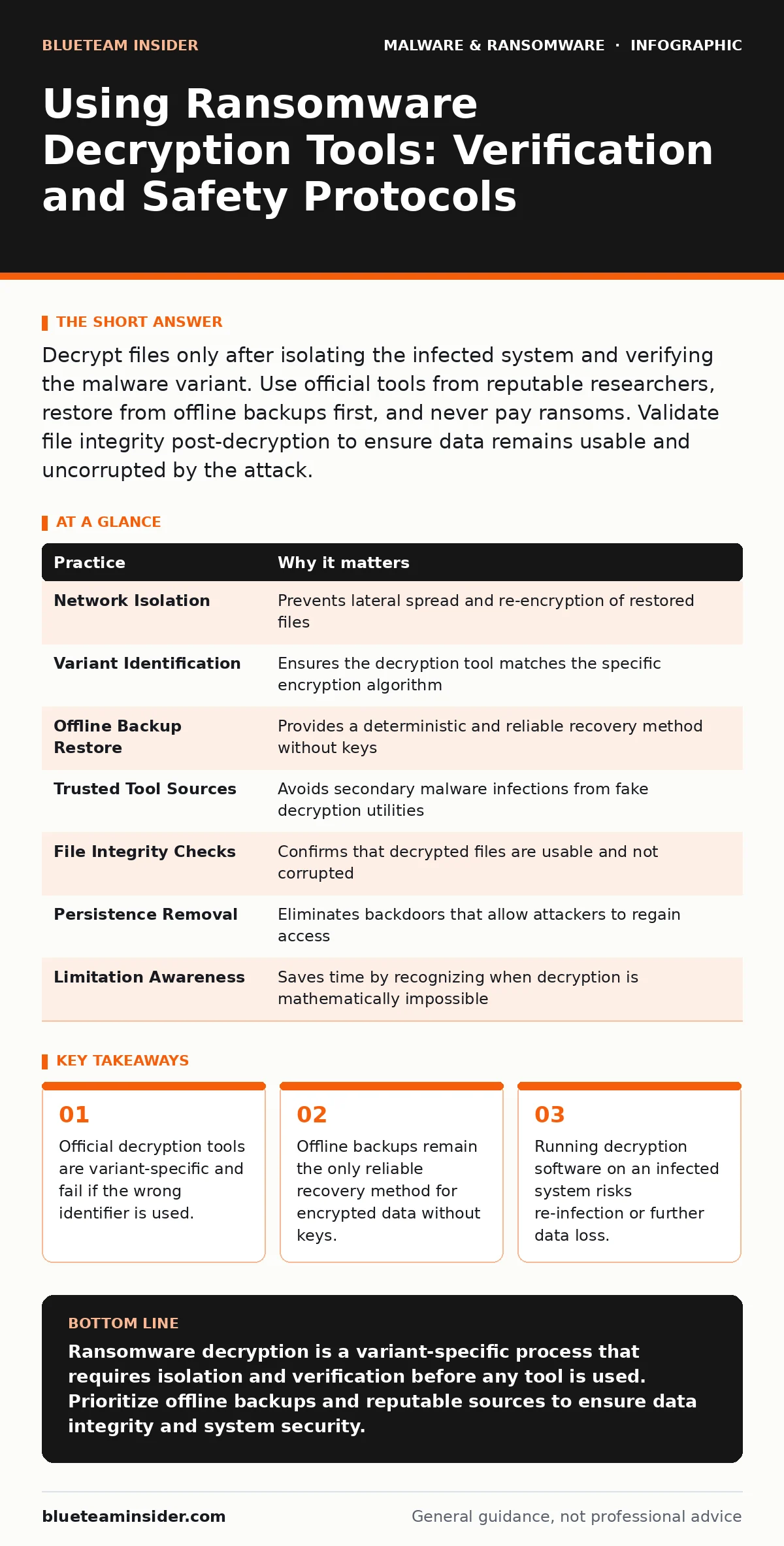
Decrypt files only after isolating the infected system and verifying the malware variant. Use official tools from reputable researchers, restore from offline backups first, and never pay ransoms. Validate file integrity post-decryption to ensure data remains usable and uncorrupted by the attack.
Isolate the Network Before Attempting Recovery
Ransomware spreads laterally across networks by exploiting shared drives, network shares, and weak authentication. If you disconnect a single endpoint but leave network pathways open, the malware may continue encrypting files on other systems or re-encrypt files you have just restored. Isolation stops the active threat vector. You must physically unplug network cables or disable Wi-Fi adapters on affected machines. Do not rely on software firewalls alone, as ransomware often modifies firewall rules to maintain connectivity for command-and-control servers.
Identify the Exact Malware Variant
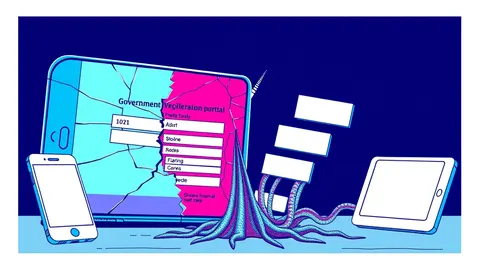
Decryption tools are not universal solvers. They are cryptographic keys or algorithms designed for specific encryption implementations used by a particular ransomware family. The visual appearance of a ransom note is often reused or spoofed. You must use identification portals provided by cybersecurity researchers to match the ransom note, file extensions, or specific behavior to a known variant. Using a tool for the wrong variant will corrupt your data further or simply fail to unlock anything. This step determines whether a free tool exists for your specific situation.
Prioritize Offline Backup Restoration
If you maintain regular backups stored on offline media, this is your primary recovery path. Restoring from a known-good backup is deterministic and reliable. Ensure the backup source is not connected to the infected network during the restore process. This prevents the ransomware from detecting the backup drive and encrypting it as well. Always verify the integrity of the backup before overwriting current system states.
Source Tools Only from Reputable Researchers
The internet is filled with fake decryption tools that are themselves malware. These impostors may steal your credentials, install additional spyware, or simply charge fees for no service. Use tools provided by established cybersecurity firms or government agencies that publish open-source utilities. These organizations test their tools extensively against the specific malware variant. Downloading from unofficial forums or peer-to-peer networks exposes you to secondary threats. Verify the cryptographic signature of the download if possible to ensure it has not been tampered with.
Verify File Integrity Post-Decryption
Decryption does not guarantee usability. Some ransomware variants encrypt files in place, leaving the original data overwritten. Others may encrypt only parts of a file, leaving headers intact but content unreadable. After using a decryption tool, open a sample of recovered files to check for corruption. Image files may appear truncated, and documents may have missing text. If files are corrupted, the decryption key was likely incorrect or the encryption was too complex for the tool. Do not assume success until you have verified the content itself.
See also: Recovery Point Objective vs Recovery Time Objective: The Real Cost of Data Loss
Check for Persistence Mechanisms
Ransomware often installs backdoors or remote access trojans alongside the encryption routine. Even if you decrypt your files, the attacker may still have access to your system. They can re-encrypt your data if they regain access. Use heuristic detection methods to scan for unknown processes and anomalies. Heuristic detection analyzes behavior rather than just matching known signatures, helping to catch modified malware. Review scheduled tasks, startup items, and user accounts for unauthorized changes. Cleaning the system is as important as decrypting the files.
Understand the Limitations of Free Tools
Not all ransomware variants have public decryption keys. Some use asymmetric encryption where the private key never leaves the attacker’s server. In these cases, no tool can decrypt the files. Attempting to use brute-force tools on these variants is futile and wastes time. Focus on restoring from backups in these scenarios. If no backup exists, the data is likely lost. Accepting this reality prevents further damage from ineffective recovery attempts. For context on the broader implications of data loss, see the ransomware payment debate.
Document the Incident for Future Prevention
Analyze how the ransomware entered your system. Did it arrive via a malicious email attachment? Was it downloaded from a compromised website? Understanding the entry point allows you to close that specific vulnerability. Update your operating system and applications to patch known security holes. Implement application whitelisting to prevent unauthorized executables from running. Review your network segmentation to limit lateral movement. This step transforms a reactive recovery into proactive defense. See the ransomware attack chain for details on common entry vectors.
Compare Recovery Options Systematically
Before committing to a recovery path, list your options and their success probabilities. Decryption tools offer a free path but with variable success rates. Backups offer a high success rate but require preparation. Payment offers a high success rate but carries ethical and legal risks. Create a decision matrix based on the criticality of the data and the availability of backups. This structured approach reduces panic-driven decisions. It also helps justify the investment in better backup strategies for the future.
| Practice | Why it matters |
|---|---|
| Network Isolation | Prevents lateral spread and re-encryption of restored files |
| Variant Identification | Ensures the decryption tool matches the specific encryption algorithm |
| Offline Backup Restore | Provides a deterministic and reliable recovery method without keys |
| Trusted Tool Sources | Avoids secondary malware infections from fake decryption utilities |
| File Integrity Checks | Confirms that decrypted files are usable and not corrupted |
| Persistence Removal | Eliminates backdoors that allow attackers to regain access |
| Limitation Awareness | Saves time by recognizing when decryption is mathematically impossible |
| Incident Documentation | Identifies entry points to prevent future attacks |
Key takeaways
- Official decryption tools are variant-specific and fail if the wrong identifier is used.
- Offline backups remain the only reliable recovery method for encrypted data without keys.
- Running decryption software on an infected system risks re-infection or further data loss.
Ransomware decryption is a variant-specific process that requires isolation and verification before any tool is used. Prioritize offline backups and reputable sources to ensure data integrity and system security.
Frequently asked questions
Can I decrypt ransomware files without paying?
Yes, if a cybersecurity researcher has published a free decryption tool for your specific malware variant. This depends entirely on the encryption method used.
What if the decryption tool fails?
Restore your files from an offline backup. If no backup exists and no tool works, the data is likely unrecoverable without payment.
Is it safe to run decryption software?
Only if downloaded from reputable cybersecurity organizations. Fake tools from unofficial sources may contain additional malware or spyware.
How do I know which ransomware variant I have?
Use identification portals provided by security researchers. Upload your ransom note or sample files to match them against known variants.
How this guide was produced: written by the BlueTeam Insider editorial team with AI assistance, checked against the public references listed below, and reviewed when the facts change. See our editorial policy or report an error.