Employee Data Breaches Explained: How Insider Risk Happens
Most data breaches involve employees who lack malicious intent, revealing that human error often outweighs technical failure in security incidents.
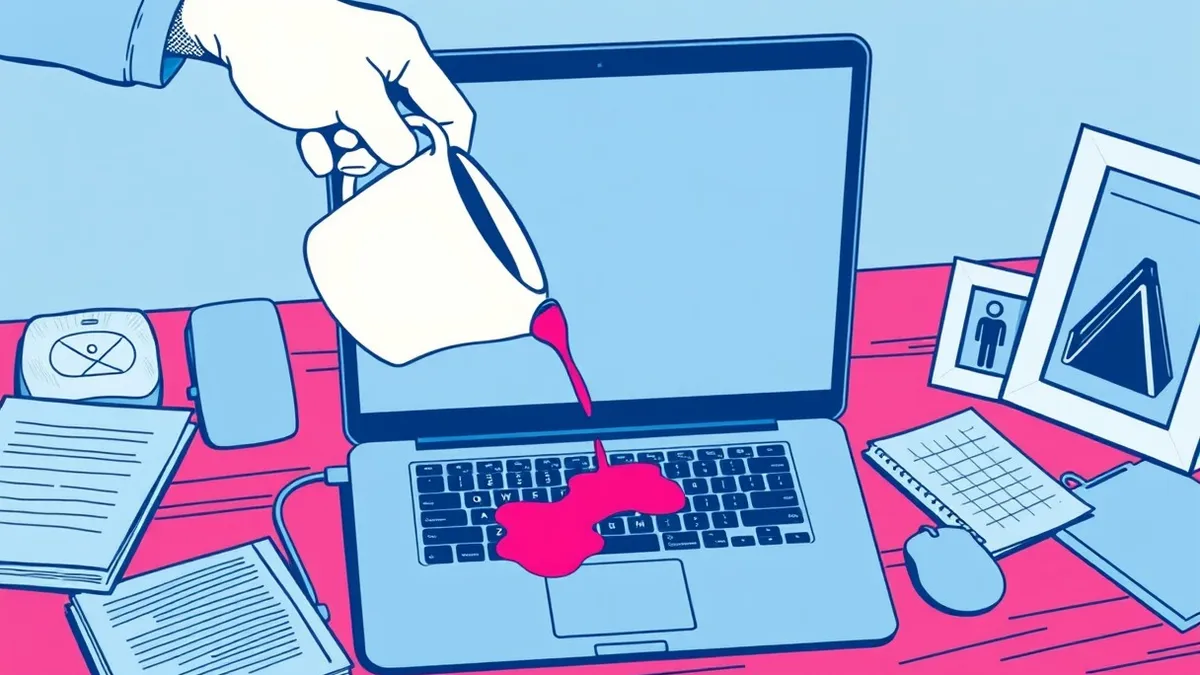
An employee data breach occurs when staff members inadvertently expose sensitive information. This happens through mistakes like misdirected emails or weak passwords. Understanding these common pitfalls helps you protect personal and professional data from accidental leaks.
The Library of Secrets Analogy
Imagine a large public library where every book contains private secrets about its readers. The library has high walls and guards, representing your organization’s firewalls and encryption. However, the librarians and patrons hold the keys to the rooms. If a librarian accidentally leaves a door open or hands a confidential book to the wrong person, the secrets spill out. The walls did not fail. The human handling of the access did.
This analogy illustrates that technology alone cannot secure data. People manage the keys. When employees mishandle information, they create gaps that attackers exploit. You must understand how these human elements create vulnerabilities.
What Is an Employee Data Breach?
An employee data breach is any incident where staff members expose sensitive information. This exposure can be intentional, such as theft, but it is often accidental. Common causes include sending an email to the wrong recipient, leaving a laptop unattended, or using weak passwords. The result is the same: private data leaves the secure environment.
The term "insider threat" often brings to mind a malicious actor. In reality, most insider incidents stem from carelessness. An employee might click a phishing link because it looked urgent. They might write down a password on a sticky note for convenience. These small actions compound into significant risks.
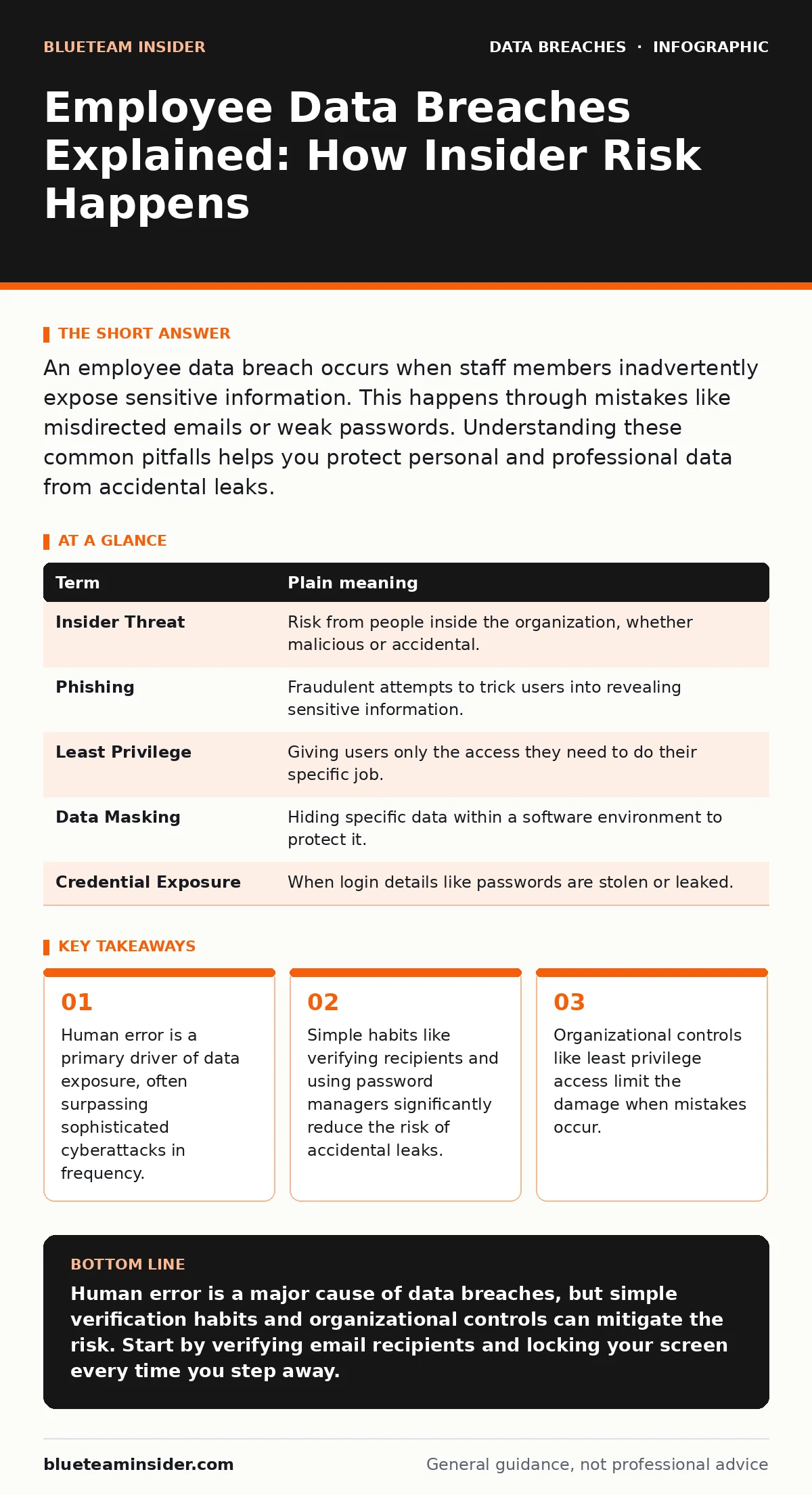
| Term | Plain meaning |
|---|---|
| Insider Threat | Risk from people inside the organization, whether malicious or accidental. |
| Phishing | Fraudulent attempts to trick users into revealing sensitive information. |
| Least Privilege | Giving users only the access they need to do their specific job. |
| Data Masking | Hiding specific data within a software environment to protect it. |
| Credential Exposure | When login details like passwords are stolen or leaked. |
The Hidden Cost of Convenience
You might think that being helpful causes problems. Suppose an IT administrator shares a master password with a colleague to speed up a project. This act of convenience breaks the chain of security. If that colleague’s account is compromised, the attacker now has access to everything.
This is where credential exposure becomes critical. A single shared password can unlock multiple systems. The cost is not just immediate data loss. It includes the time and resources needed to rotate all affected credentials. It also damages trust with clients and partners.
How Ordinary Users Are Affected
You may wonder why this matters if you are not an IT professional. Employee breaches often involve your personal data. If your employer’s HR system is compromised, your social security number, address, and bank details are at risk. Attackers use this information for identity theft and financial fraud.
Even if you are not the direct target, you feel the impact. Service disruptions occur while organizations investigate. You might receive confusing alerts about account changes. Your personal reputation could suffer if your work email is used to send scams to your contacts.
Simple Safety Habits for Everyone
You can reduce your risk with a few daily habits. First, verify the recipient before sending any email with sensitive data. Double-check the email address, not just the display name. Attackers often create addresses that look similar to legitimate ones.
Second, lock your screen when you step away from your desk. A simple keyboard shortcut locks your computer. This prevents anyone from accessing your open documents or logged-in applications. It takes one second but blocks physical theft of your session.
See also: Data Minimization Meaning: How Less Data Stops Breaches
The Role of Organizational Controls
Individual habits help, but they are not enough. Organizations must implement technical controls to limit damage. User access provisioning ensures employees only have access to the data they need. If a marketing employee does not need financial records, they should not have access to them.
Regular access reviews check if these permissions are still valid. People change roles or leave the company. If their access is not revoked, it becomes a hidden door for attackers. These reviews are administrative tasks that prevent old permissions from becoming security holes.
Protecting Yourself Beyond Work
Your personal security practices mirror professional ones. Use backup testing to ensure you can recover your own data if it is lost. A backup is useless if it cannot be restored. Test it periodically.
Be wary of lost and stolen devices. Enable remote wiping capabilities on your phone and laptop. If a device is lost, you can erase the data remotely. This prevents thieves from accessing your emails, photos, and banking apps.
Moving Forward with Awareness
Security is a shared responsibility. It requires both technical safeguards and human vigilance. By understanding the mechanisms of employee breaches, you can spot risks earlier. You can also advocate for better security practices in your workplace.
The goal is not to create a paranoid environment. It is to build a culture of care. When everyone understands how their actions affect security, the organization becomes more resilient. Small, consistent habits prevent large, catastrophic failures.
Key takeaways
- Human error is a primary driver of data exposure, often surpassing sophisticated cyberattacks in frequency.
- Simple habits like verifying recipients and using password managers significantly reduce the risk of accidental leaks.
- Organizational controls like least privilege access limit the damage when mistakes occur.
Human error is a major cause of data breaches, but simple verification habits and organizational controls can mitigate the risk. Start by verifying email recipients and locking your screen every time you step away.
Frequently asked questions
What should I do if I accidentally send sensitive data to the wrong person?
Notify your IT security team immediately. They can attempt to recall the message or contact the recipient to delete it. Then, follow the incident reporting procedure.
How can I tell if an email is phishing?
Look for urgent language, generic greetings, and suspicious links. Hover over links to see the actual URL. If it looks odd, do not click it.
Is two-factor authentication enough to stop insider threats?
It helps by adding a layer of security. However, it does not prevent an employee from intentionally or accidentally sharing data they have access to.
Why do companies use data masking?
Data masking hides sensitive information in non-production environments. This allows employees to work with realistic data formats without seeing actual private details.
How this guide was produced: written by the BlueTeam Insider editorial team with AI assistance, checked against the public references listed below, and reviewed when the facts change. See our editorial policy or report an error.