Clipboard Hijacker Warning Signs You Actually Notice
Your clipboard history often stores more than text, allowing malware to silently swap cryptocurrency addresses or leak sensitive data without your knowledge.
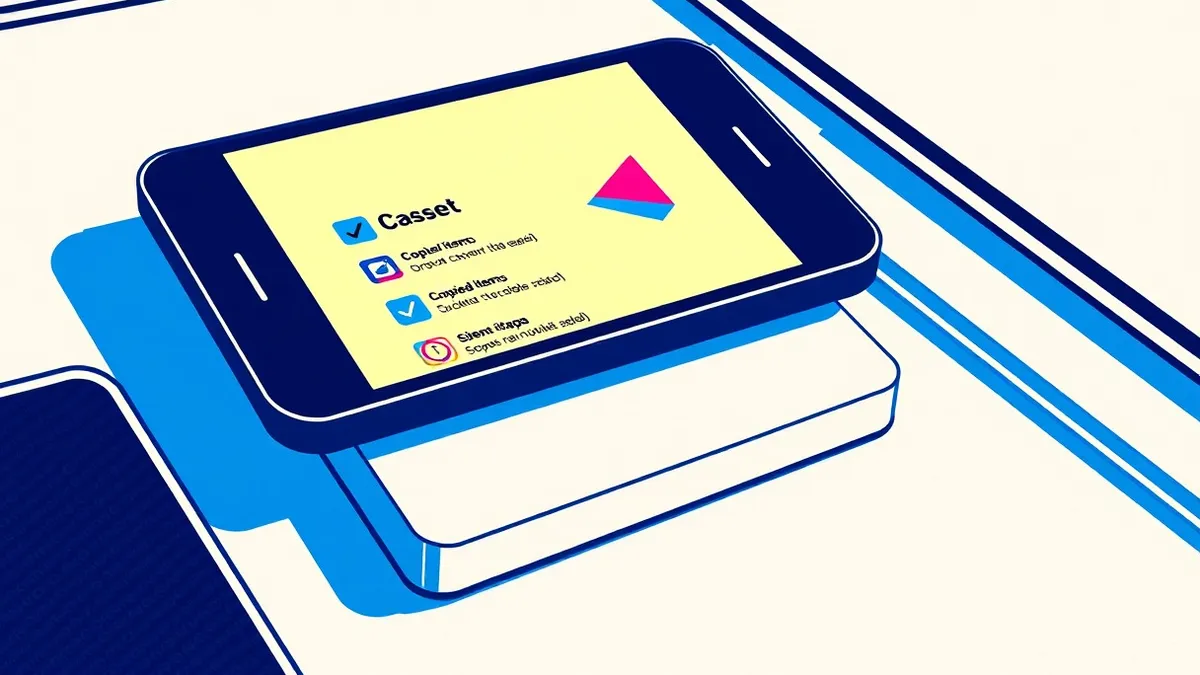
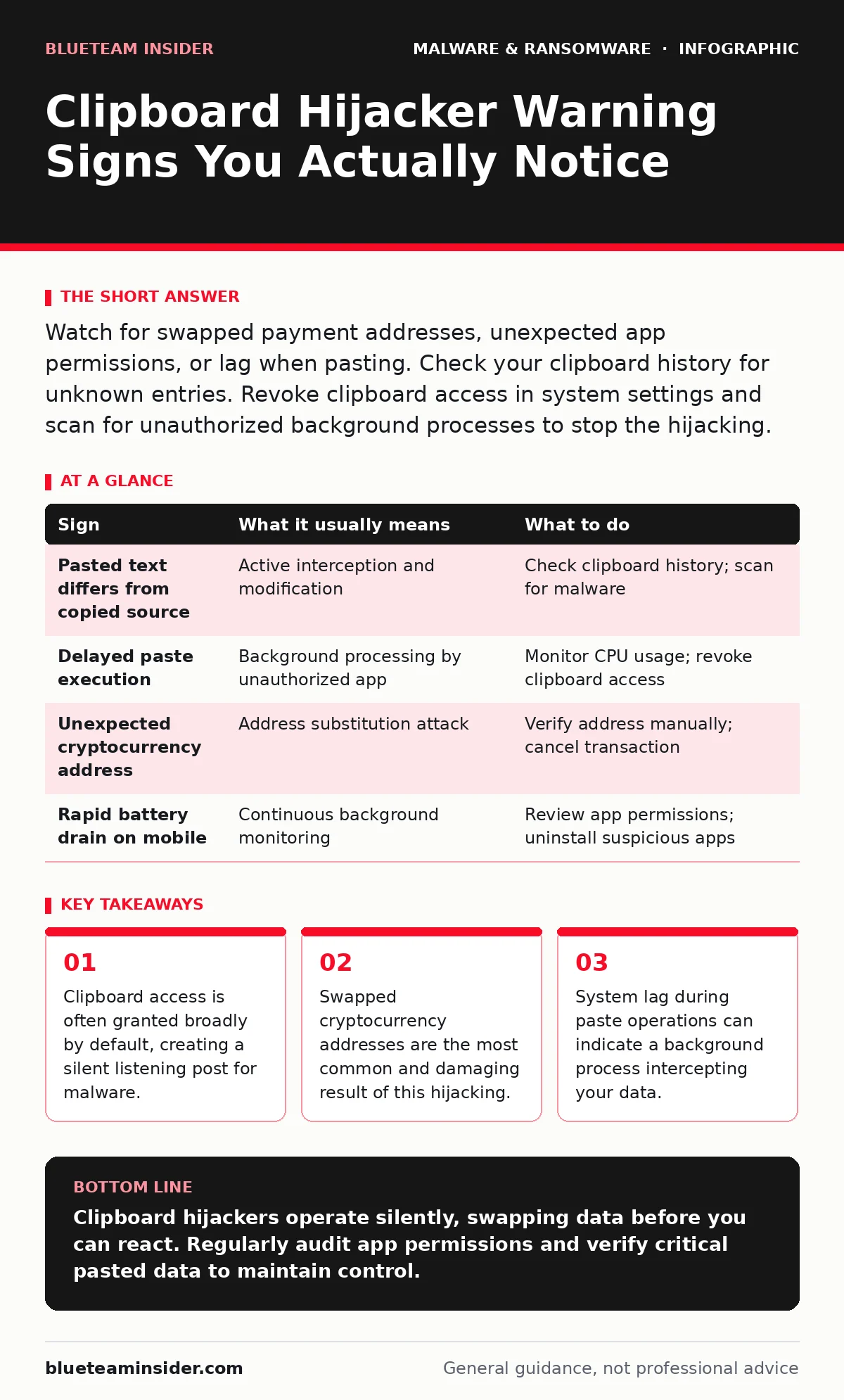
Watch for swapped payment addresses, unexpected app permissions, or lag when pasting. Check your clipboard history for unknown entries. Revoke clipboard access in system settings and scan for unauthorized background processes to stop the hijacking.
The Silent Swap Mechanism
Clipboard hijackers operate by monitoring the system clipboard, the temporary storage area your operating system uses for copy and paste operations. Malware registers itself as a listener, waiting for you to copy specific types of data. When you paste, the malicious code intercepts the action, modifies the content, and then delivers the altered result to the destination application. This happens in milliseconds, often faster than your eye can track.
The primary motive is usually financial gain through address substitution. You copy a cryptocurrency wallet address from a legitimate source. The malware detects the pattern of a wallet address. It replaces that string with an address controlled by the attacker. You send funds, believing the transaction is secure, but the money vanishes into a foreign wallet. This method bypasses traditional network security because the data never leaves your machine in its original form.
Obvious Indicators of Interference
Some signs are immediate and undeniable, though they are often dismissed as user error or software glitches. The most telling sign is a mismatch between what you copied and what appears when you paste. If you copy a text message and paste a different sentence, your system is compromised. This is not a keyboard malfunction. It is an active interception.
Another obvious sign involves cryptocurrency transactions. If you paste a wallet address and it looks slightly different from the source, stop immediately. Check the first and last characters. Hijackers often change only a few characters to make the address look valid while redirecting funds. If the address length changes or contains unexpected symbols, the clipboard has been tampered with. Do not proceed with the transaction.
Subtle Anomalies to Watch For
Many hijackers operate quietly, avoiding obvious mistakes that would trigger your suspicion. These subtle signs are harder to detect but equally dangerous. You might notice a slight delay when pasting large amounts of text. This lag occurs because the malware is processing your data before releasing it. While a fraction of a second seems negligible, consistent latency during paste operations suggests an unauthorized listener is active.
Battery drain and increased CPU usage can also indicate clipboard monitoring. The malware must run continuously in the background to watch for copy events. This constant activity consumes resources. On mobile devices, this drain is more noticeable because battery capacity is limited. If your device heats up or runs out of power faster than usual while idle, investigate background processes.
The Hidden Cost of Permissions
Most users grant clipboard access without fully understanding the scope. Operating systems often group clipboard access with general accessibility or input features. You might grant permission to a utility app for screen reading, inadvertently allowing it to monitor all copied data. This broad permission model is a significant vulnerability. It allows any installed application to read your clipboard history, not just the one you intended to use.
This means that a seemingly harmless app, like a flashlight tool or a game, could be harvesting your data. The app does not need to be malicious in its primary function to be dangerous. It only needs the capability to read the clipboard. If the app is later compromised or updated with malicious code, it already has the keys to your clipboard. This is why reviewing permissions is not just a formality but a critical security step.
| Sign | What it usually means | What to do |
|---|---|---|
| Pasted text differs from copied source | Active interception and modification | Check clipboard history; scan for malware |
| Delayed paste execution | Background processing by unauthorized app | Monitor CPU usage; revoke clipboard access |
| Unexpected cryptocurrency address | Address substitution attack | Verify address manually; cancel transaction |
| Rapid battery drain on mobile | Continuous background monitoring | Review app permissions; uninstall suspicious apps |
Immediate Response Steps
When you suspect a clipboard hijacker, act quickly to prevent data loss. First, do not paste any sensitive information until you have verified the system state. Manually type critical data like passwords or wallet addresses if possible. This bypasses the clipboard entirely, neutralizing the hijacker's ability to intercept.
Next, check your system settings for clipboard permissions. On most modern operating systems, you can see which apps have access to your clipboard. Revoke access for any app that does not strictly need it. This includes utilities, games, and lesser-known tools. If you cannot identify the culprit, perform a full system scan using reputable security software. Consider exploring heuristic detection methods, which look for suspicious behavior rather than known signatures, as hijackers often change their code to evade traditional scans.
See also: Recovery Point Objective vs Recovery Time Objective: The Real Cost of Data Loss
Preventing Future Hijacking
Prevention relies on minimizing the attack surface. Regularly audit the applications installed on your device. Remove anything you do not use or recognize. Fewer apps mean fewer potential listeners. Update your operating system and applications promptly. Developers often patch vulnerabilities that allow unauthorized clipboard access.
Be cautious with software from unverified sources. Sideloading apps, especially on mobile devices, bypasses security checks that might flag clipboard abuse. Stick to official app stores and reputable vendors. If you use remote access tool abuse is a concern, ensure your remote access software is configured securely and only used when necessary. Limiting who can access your system reduces the risk of remote clipboard manipulation.
The Broader Threat Context
Clipboard hijacking is often part of a larger attack strategy. It may be deployed alongside other threats to maximize damage. For instance, a user might first encounter scareware that tricks them into installing a "security tool" that actually contains the hijacker. This layered approach makes detection harder because the initial infection seems benign.
Understanding the ransomware attack chain helps contextualize this threat. Clipboard hijackers can act as the initial access or persistence mechanism, gathering data before a more destructive payload is deployed. They can also facilitate the ransomware payment debate by ensuring payments go to the attacker's wallet. By recognizing these connections, you can better anticipate the motives behind the hijacking and respond more effectively.
Key takeaways
- Clipboard access is often granted broadly by default, creating a silent listening post for malware.
- Swapped cryptocurrency addresses are the most common and damaging result of this hijacking.
- System lag during paste operations can indicate a background process intercepting your data.
Clipboard hijackers operate silently, swapping data before you can react. Regularly audit app permissions and verify critical pasted data to maintain control.
Frequently asked questions
Can a clipboard hijacker steal passwords?
Yes, if you copy and paste passwords, the malware can intercept them. Always type passwords manually or use a password manager that does not rely on the clipboard.
How do I check clipboard permissions on my phone?
Go to your settings, find the privacy or security section, and look for clipboard or accessibility permissions. Review the list and revoke access for unnecessary apps.
Is clipboard history dangerous?
Storing clipboard history increases the risk because it retains copied data longer. Disable clipboard history if your operating system allows it, or clear it regularly.
Can antivirus software detect clipboard hijackers?
Traditional antivirus may miss them if they use legitimate system calls. Behavioral analysis and heuristic detection are more likely to identify suspicious clipboard activity.
How this guide was produced: written by the BlueTeam Insider editorial team with AI assistance, checked against the public references listed below, and reviewed when the facts change. See our editorial policy or report an error.