Firmware Update Management: Mechanism, Limits, and Hidden Risks
Firmware updates operate below the operating system, meaning a flawed update process can brick hardware or bypass standard security controls entirely.
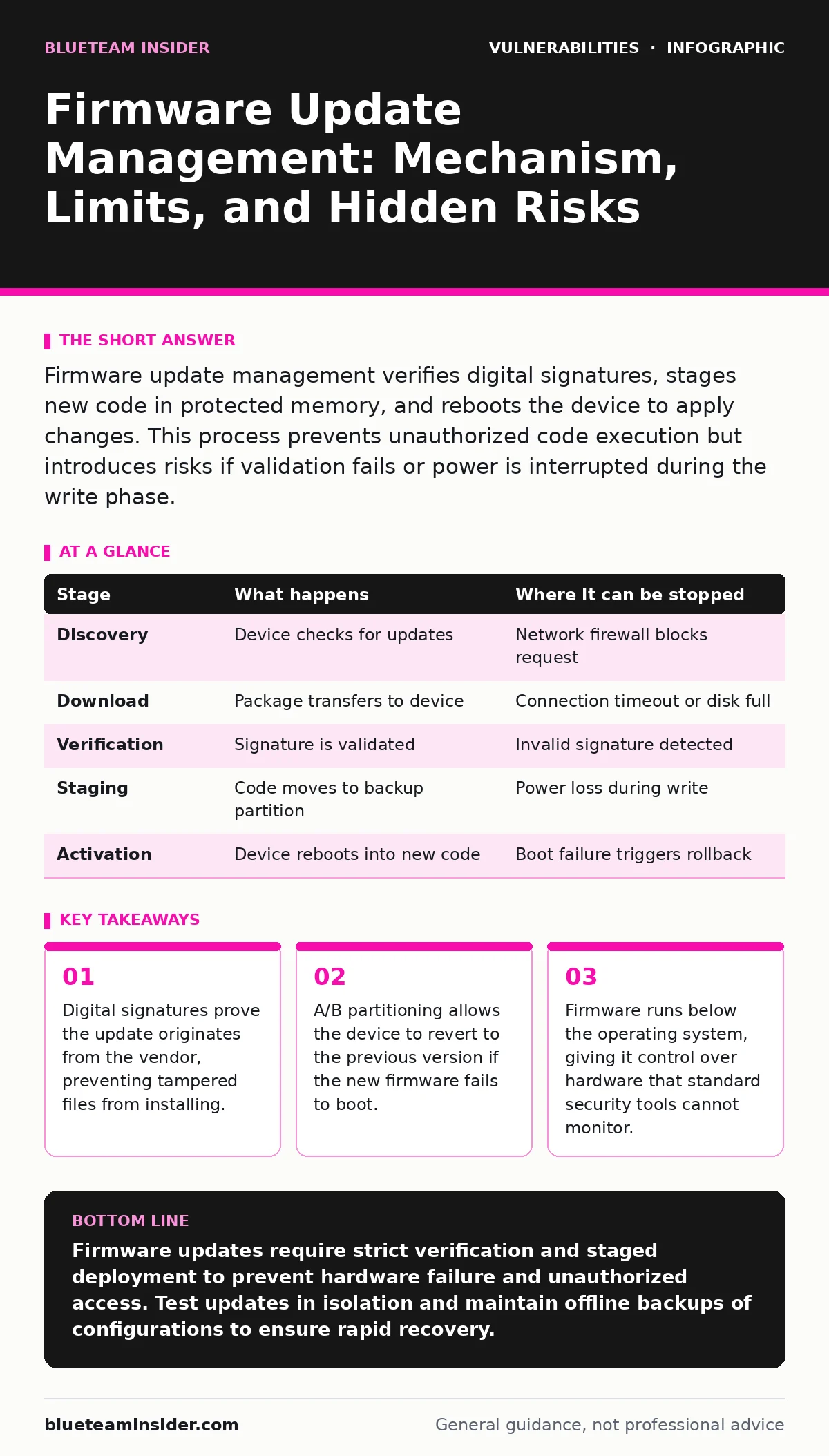
Firmware update management verifies digital signatures, stages new code in protected memory, and reboots the device to apply changes. This process prevents unauthorized code execution but introduces risks if validation fails or power is interrupted during the write phase.
The Firmware Update Lifecycle
Firmware update management follows a strict sequence to ensure hardware integrity. You must understand each stage to identify where failures occur. The process begins with verification and ends with a hardware reset. Skipping any step exposes the device to corruption or unauthorized control. This lifecycle applies to routers, servers, and embedded systems alike. The complexity increases with the hardware’s criticality.
Stage 1: Discovery and Download
The device checks for available updates against a trusted source. It downloads the update package over a secure connection. The package contains the new firmware image and metadata. The metadata describes the version number and compatible hardware models. The device stores this package in temporary storage. This stage requires network connectivity and sufficient free space. If the connection drops, the download fails and the process stops.
| Stage | What happens | Where it can be stopped |
|---|---|---|
| Discovery | Device checks for updates | Network firewall blocks request |
| Download | Package transfers to device | Connection timeout or disk full |
| Verification | Signature is validated | Invalid signature detected |
| Staging | Code moves to backup partition | Power loss during write |
| Activation | Device reboots into new code | Boot failure triggers rollback |
Stage 2: Cryptographic Verification
The device checks the digital signature of the downloaded package. This signature proves the update came from the vendor. It also ensures the file was not altered in transit. The device uses a public key stored in read-only memory to perform this check. If the signature does not match, the installation aborts immediately. This step prevents attackers from injecting malicious code. It does not verify that the code is free from bugs.
Stage 3: Staging and Integrity Check
The device writes the new firmware to a secondary partition. This partition remains separate from the active operating system. The device calculates a hash of the written data. It compares this hash to the expected value in the metadata. If the hashes match, the write was successful. If they differ, the device marks the partition as corrupted. This step protects against partial writes caused by power failures. The device does not activate the new code yet.
Stage 4: Activation and Reboot
The device updates the boot configuration to point to the new partition. It then reboots the hardware. The bootloader loads the new firmware from the secondary partition. The firmware initializes the hardware components. It mounts the file systems and starts core services. If the system fails to start within a timeout period, the bootloader detects the error. It automatically reverts to the previous, working partition. This mechanism prevents permanent device failure.
Behind the Scenes: Bootloaders and Partitions
The bootloader is the first code that runs when power is applied. It resides in non-volatile memory that cannot be easily rewritten. The bootloader contains the logic for choosing which partition to boot. It also holds the public keys for signature verification. Attackers often target the bootloader to bypass security controls. If the bootloader is compromised, the entire update chain is broken. Secure boot features restrict which code the bootloader will execute.
Limits of Firmware Update Management
Firmware updates cannot fix hardware design flaws. If a chip has a physical vulnerability, software cannot patch it. Updates also require downtime or reduced performance during installation. Large deployments face synchronization challenges. Not all devices may update simultaneously. This creates a mixed environment where some devices remain vulnerable. You must plan for this variance in security posture.
Handling Failed Updates
Failed updates can leave a device in an unstable state. The device may fail to connect to the network. It might lose configuration settings. Recovery often requires a manual reset or a specialized recovery mode. This mode allows you to upload a clean firmware image via a direct cable connection. It bypasses the standard network update process. This manual intervention is time-consuming and requires physical access.
Integration with Security Practices
Firmware management intersects with broader security strategies. You should include firmware versions in your asset inventory. This helps you track which devices need updates. You can use threat modeling to identify which firmware components are most exposed. This analysis guides your update prioritization. Devices facing the internet require more frequent updates than internal sensors.
Consider the impact of out-of-band patches when planning updates. These emergency fixes may not undergo full testing. Applying them quickly reduces exposure but increases instability risk. Balance speed with stability based on the device’s role. Critical infrastructure requires a more cautious approach than office equipment.
Common Pitfalls and Mitigations
Ignoring update notifications is a common mistake. Delayed updates leave known vulnerabilities open to exploitation. However, applying every update immediately is also risky. Some updates introduce new bugs or compatibility issues. Test updates in a isolated environment first. Verify that the device functions correctly after the update. Check that network connectivity and services remain stable.
Another pitfall is failing to verify the source. Always download updates from the vendor’s official site. Do not use third-party mirrors or unofficial repositories. These sources may host tampered files. Use automated tools to check for updates regularly. Schedule maintenance windows to apply updates with minimal disruption. Document each update for audit purposes.
The Role of Configuration Backups
Firmware updates often reset configuration settings. This can disrupt network connectivity or security policies. Always back up your configuration before updating. Store the backup in a secure, offline location. After the update, restore the configuration if necessary. Verify that the settings apply correctly to the new firmware version. Some settings may be deprecated or changed in the new version. You may need to adjust them manually.
This practice ensures business continuity. It reduces the time spent troubleshooting post-update issues. It also provides a rollback point if the new configuration causes problems. Combine configuration backups with firmware version tracking. This gives you a complete picture of your device state.
Final Considerations for Device Health
Firmware update management is an ongoing process. It requires regular attention and planning. You must balance security needs with operational stability. Prioritize updates based on risk exposure. Test updates before deploying them widely. Monitor devices after updates for unexpected behavior. This proactive approach minimizes downtime and security gaps.
Remember that firmware controls hardware directly. A compromised firmware layer allows attackers to bypass operating system defenses. This makes firmware integrity paramount. Treat firmware updates with the same rigor as application security. Use multiple layers of verification. Ensure your recovery procedures are tested and documented. This preparation saves time and reduces stress during incidents.
Key takeaways
- Digital signatures prove the update originates from the vendor, preventing tampered files from installing.
- A/B partitioning allows the device to revert to the previous version if the new firmware fails to boot.
- Firmware runs below the operating system, giving it control over hardware that standard security tools cannot monitor.
Firmware updates require strict verification and staged deployment to prevent hardware failure and unauthorized access. Test updates in isolation and maintain offline backups of configurations to ensure rapid recovery.
Frequently asked questions
How do I know if a firmware update is safe?
Check the digital signature and review the vendor’s release notes for known issues. Test the update in a non-production environment before widespread deployment.
Can firmware updates remove malware?
Firmware updates patch vulnerabilities but do not scan for or remove existing malware. You must run separate security scans to detect and clean infected devices.
What happens if power fails during an update?
The device should detect the incomplete write and revert to the previous version. If the bootloader is corrupted, manual recovery via a cable connection is required.
Should I update all devices at once?
Stagger updates to avoid simultaneous outages. Update critical devices first after testing, then proceed with less critical systems to maintain overall availability.
How this guide was produced: written by the BlueTeam Insider editorial team with AI assistance, checked against the public references listed below, and reviewed when the facts change. See our editorial policy or report an error.