Shoulder Surfing Warning Signs: Spot Observation Attacks Early
Most victims mistake aggressive shoulder surfing for casual curiosity, missing the specific body language that signals an active attempt to harvest credentials.

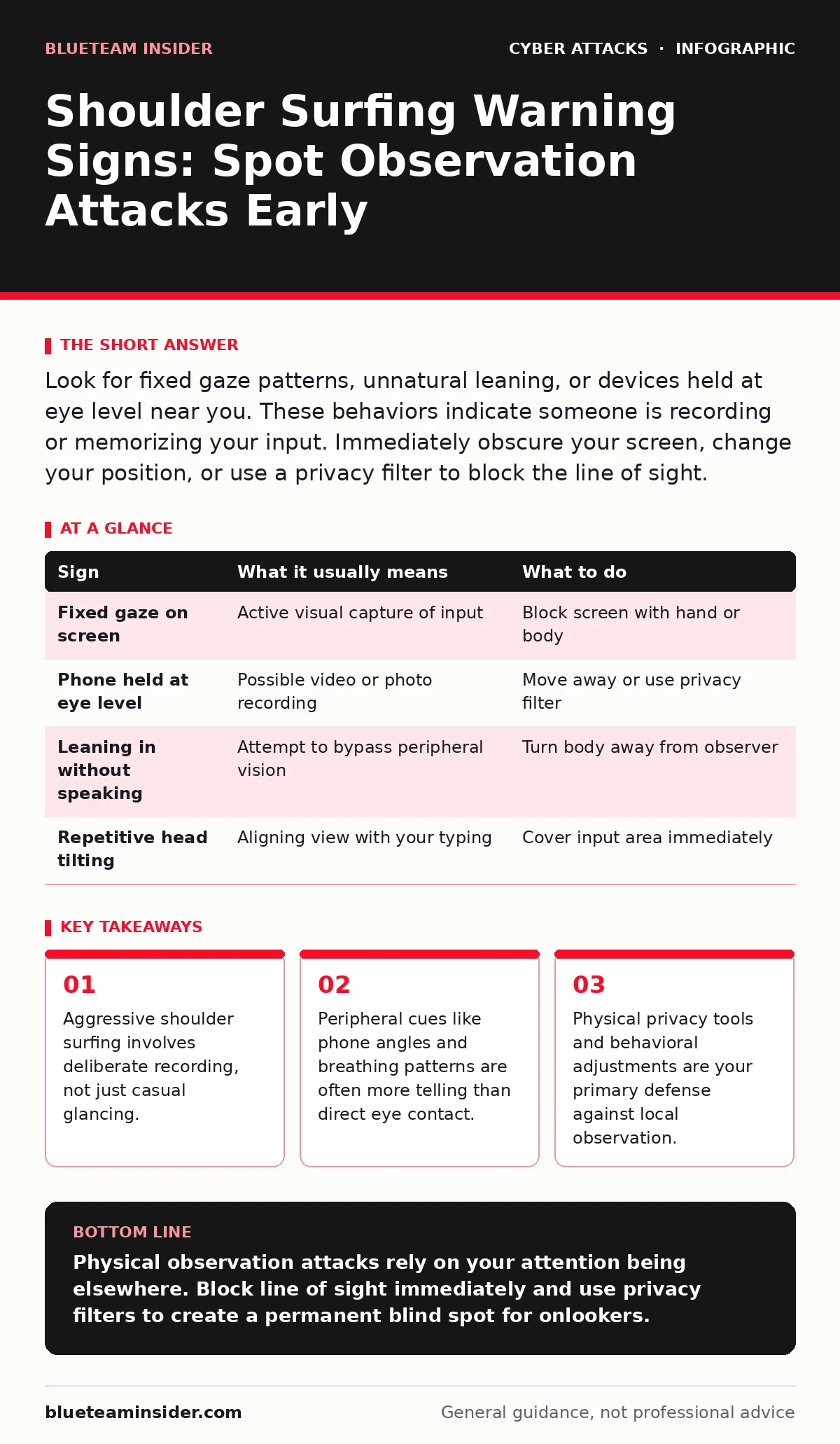
Look for fixed gaze patterns, unnatural leaning, or devices held at eye level near you. These behaviors indicate someone is recording or memorizing your input. Immediately obscure your screen, change your position, or use a privacy filter to block the line of sight.
The Difference Between Glancing and Gathering
Most people assume that looking over a shoulder is merely rude curiosity. In security terms, shoulder surfing is the act of observing someone’s input to capture sensitive data like passwords or PINs. It is a physical variant of social engineering, where the attacker uses human interaction rather than software exploits.
You must distinguish between a passing glance and a sustained observation. A casual look breaks away when you turn your head. A shoulder surfer maintains focus despite your movements. Recognizing this difference prevents you from dismissing a genuine threat as harmless behavior.
Signs You Notice First
The most obvious indicators involve direct line-of-sight attempts. An attacker may position themselves directly beside or behind you to view your screen. They might lean in closer than social norms dictate when you are entering data.
Suppose you are at a coffee shop and notice someone standing unusually close. If they do not step back when you shift your posture, they are likely trying to keep your screen in their field of view. This physical persistence is a primary warning sign that they are actively trying to read your input.
Subtle Indicators Often Missed
Sophisticated attackers avoid direct staring to prevent detection. Instead, they use reflections or recording devices. Watch for people holding smartphones or tablets at eye level near you. The screen may be dark, but the camera lens could be pointed at your keyboard.
Another subtle sign is repetitive head movement. An attacker might nod or tilt their head in rhythm with your typing to align their view. They may also use sunglasses to hide their eye direction. These behaviors allow them to gather information while appearing to look elsewhere.
The Hidden Cost of Distraction
Attackers often exploit your natural desire to be polite. When you notice someone watching, you might instinctively move your hand away from the keyboard or cover the screen partially. This reaction can actually help them. It draws attention to the specific area where sensitive data is being entered.
Imagine you are entering a PIN at an ATM. You glance up and see eyes on you. You flinch and cover the keypad. The attacker now knows exactly when and where you entered the code. Your defensive reflex became a signal.
Immediate Countermeasures
When you detect these signs, do not confront the individual. Confrontation can escalate the situation or cause the attacker to flee before you have secured your data. Instead, focus on breaking their line of sight.
- Physically turn your body away from the observer.
- Use your hand or a notebook to block the screen.
- If possible, move to a different location with better privacy.
These actions disrupt the attacker’s ability to capture complete data. They buy you time to assess the environment and decide if you need to change your credentials.
Long-Term Physical Defenses
Relying on vigilance alone is exhausting and error-prone. Implementing physical barriers reduces the cognitive load of constantly scanning for threats. Privacy filters are screen overlays that restrict the viewing angle to directly in front of the display.
Using a privacy filter makes the screen appear black to anyone viewing it from the side. This is particularly useful in open offices or public transport. It turns a potential vulnerability into a blind spot for observers.
| Sign | What it usually means | What to do |
|---|---|---|
| Fixed gaze on screen | Active visual capture of input | Block screen with hand or body |
| Phone held at eye level | Possible video or photo recording | Move away or use privacy filter |
| Leaning in without speaking | Attempt to bypass peripheral vision | Turn body away from observer |
| Repetitive head tilting | Aligning view with your typing | Cover input area immediately |
Integrating Digital Hygiene
Physical observation often pairs with digital attacks. An attacker might record your password via shoulder surfing and then use it in a password spraying attack against your other accounts. They know the password works because they saw it used.
To mitigate this, use unique passwords for every service. If one is compromised, the others remain safe. Additionally, enable login alerts to notify you of access from new devices. This helps you detect unauthorized use even if you did not see the attacker at the moment of input.
Understanding the human factor in security reminds you that technology is only one layer. People are predictable in their habits. An attacker exploits this predictability. By varying your routines and securing your physical environment, you reduce the effectiveness of observation attacks.
Do not rely solely on email authentication protocols like SPF or DKIM. These protect against forgery, not credential theft. If an attacker has your password, they can bypass many email security measures. Your physical security is the first line of defense.
Key takeaways
- Aggressive shoulder surfing involves deliberate recording, not just casual glancing.
- Peripheral cues like phone angles and breathing patterns are often more telling than direct eye contact.
- Physical privacy tools and behavioral adjustments are your primary defense against local observation.
Physical observation attacks rely on your attention being elsewhere. Block line of sight immediately and use privacy filters to create a permanent blind spot for onlookers.
Frequently asked questions
Can shoulder surfing happen on mobile devices?
Yes, attackers often target smartphones because users hold them at eye level in public spaces, making the screen easily visible to those standing nearby.
Is it illegal to shoulder surf someone?
Laws vary by jurisdiction, but capturing someone’s private data without consent can violate privacy laws and terms of service, potentially leading to legal consequences.
Do privacy filters stop all observation?
Privacy filters block side views but do not prevent direct frontal observation. They are ineffective if someone stands directly in front of you or uses a mirror.
Should I change my password if I suspect shoulder surfing?
Yes, if you believe someone captured your input, change the password immediately. Use a strong, unique password that you have not used elsewhere to prevent cascading breaches.
How this guide was produced: written by the BlueTeam Insider editorial team with AI assistance, checked against the public references listed below, and reviewed when the facts change. See our editorial policy or report an error.